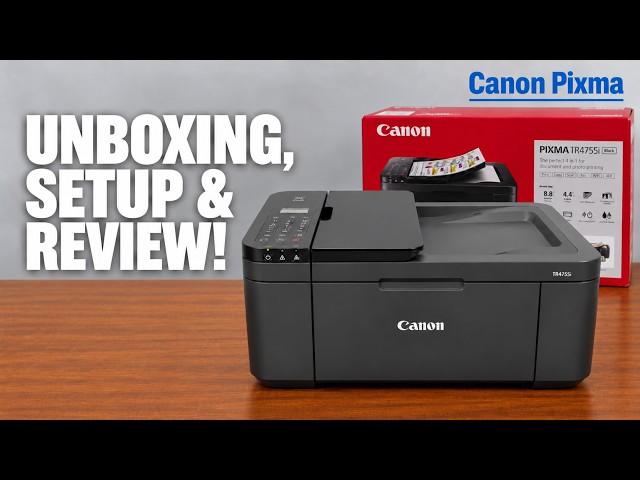
Canon PIXMA TR4755i
Canon PIXMA TR4755i setup: ink, Wi-Fi and Windows
Install the TR4755i cartridges and paper, connect with Canon PRINT on an iPhone, then add Windows using the official installer if app setup fails.
Getting startedWatch video
Explore everyday printing, paper handling and copying tasks.
Install the TR4755i cartridges and paper, connect with Canon PRINT on an iPhone, then add Windows using the official installer if app setup fails.
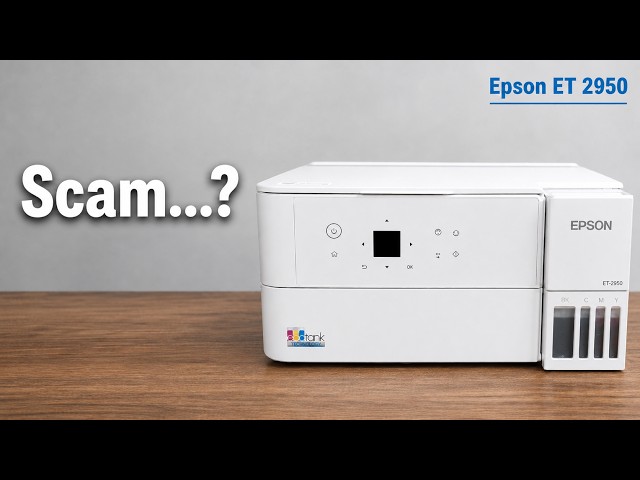
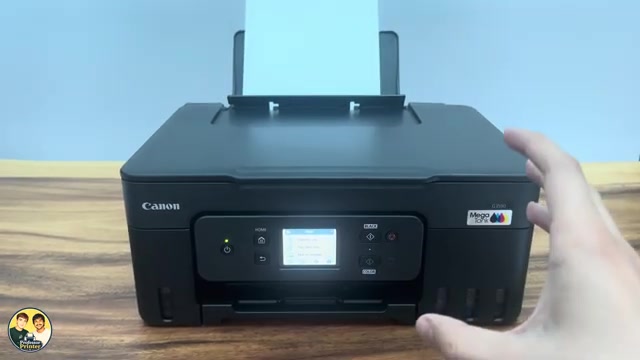
Professor Printer’s ET-2950 review weighs its everyday colour print against the small screen, interior access and purchase cost. See what the demonstration establishes.
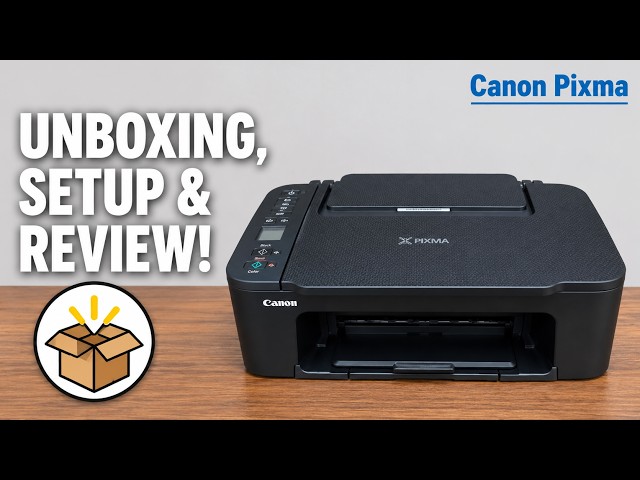
Install the TS3750i cartridges and rear-tray paper, connect with Canon PRINT, correct the first-print paper settings, and add the printer on Windows.
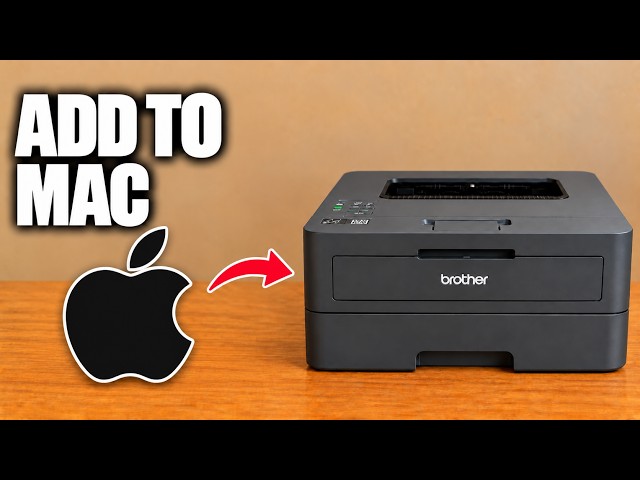
Add the networked HL-L2445DW in macOS Printers & Scanners, then select it for a small print check.
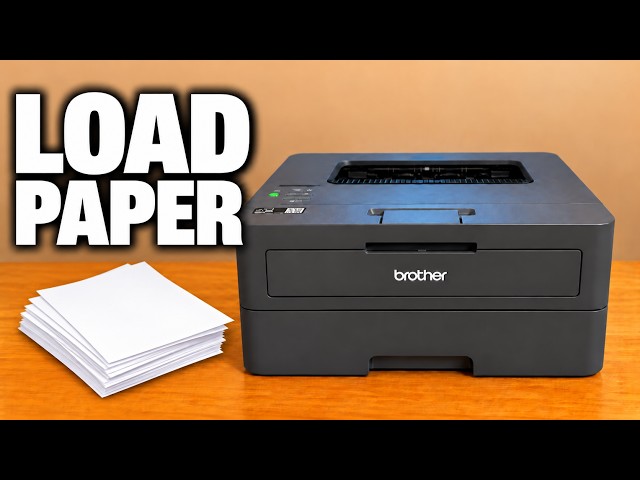
Adjust the front tray’s width and length guides, load paper below the maximum mark, and match the printer’s paper settings to the stack.
Find the printer on the same network, add it in Windows Printers & scanners and select it when printing a document.
Use the Stop button to cancel the current print, copy or scan operation on a Canon PIXMA G3590, and understand what happens to a partly printed page.
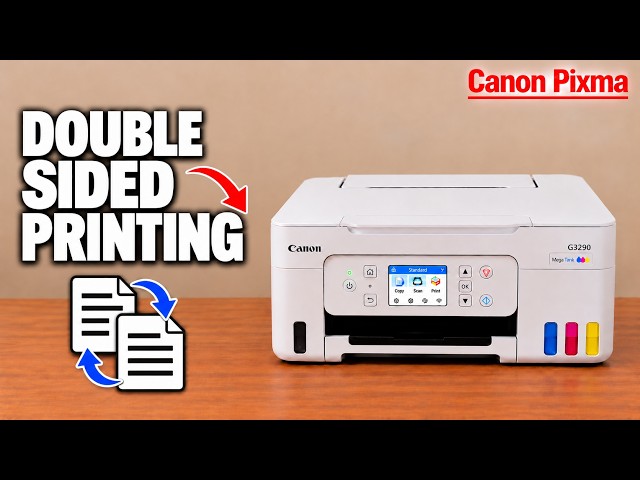
Enable two-sided printing in the Windows print dialog or Canon PRINT, then select the long-edge or short-edge layout for your document.
A practical look at the Canon MegaTank touchscreen, automatic two-sided document printing and the photo sample shown in Professor Printer’s review.