Before you start
- Use a supported paper size and type for your exact printer. This guide covers ordinary plain or photo sheets, not the separate envelope procedure.
Step 1:Prepare the sheets and open the rear support
Align the edges of the paper stack. For ordinary plain paper, flatten curled sheets before loading. Follow the paper maker’s handling instructions for coated photo media; do not bend or rub its printable surface.
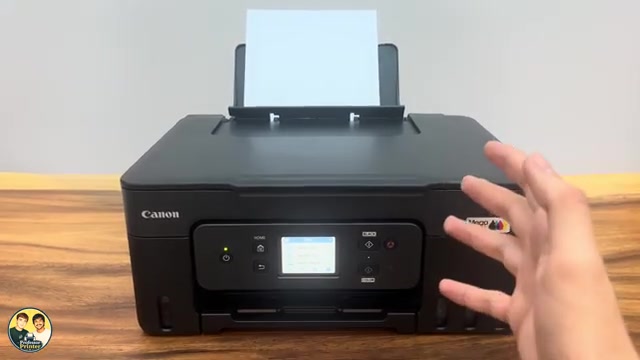
Open the rear paper support. Slide the right paper guide outward to open both guides.
Step 2:Load print-side up in portrait orientation
Place the sheets in the rear tray with the printable side facing up and the short edge feeding first. Keep the stack below the tray’s load-limit mark. Canon specifies portrait loading even when the document itself will print in landscape.
Move the right guide so both guides meet the paper edges without squeezing or bending the stack. Do not force a larger or unsupported sheet into the feeder.
Step 3:Confirm the size and paper type
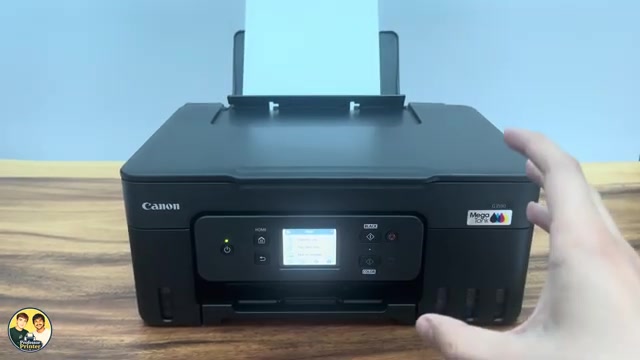
On the touchscreen confirmation, select Yes only if both the size and type match what you loaded. Otherwise choose Change, select the actual size and media type, then confirm Yes.
If the confirmation does not appear, open HOME → Setup → Feed settings → Rear tray paper settings and register the loaded media there. The automatic prompt depends on Check paper replacement being enabled.
Step 4:Extend the output tray and check the print job
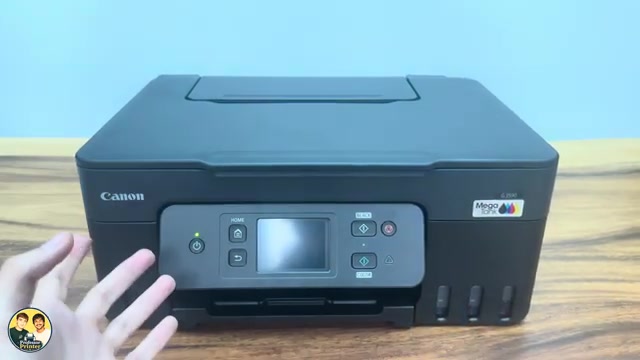
Pull out the paper output tray and open its extension. Before sending a job, make the document’s print settings match the loaded size and type as well. If a paper mismatch message appears, correct the settings or the loaded paper rather than simply ignoring it.
Questions & troubleshooting
Which side of photo paper faces up?
Canon specifies loading with the print side up. Identify the printable coating from that paper’s packaging; do not assume both sides of every photo sheet are printable.
Why did no paper-settings prompt appear?
Check paper replacement may be off. You can set the size and type directly under Setup → Feed settings → Rear tray paper settings.