Use the Stop button on the printer
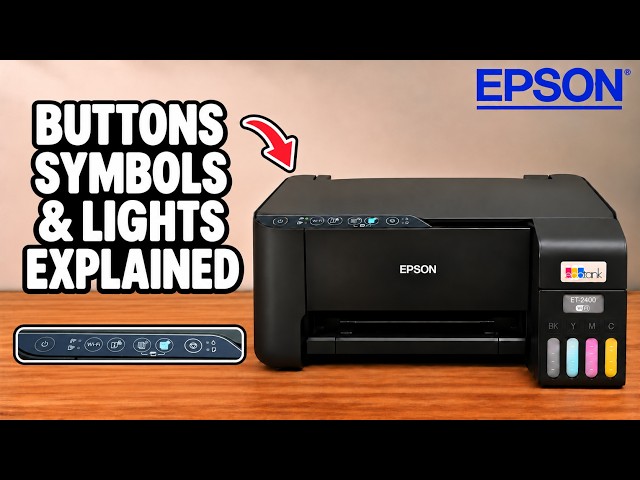
To stop the current job, press the triangle-in-a-circle Stop button once. You can use the physical control while a page is printing.
Step 1:Press Stop once
Find the triangle inside a circle on the control panel and press it once during the job. A long hold is a different action; it is not needed to cancel this print.
Step 2:Let the sheet come out
Wait while the printer stops the current print and ejects the paper. A page that was already partly printed can come out with only that portion of the document on it.
Questions & troubleshooting
Do I need to hold Stop?
No. Press Stop once to cancel the current job. A long hold is a different action.