The main upgrade is convenience
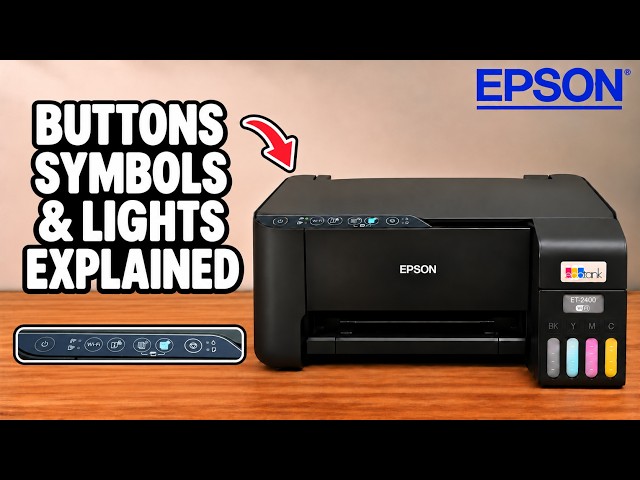
The clearest difference in Professor Printer’s comparison is how much you can do at the printer. The older EcoTank uses a row of buttons. The newer example has a screen for network setup, paper settings, maintenance and help. If you regularly reach for a phone or computer just to change a setting, that difference matters.
Screen controls versus button shortcuts
The newer printer’s screen lets you work through menus and see the available choices. The button-only printer can still perform common tasks, including some maintenance, but other jobs need Epson Smart Panel or the computer software.
The screen is especially helpful when troubleshooting: you can see a menu or message instead of interpreting a combination of lights and button holds. That is a usability advantage, rather than proof that the newer model will never develop a fault.
Automatic duplex saves handling
The comparison sends a two-sided document to both printers. The newer unit takes its sheet back in for the second side. The older one requires the sheet to be collected, turned, reloaded and printed again.
The jobs were not sent at exactly the same moment, so this is not a controlled speed benchmark. What it shows clearly is the extra handling on the manual route. That becomes more inconvenient when you have a stack of two-sided pages.
Think about maintenance as well as purchase price
The review highlights access to a replaceable maintenance box on the newer printer as a long-term consideration. It also points out that the newer example still uses a flatbed scanner, so the upgrade does not add automatic feeding of a pile of originals.
Check the maintenance parts and features for the exact model offered in your country. The comparison is titled ET-2980 but the newer physical printer is also called ET-2950 during the demonstration; those names are not a verified promise that every regional specification or supply is identical.
Is replacing a working ET-2400 worthwhile?
If the printer you own works well and you mainly print single-sided documents, the screen alone may not justify replacing it. Automatic two-sided printing and easier access to settings are stronger reasons to consider the upgrade when they solve a frequent frustration.
Compare the actual prices available to you. The review discusses prices and ink-cost estimates from its recording; those are not current offers or a measured running-cost guarantee. A low purchase price is useful only if the printer’s condition and workflow suit your needs.