What this review can tell you
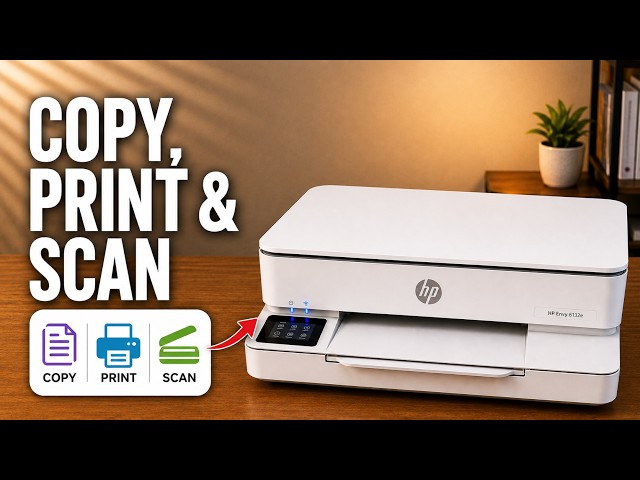
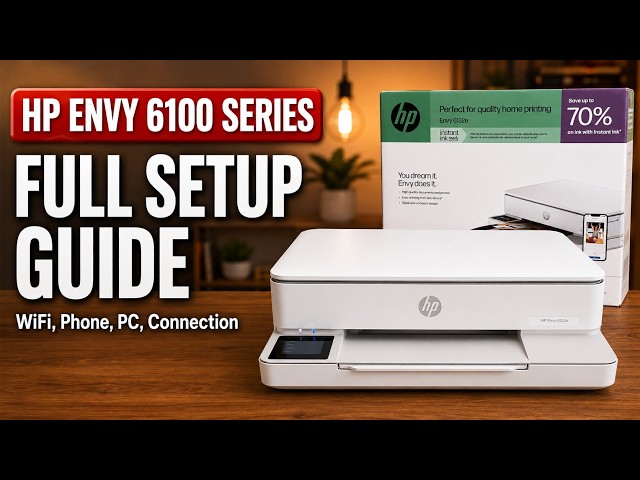
The presenter discusses the ENVY 6100e as a home printer with a touchscreen, front paper tray and flatbed scanner. This article explains those practical observations; it is not a timed performance test or a current price comparison.
The source’s positive verdict is the presenter’s opinion. No reliability trial, measured running-cost study or independent hands-on test is claimed by printertutorials.com.
Touchscreen controls keep common tasks at the printer
The presenter prefers the touchscreen to printers that rely on combinations of physical buttons. Copy settings, supplies information and maintenance options can be reached on the printer itself. The linked task guides show the specific menu paths rather than assuming every ENVY uses the same controls.
The front-loading tray and output support are visible practical features. Adjust the guides to the paper you load and keep the output area clear. This review does not repeat unverified tray capacities or treat A4 and US Letter as the same paper size.
Understand the flatbed scanning tradeoff
For this 6100e workflow, place each original on the scanner glass. A multi-page document means replacing pages and adding scans one by one in the software. The document feeder discussed for the separate 6500 family is not a feature of the 6100e procedure.
The HP app can combine the page scans into a PDF. That can suit occasional documents; the video does not measure how long a large scanning job takes. Check the dedicated iPhone or computer guide for the method actually demonstrated.
Assess ink costs from your own supplies and usage
The printer uses separate black and tri-color cartridges. Confirm the correct cartridge for the exact model and region before comparing purchases or subscriptions.
The recording gives prices, estimated yields and rough page-cost arithmetic. Those figures are not a verified current cost comparison, so they are not reproduced here. In particular, adding a black yield to a color yield does not establish the cost of your own mixed-color documents.
Review current local supply prices, the actual cartridge’s stated yield conditions and any subscription terms against how much you expect to print. The video does not establish that one purchase route is always cheaper.
Treat app convenience as a preference, not a guarantee
The presenter likes the HP app and its network setup experience. That is a useful account of the recording, not evidence that it is the best app or will always discover every printer.
HP+ and Instant Ink should be considered separately. Read the requirements and optional subscription terms shown during setup. Do not infer universal account, cartridge or app behavior from the presenter’s broad comparison with other brands.
Use the task guides to assess the workflow
The linked setup, copying and scanning articles give the complete written procedures and their actual scope. They are more useful for judging a specific task than a general claim that a printer is easy to use.
This review deliberately leaves current price, speed and long-term running cost unscored because those claims were not measured in the available evidence.