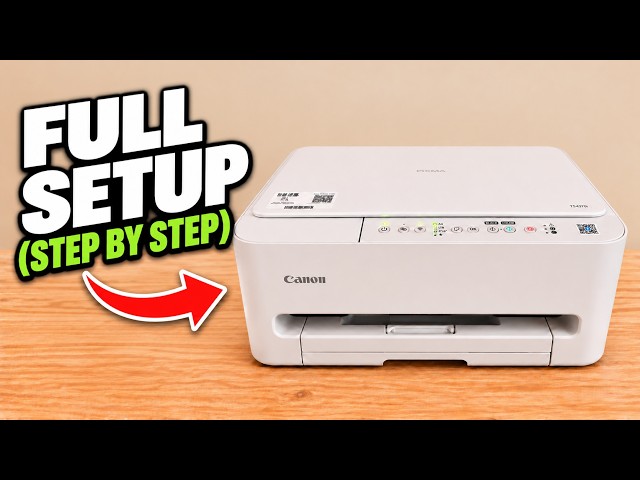
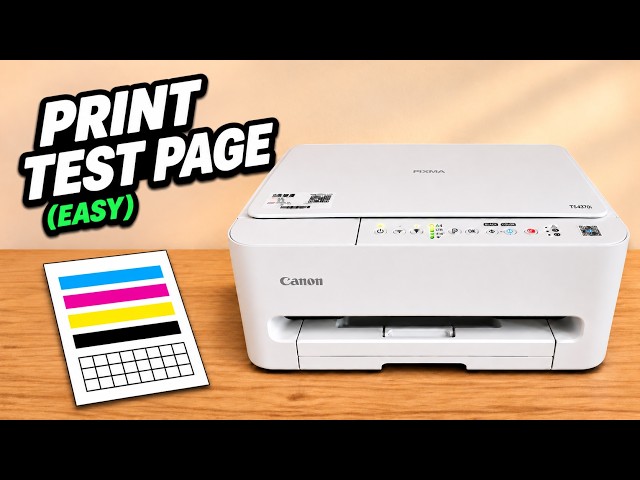
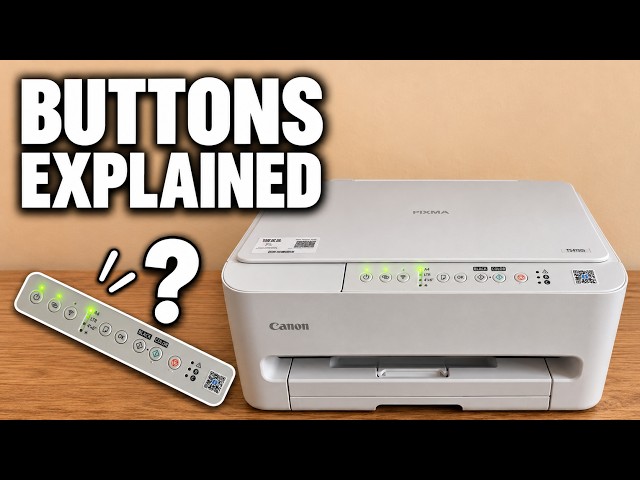
Step 1:Pull out the bottom cassette
Put your fingers in the recessed grip on the thin tray at the bottom front. Pull it towards you far enough to reach the guides. Slide one blue side guide outwards. The guide opposite it moves at the same time.
Watch this section at 0:14Step 2:Set the length and add the sheets
Slide the end guide to the size marking for your sheets, such as A4, Letter or A5. Lay the paper flat between the guides. Keep the stack below the marked limit inside the cassette.
Watch this section at 1:02Step 3:Bring the guides up to the paper
Slide the side guides in until both touch the paper edges. Set the end guide against the stack. The sheets should stay flat with square corners. If they bow, move the guides out slightly.
Watch this section at 1:56Step 4:Close the cassette and check the setting
Slide the cassette back into the printer. Check the paper size indicator on top. If you need to change the setting, press Paper Select to choose the size and OK to confirm.
Watch this section at 2:32