Before you start
- A completely new, unfilled EcoTank for this initial-fill method.
- Sublimation ink and paper suitable for the setup you intend to use.
- Your usual computer/software setup for sending the design to print.
Step 1:Begin before the printer has ordinary ink in it
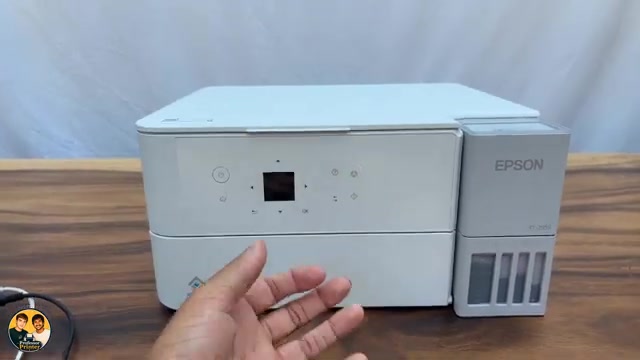
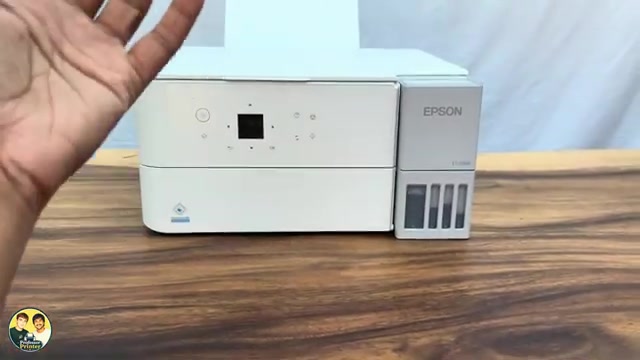
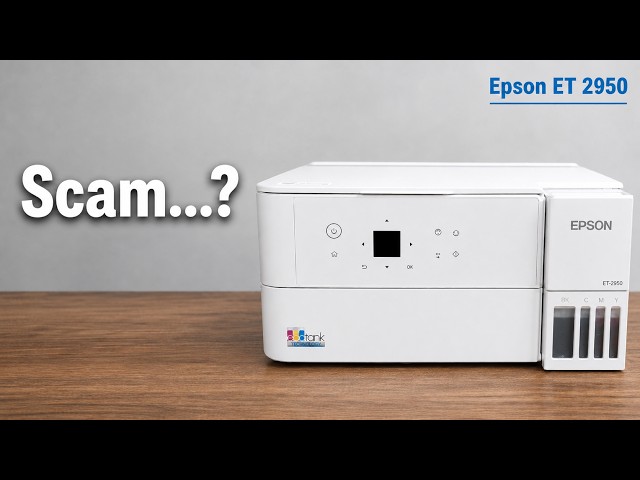
Professor Printer’s method starts with a new EcoTank. Decide on sublimation before the first ink fill. His central instruction is to use sublimation ink in place of the regular Epson ink during initial setup.
He excludes a printer that has already been filled because his method does not flush ordinary ink out of the tanks and internal system. He warns that mixing the inks can give poor results; this recording is not a procedure for converting an already-used printer.
Step 2:Use sublimation ink at the initial fill stage
Work through first setup until the ink-fill and ink-charging stage. At the point where you would fill with regular ink, use the corresponding sublimation ink colours instead.
The video points viewers to a full setup guide for the surrounding unboxing, connection and charging process.
Step 3:Fill one matching colour tank at a time
Take one ink bottle and remove its cap. Open the cap on the matching colour tank; the presenter uses magenta as his example. Turn the bottle over onto that tank’s inlet to fill it.
Keep the other tank caps closed while you work. Once you finish that colour, lift the bottle away over the tank opening and turn it upright promptly. Professor Printer recommends this handling because bottles can spill while being removed.
Repeat for the remaining colours without mixing their tank openings. The source does not name a particular sublimation bottle or establish that every bottle nozzle will fit.
Step 4:Complete setup and print on sublimation paper
Complete the initial ink-charging stage as part of first setup. The presenter then describes using the printer to print your designs on sublimation paper through the computer’s software.
His point is that the printer preparation happens through the first ink choice; he does not teach a firmware modification or additional printer conversion command.
Questions & troubleshooting
Can I follow this by topping up a printer that already contains regular ink?
That is outside the method taught. Professor Printer specifies a new, unfilled printer and does not provide a flushing sequence.
Does the video require a firmware conversion?
No. The described change is to use sublimation ink during the initial fill. No firmware modification or conversion command is taught.
How does the presenter suggest avoiding spills?
Fill one colour at a time with the other caps closed. Lift the bottle away over the opening, then turn it upright promptly.