Step 1:Prepare the paper and ink
Turn the printer on with ink installed. Load plain paper, push the cassette in and make sure the selected size matches the paper. Extend the output tray.
Watch this section at 0:17Step 2:Release Stop after one Alarm flash
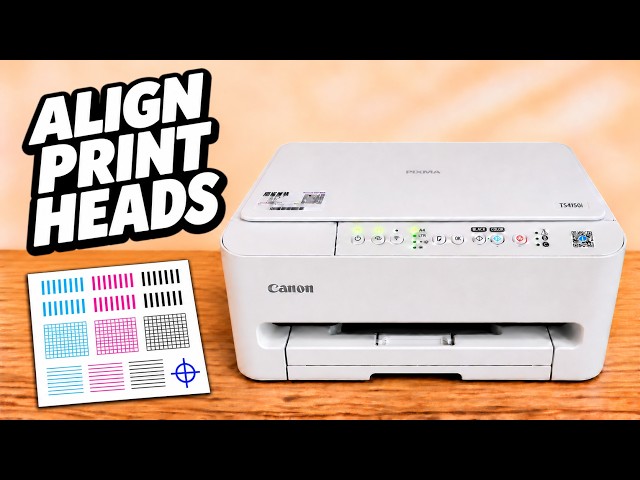
Press and hold the Stop button, marked with a triangle inside a circle. Watch the Alarm lamp and release Stop on its first flash. The printer should begin printing the pattern. A quick tap did not start the test in the demonstration.
Watch this section at 1:32Step 3:Look across the grid and colour bands
Examine the black grid for missing segments and the colour bands for gaps or white streaks. If both are complete, the pattern looks normal. If part of the pattern is missing, keep the sheet and compare it with a new check after cleaning.
Watch this section at 2:08