Who the documented features suit
The TR4755i is worth comparing when you need automatic two-sided document printing, a feeder for suitable multi-page originals, or telephone-line faxing. Canon confirms these functions for this exact model. If you only print an occasional single page, those extra controls may matter less than the current local price and the ink you expect to use.
The presenter strongly prefers this feature set for home-office work. That is the source’s opinion, not a measured ranking against every competing printer. The recording’s prices, claimed discontinuation and blanket regional-model equivalence are not adopted as current facts.
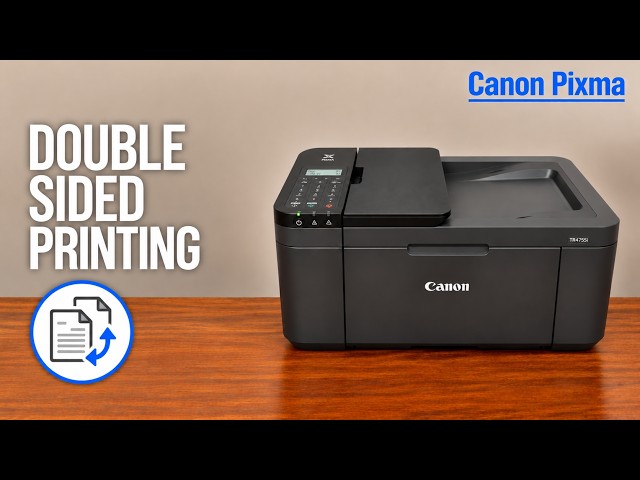
Automatic print duplex is different from two-sided scanning
Canon’s Windows driver supports automatic duplex on A4 or Letter plain paper. It prints one side, pauses for ink drying and takes the sheet back to print the other; do not pull the page during that pause. The source’s document example describes this return of the sheet.
The ADF helps feed a stack, but does not automatically scan both faces. Two-sided originals require a manual second pass with the correct binding-dependent orientation. Canon allows up to 20 A4/Letter sheets at the specified 75 g/m² and 2 mm stack limit, or fewer depending on size and media. That is different from the front tray’s plain-paper capacity.
The presenter reports difficulty feeding originals initially. One experience is useful context, but it does not establish a failure rate or that every unit has the same problem. Use the related ADF guide for suitable originals and loading.
Controls and loading are part of daily use
The monochrome LCD, arrows, keypad and Setup menu let you select network, paper and maintenance settings at the printer. It is not a touchscreen. The presenter likes this direct access, while finding the exposed front input/output arrangement less convenient than some other designs.
Canon’s exact product page lists a front tray for up to 100 plain A4 sheets and a compact size measured with trays closed. Leave room for the tray, output support and originals during use; closed dimensions do not describe the whole working space. For faxing, a suitable telephone service is still needed—Wi-Fi printing alone is not a fax line.
What the print examples establish—and what they do not
Canon lists 8.8 images per minute for black printing and 4.4 for colour on the exact product page. These are manufacturer figures, not a promised rate for every file or photo. The source’s small document demonstration does not provide a controlled repeated benchmark.
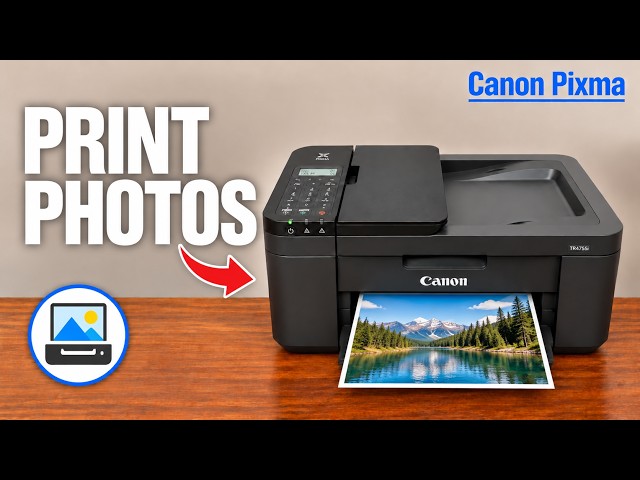
The presenter describes an enlarged matte-paper photograph as acceptable for everyday use and notices some colour difference from the phone image. The spoken photo wait is about two to three minutes in this review; another separate photo recording reports a different wait. Neither is a standardized test of the same conditions, and this article does not turn them into a guaranteed speed.
The recording’s garbled maximum-resolution figure and claims that competing printers must produce the same quality are not reliable comparisons. Paper, selected quality and the actual photograph matter. See the related photo-settings guide for a reproducible setup, then judge the resulting page for your own needs.
Compare current supplies before deciding
This model uses a black cartridge and one combined colour cartridge, rather than separate replaceable cyan, magenta and yellow cartridges. Canon’s UK compatibility lists PG-575/PG-575XL and CL-576/CL-576XL for TR4755i. Regional TR4720 cartridges are separate: do not buy from a broad family title.
The source’s cartridge prices, calculated page costs and subscription totals are historical examples, not a current quote. Compare the actual cartridge price, declared yield and your colour usage; do not assume that every page uses the same amount of ink. Optional subscription terms need a separate current check.
Choose on the tasks you will actually use: automatic document duplex and stack feeding are concrete advantages, while manual two-pass original scanning remains a limitation. The source’s recommendation is a useful perspective, but a same-document sample and current exact-model supply costs are better decision checks than its headline price.
Questions & troubleshooting
Does the ADF scan both sides automatically?
No. Automatic duplex printing concerns the output sheet. Two-sided originals require a manual second scan pass with the correct reload orientation.
Are the quoted video prices current?
They are not used as current prices in this article. Check the exact regional model and supplies before buying.
Is this a new physical review by printertutorials.com?
No. It summarizes the presenter’s observations and checks model features against Canon documentation.
Can I buy TR4720 ink for TR4755i?
Do not assume that. Match the exact regional model using the related cartridge guide or Canon’s compatibility list.
References
- Professor Printer: source demonstration
- Canon: exact TR4755i features, speed and front-tray capacity
- Canon: automatic duplex constraints and drying pause
- Canon: manual two-pass original scanning
- Canon: ADF original limits
- Canon: front controls and display
- Canon: fax connection requirements
- Canon UK: PG-575 compatibility includes TR4755i
- Canon UK: CL-576 compatibility includes TR4755i
- Canon: applicable manual explicitly lists TR4720 and TR4755i