Before you start
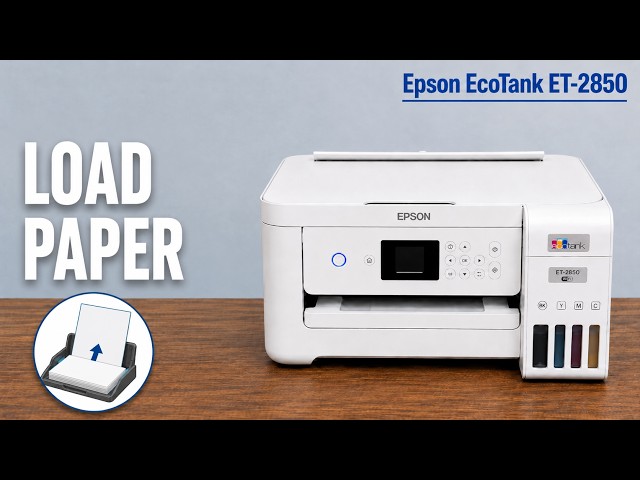
- Check the actual ink in all four tanks, load plain paper and extend the output tray. Resolve any error shown by the printer.
- Keep the original file available so you can check its page preview and selected output printer.
Check what you sent and where it went
Open the document’s print preview and confirm there is visible content on the chosen page. Select the intended Epson printer and match the loaded paper size/type. If Windows lists both USB and Wi-Fi entries, use the one for the connection you intend to use.
You do not need to delete unrelated printers merely because more than one is listed. If several sheets feed together, address the loading problem rather than treating every blank extra sheet as an ink failure.
Print a nozzle pattern directly from the printer
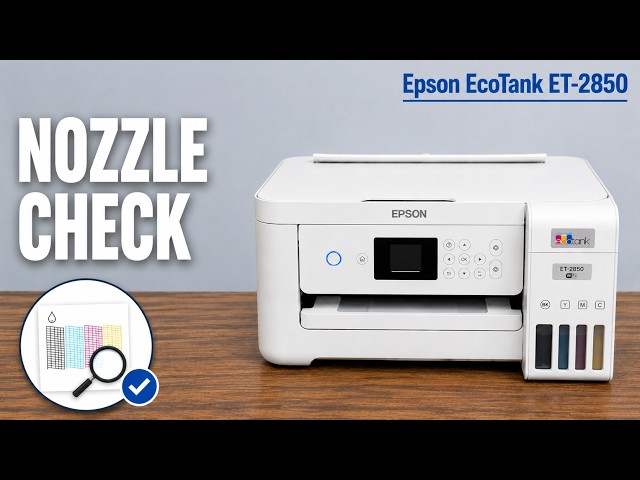
Open Home → Settings → Maintenance → Nozzle Check and follow the paper/start prompts. Inspect all black and colour patterns. This test does not depend on the content of the document you originally sent.
If the pattern is complete, stop ink cleaning and recheck the original job and its settings. If it has missing segments or is blank, follow the pattern-based maintenance procedure instead.
Use the pattern to choose maintenance
For some missing segments, follow the ordinary Head Cleaning prompt and compare the next pattern. Stop when complete. If three check/clean cycles do not improve it, wait at least 12 hours without printing before checking again.
Epson requires at least 12 hours between Power Cleaning operations. If output still has not improved, wait at least 12 hours without printing before the next pattern check and seek model-specific support if the documented maintenance does not resolve it.
Check both the test pattern and your document
When the pattern is complete, print one page from the original document with matching settings. Check that the intended content is present. A successful settings reset alone is not evidence that the blank-page fault has been fixed.
Questions & troubleshooting
Should a new printer be factory-reset for a blank page?
Not as a universal first step. Check that its initial setup has completed, look at the actual error and ink levels, and use a nozzle pattern to distinguish the printer’s ink output from the job settings.