Choose around the work you actually do
The Canon’s touchscreen and automatic two-sided printing are the practical advantages in this comparison. The older Epson is simpler at the control panel and can still be attractive when its purchase price is substantially lower and you mainly print straightforward pages.
Both examples use refillable ink tanks. The decision is not just which has the lower advertised ink cost: it is whether you want to handle double-sided pages manually and use a separate device for more settings.
The Canon gives you more controls at the printer
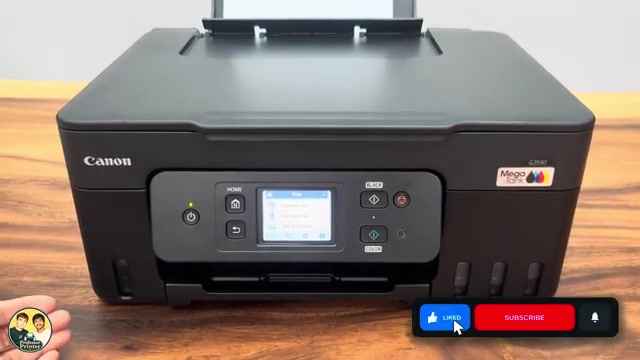
On the Canon, you can open Wi-Fi setup, choose a network and work through settings on the touchscreen. The ET-2400 example has buttons and status lights, with more of the setup handled through Epson software on a phone or computer.
Professor Printer finds the Canon easier to set up. Epson Smart Panel and the computer software remain useful routes for the older printer; the button-only layout does not mean it cannot be connected.
Document printing and duplex
The first document outputs appear at roughly similar times in the demonstration. The intended first Canon duplex selection was missed, so another Canon job is sent to show automatic printing on both sides.
In that second job, the Canon feeds the sheet back in and prints its reverse. The ET-2400 requires manual reloading for a second side. The visible difference is handling; the initial setting error and different job timing prevent a precise speed comparison.
The photo samples have different strengths
On the photo used here, Professor Printer prefers the Epson’s darker shadows, which look closer to the original. He also points out some finer cloud detail in the Canon print. The Canon photo finishes sooner in this particular run, while its overall rendering looks lighter.
That gives you a useful sample to examine, but it is not a controlled test across all papers, images and print settings. If photographs are your priority, inspect the side-by-side samples in the video.
Purchase price and serviceability
The review favors Canon’s replaceable print heads as a long-term consideration, and warns that repair on the older Epson can be less straightforward. That is a reason to check the exact printer’s condition and replacement options, not a prediction of how many years either unit will last.
For a used or discounted printer, check that it prints properly before treating the low price as a bargain. The recording’s purchase prices and per-page estimates are not current quotes. Use the actual offer, ink prices and your likely workload for the final decision.