Browse by task

Troubleshooting

Find a starting point for connection issues, error lights and paper problems.

Brother HL-L2445DW

Reset network settings on Brother HL-L2445DW

Restore the HL-L2445DW’s network configuration when you need to set it up again, with the connection and password consequences clear before you confirm.

Wi-Fi & connectivityRead & watch
Brother HL-L2445DW

Change the Brother HL-L2445DW sleep timer

Choose how long the HL-L2445DW waits before Sleep Mode. Sleep and Deep Sleep remain enabled; the timer is not a fix for every delayed print.

TroubleshootingRead & watch
Canon PIXMA G3590

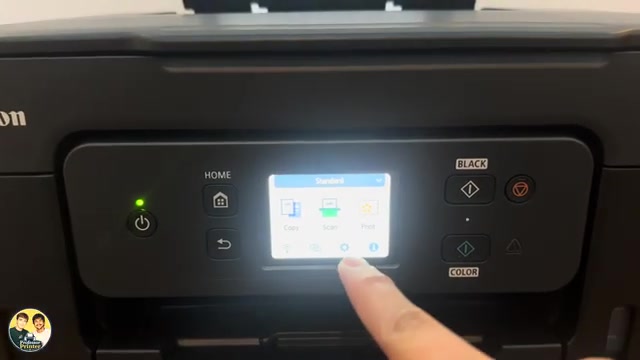
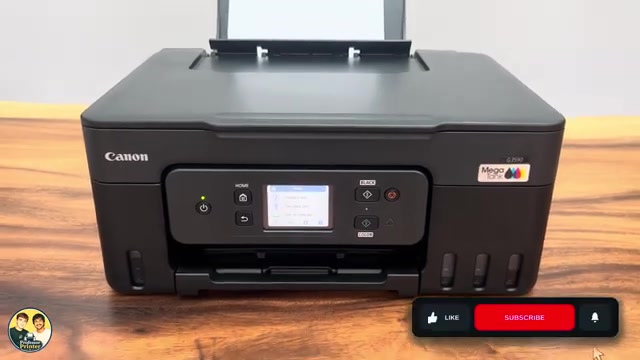
Reset all settings on a Canon PIXMA G3590

Restore Canon PIXMA G3590 settings with Reset all. This clears network configuration and restores the default administrator password, so connection setup must be repeated.

TroubleshootingRead & watch
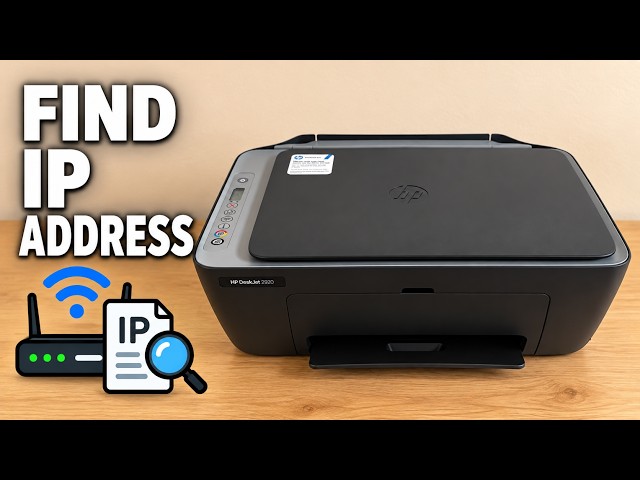
HP DeskJet 2920

HP DeskJet 2900 E5: scanner error checks

For an E5 scanner error, cancel and retry the scan, then restart the printer if needed. If E5 persists, use HP support rather than opening the scanner.

TroubleshootingRead & watch
HP DeskJet 2920

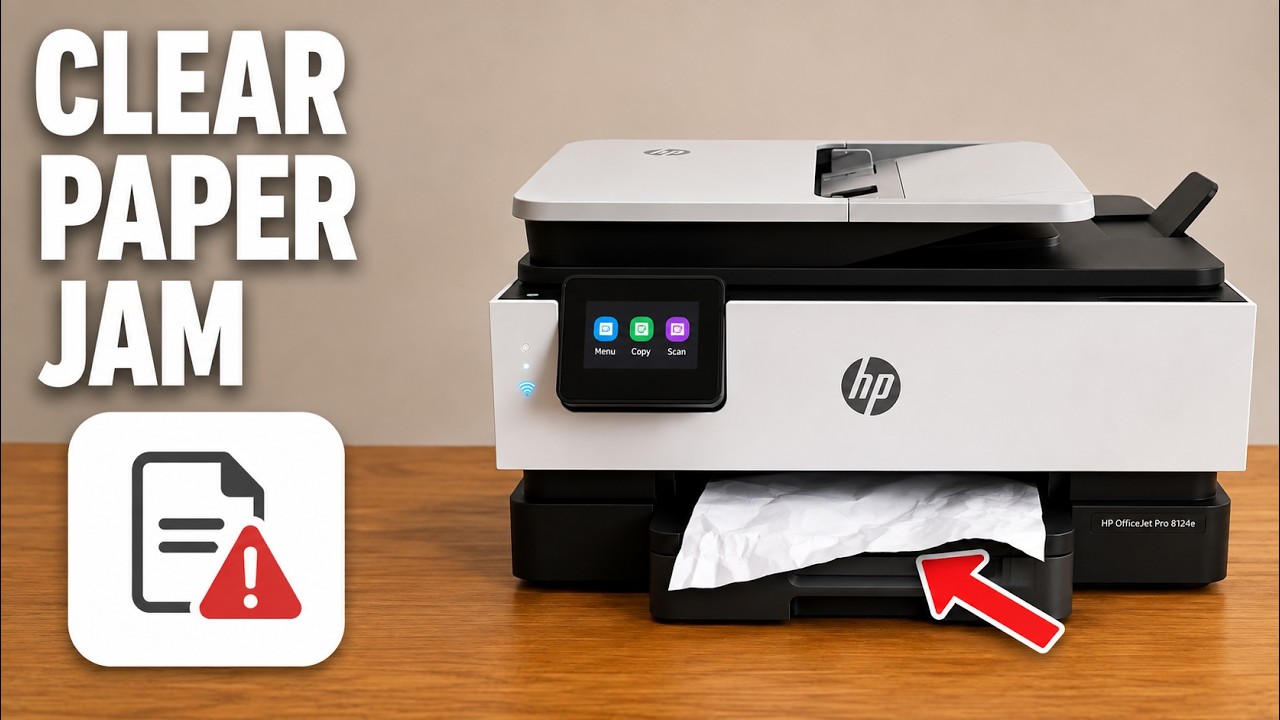
Clear an HP DeskJet 2900 paper jam or E4 error

Check the input, output, cartridge area and bottom access door for trapped paper. Disconnect power before reaching inside and remove paper gently with both hands.

TroubleshootingRead & watch
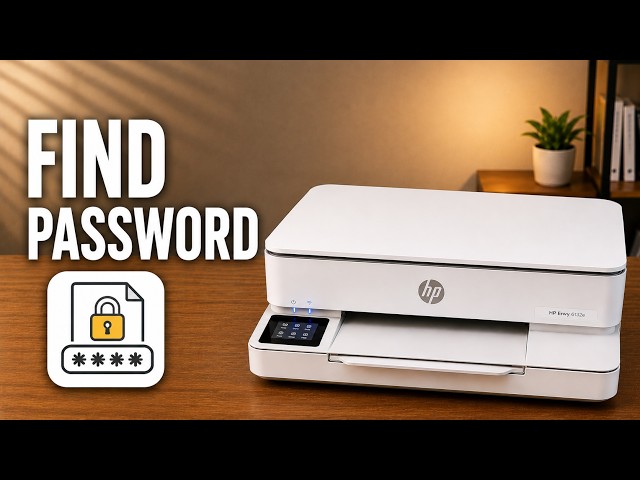
HP ENVY 6100 series

Find the admin PIN on an HP ENVY 6100e

Locate the ENVY 6100e’s default printer PIN and distinguish it from the router password and Wi-Fi Direct credentials.

Wi-Fi & connectivityRead & watch