The touchscreen is the standout feature
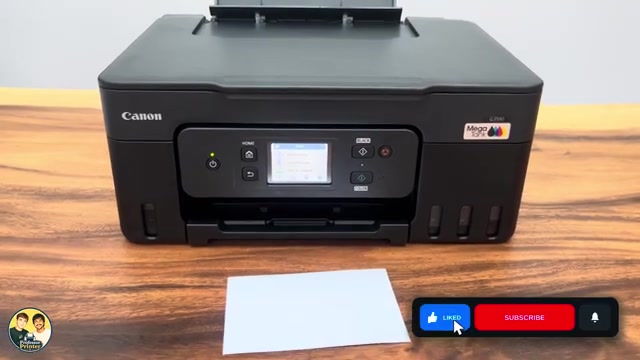
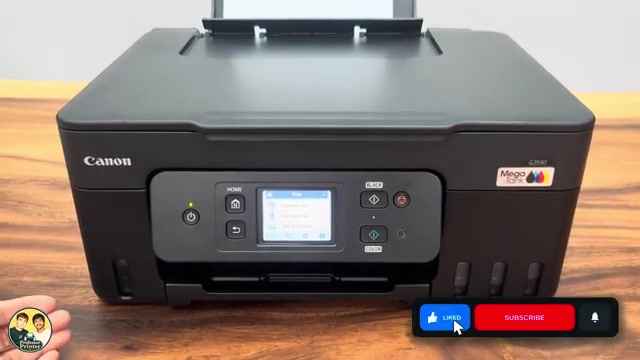
The strongest part of this Canon MegaTank review is everyday usability. The tilting touchscreen puts Wi-Fi setup, copying and maintenance within reach at the printer. Professor Printer prefers this layout to the smaller button-operated Epson screen used in his comparison.
That preference is about ease of use. It does not make this a specialist photo printer or establish that every competing ink-tank model has the same controls.
What the controls make easier
The review opens the network and settings menus directly from the home screen. You can choose a Wi-Fi setup route and find maintenance without first locating the option in an app. Home-screen shortcuts can also be rearranged.
The printer shown has separate visible ink tanks and a flatbed scanner. Copying another page means replacing the original on the glass; there is no automatic document feeder in this example.
Two-sided printing in the demonstration
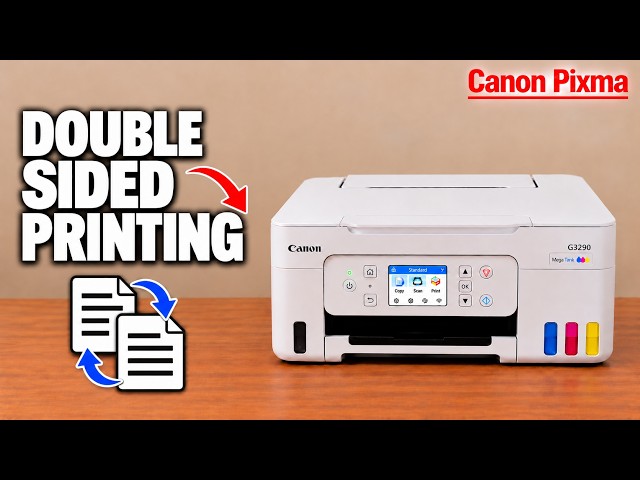
A two-sided document is sent to the printer and the sheet is turned internally for the second side. Automatic duplex is useful for ordinary multipage documents because you do not have to reload every sheet by hand.
The reviewer also reports occasional delays when switching functions on his unit. Treat that as an observation from this printer, not a timed benchmark for every job.
What the photo sample shows
The review compares a glossy-paper photo with the original image on a phone. The print retains visible detail, but its darker areas look lighter than in the original. That is the useful tradeoff to inspect if your main interest is photographs.
The photograph shown is one example, with no controlled calibration or repeated paper comparison. Look at the actual shadows and fine details in the sample rather than choosing only from a resolution figure.
Consider the cost of ownership
Refillable tanks let you replenish an individual colour instead of replacing a combined colour cartridge. The review also highlights replaceable print heads as an ownership advantage. Use the exact-model supply and replacement instructions when buying parts.
Prices, refill costs and page-yield estimates quoted in the recording are examples from that review. Your cost depends on local prices, the pages you print and maintenance ink use. Compare current offers before deciding whether the touchscreen and duplex workflow justify the initial cost.
Who this workflow suits
The Canon is worth considering when you print regularly, want automatic two-sided documents and prefer to manage settings from a touchscreen. If you already have a working printer that meets those needs, the review does not establish a reason to replace it purely for a higher model number.