Before you start
- A two-page portrait file, supported plain paper and a working HP Windows driver.
Use manual duplex with suitable plain paper
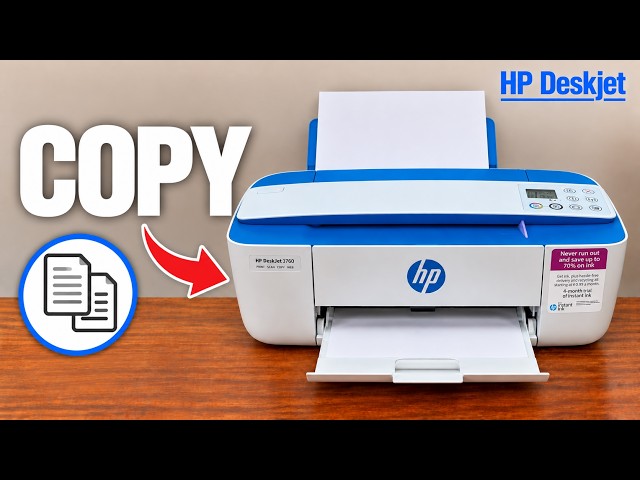
The DeskJet 3755 has manual duplex through its driver, not an automatic sheet-flipping mechanism. This example is a two-page portrait document printed on one sheet and read like a book. The source’s Windows workflow does not establish identical phone controls.
Use plain paper within the model’s supported range; HP’s exact A4 specification lists 60–90 g/m². Do not use envelopes, glossy photo paper or transparencies for this manual-duplex task. Start with the correct HP Windows printer/driver already installed.
Step 1:Prepare and print the first side
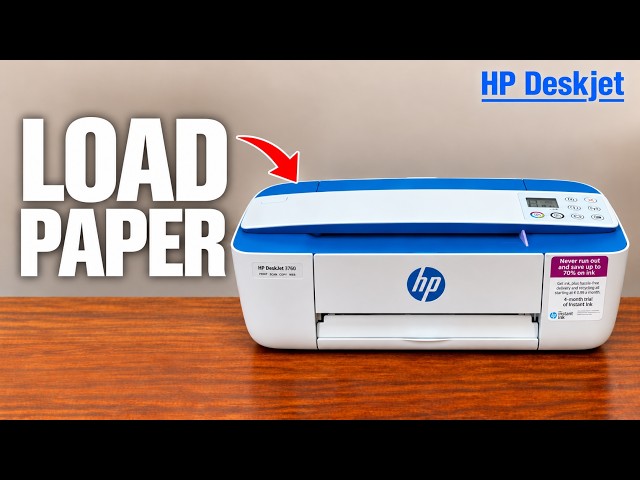
Raise the rear tray and its extension. Load plain paper print-side up, short edge down, against the right side. Fit the guide without bending it and extend the output tray and paper catch. For this two-page test, one blank sheet makes the first and second passes easier to track.
Open the two-page file, choose Print and select the correct printer. Open its Properties/Preferences, then select a manual two-sided/duplex printing shortcut or option. Choose long-edge binding for a portrait book-style document. Send the job and wait until the first side has fully exited.
Step 2:Reload for the second side
Remove any unused blank sheets from the input tray. For this rear/top-loading printer and book-style portrait job, reload the printed sheet with the printed side facing down and its top edge entering the printer first. Fit the guide gently.
Follow the HP driver’s reload prompt and choose Continue to print the remaining side. If the printer itself is waiting with its paper/Resume indicators blinking after paper ran out, press Resume after loading. Do not send the entire document again as a new job.
Step 3:Check both sides before printing a larger job
Confirm both pages are on the same sheet, in the intended order and upright when turned along the chosen binding edge. If the second side is upside down, correct binding/reload orientation on a new two-page test before committing a larger document.
The recording identifies a wrong-orientation result and then explains printed-side-down. Its broad claim that all older software guidance fails is excluded. A manual two-pass test is distinct from automatic duplex support.