Start with the tasks you need
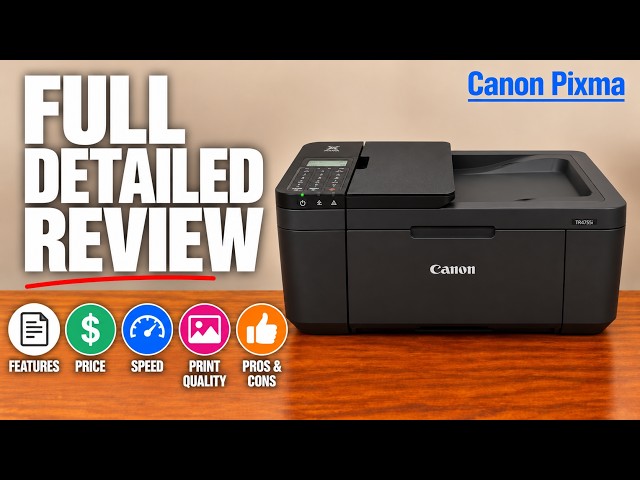
For these two UK models, TR4755i adds automatic two-sided document printing, an ADF and telephone-line faxing. TS3750i offers printing, flatbed scanning and copying with manual two-sided printing. The practical choice depends on whether those extra document functions save work for you.
The videos use TR4720/TS3720 and broad series names in their titles. This written comparison is limited to the documented TR4755i and TS3750i features. The presenters’ price difference, quality equivalence and setup experiences are not guarantees for every regional model or every home network.
Two-sided printing requires different involvement
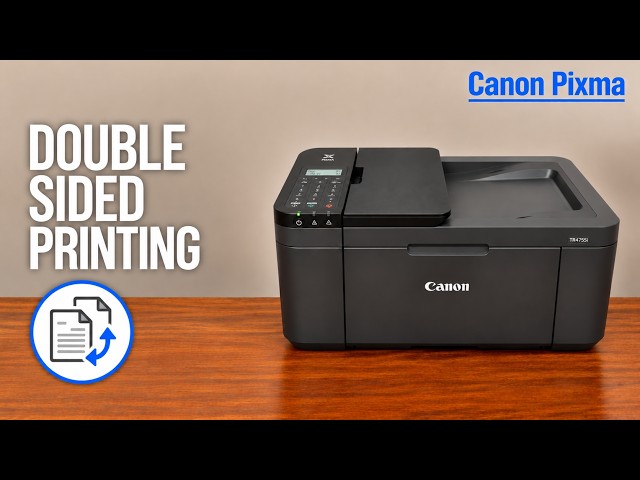
On TR4755i, automatic duplex supports A4 or Letter plain paper: the printer returns the output sheet internally for the second side, with a drying pause. On TS3750i, Canon specifies manual duplex, so you must reload according to the computer’s actual prompt. Automatic print duplex does not mean automatic two-sided scanning.
The supporting recording illustrates the extra manual reload on the TS while the TR handles its own reverse side. The broader comparison also encounters an old queued document, missing paper and an initially closed output support. These conditions make it unsuitable as a controlled speed race. Do not infer a fixed percentage time saving from those clips.
A stack feeder changes scanning; it does not turn originals over
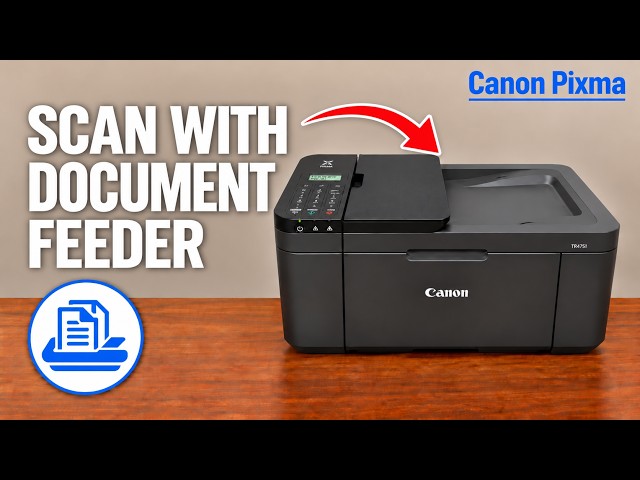
TR4755i has a glass scanner plus an ADF for suitable sheet originals. Canon’s stated 20-sheet A4/Letter maximum has paper-weight and stack-height limits. The feeder reads one face per pass; a two-sided stack needs manual reloading. TS3750i uses a flatbed scanner, so originals are placed individually on the glass.
For photos, fragile originals or attached items, the glass remains the suitable path even on the TR. For faxing, the TR requires its telephone-line connection; the TS3750i does not provide the TR’s hardware fax function.
Paper capacity, photo sizes and controls differ
- TR4755i: front input tray with up to 100 plain A4 sheets; an LCD menu and keypad give direct access to settings. Its applicable driver supports borderless A4/Letter and other listed photo sizes.
- TS3750i: rear input tray with up to 60 plain sheets; a simpler LCD/button panel. Canon lists borderless 10 × 15 cm, 13 × 18 cm and 13 × 13 cm photo sizes, not borderless A4.
These are plain-paper capacity and specific print-mode limits, not instructions to stack that many thick photo sheets. Check the actual media limit. Borderless output can crop the image edges; supported size does not mean every photograph will retain its full composition.
The presenter prefers the TS for simplicity and the TR for direct controls. That is an opinion about usability. The TS still has documented setup and maintenance functions; its smaller display does not mean it has none.
Use model-specific costs and a realistic sample
Both exact UK models have compatible PG-575/CL-576 retail cartridge options according to Canon. This does not make cartridges interchangeable across every TR4700 and TS3700 regional variant, or prove identical print quality. Use the exact model’s supply listing and current local price.
The TR’s added document functions make sense if you often print both sides or scan suitable stacks. If most jobs are short and you can reload paper or place each original yourself, the TS’s simpler workflow may be enough. Compare a representative job, current supplies and the workspace required rather than the video’s historical price gap.
No standardized side-by-side colour or durability measurement is supplied by these recordings. The separate duplex demonstration supports the workflow distinction, not a universal winner for quality or speed.
Questions & troubleshooting
Does either printer automatically scan both faces of an original?
The TR feeder uses a manual second pass for two-sided originals; the TS uses its glass. Automatic duplex on the TR refers to printing the output sheet.
Does the TS3750i print borderless A4?
Canon’s exact specifications list its smaller photo sizes for borderless output, not A4. The TR’s applicable borderless driver supports A4 among its listed sizes.
Are all TR and TS cartridges the same?
No blanket regional claim is made. The named UK models share listed retail cartridge options, but another model or region must be checked separately.
Do the videos prove the same quality and a fixed speed advantage?
No. The clips illustrate workflows, with differing interruptions and manual handling. They are not a controlled repeated quality or speed benchmark.
References
- Professor Printer: source demonstration
- Canon: exact TR4755i ADF, fax, tray and controls
- Canon: exact TS3750i functions, manual duplex, capacity and photo sizes
- Canon: exact TS3750i product identity
- Canon: TR automatic duplex conditions
- Canon: TR ADF manual two-pass scans
- Canon: TR originals and feeder limits
- Canon: TR borderless sizes and cropping
- Canon UK: PG-575 exact-model compatibility
- Canon UK: CL-576 exact-model compatibility
- Canon: applicable manual explicitly lists TR4720 and TR4755i
- Professor Printer: supporting source