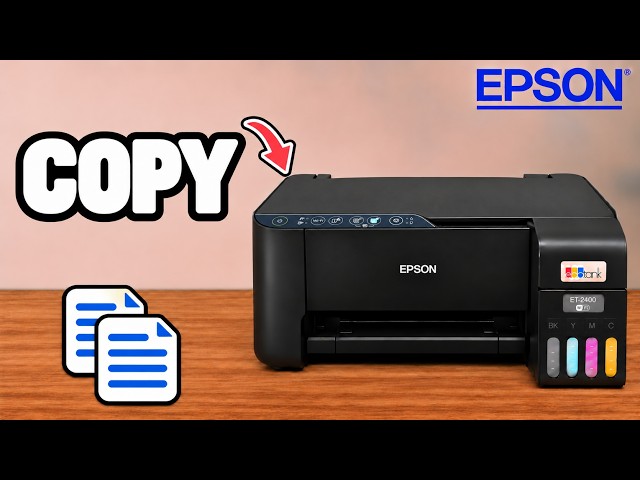
Before you start
- Paper of a size and type suitable for your printer and job.
- Access to the feeder at the rear.
Use the rear feeder
Paper enters through the feeder at the back and exits through the front. The video demonstrates loading a sheet described as A4; the important adjustment is to set the guides to the paper you are actually using.
A4 and Letter use the same loading approach here, but they are different paper sizes. Select the matching size when you print rather than treating the names as interchangeable.
Step 1:Raise the grey paper support
At the back of the printer, lift the grey paper-support panel into its raised position to support the sheet.
Watch this section at 0:28Step 2:Move the blue guides outward
If the blue paper guides sit close together in the middle, slide them outward to make room for your sheet. The video shows moving them to the sides before inserting the paper.
Watch this section at 0:34Step 3:Insert the paper into the rear slot
Place the sheet into the feeder, with its short edge feeding down into the printer as shown for the portrait sheet in the video. Let it settle into the feed slot as far as it normally goes; do not leave it resting above the opening.
Step 4:Bring the guides against the paper
Slide the blue guides inward so the paper is held straight and snugly. Do not press them so tightly that the sheet bends, folds or develops creases. Check that the sheet stays upright and aligned.
Watch this section at 0:50Check the loaded sheet before printing
You should now see the sheet supported at the back, sitting straight between the guides. Match the paper-size setting on your computer or phone to what you loaded, then proceed with your print or copy.
Questions & troubleshooting
How tightly should the blue guides hold the paper?
The presenter adjusts them until the sheet is snug and straight without folding or creasing. Loosen them if they bow the paper.
Are A4 and Letter identical?
No. The same loading approach is demonstrated, but the sheet sizes differ. Select the actual size loaded when sending the job.