What the presenter concludes
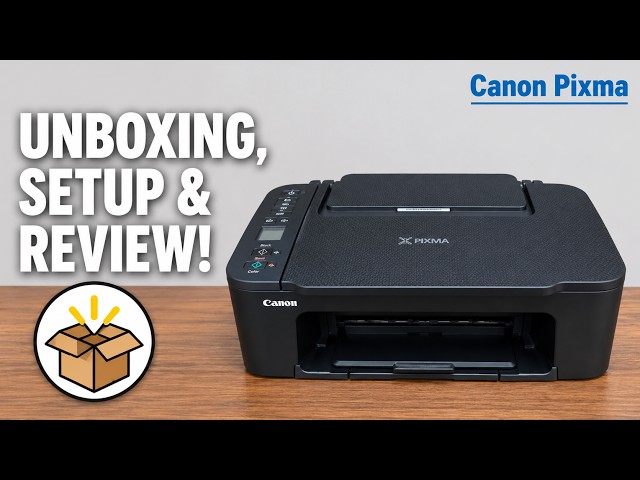
The presenter sees this printer as a reasonable option for occasional home documents, homework and simple copying. He describes the Canon PRINT setup as manageable and the cartridges as easy to install in his experience. Those are his observations from the recording, not new testing by printertutorials.com.
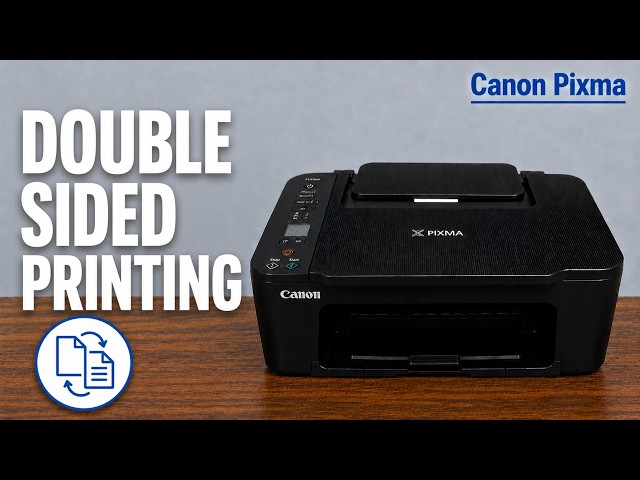
His main reservations are the cost of regularly replacing cartridges, the combined colour cartridge and the extra handling needed for two-sided work. That makes print volume and convenience more useful decision points than the low purchase price alone.
How to read the print examples
The recording sends a high-quality colour page on plain A4 paper, followed by black document pages. The presenter calls the colour result acceptable for ordinary work but says it looks more faded in person than on camera. He also describes the black output as unremarkable in speed.
Those examples are a candid demonstration, not a controlled comparison against a named set of alternatives. They do not establish glossy-photo performance, measured colour accuracy or a universal print time. Treat the plain-paper example in that context.
The practical limits confirmed for TS3750i
- Printing, flatbed scanning and copying are supported; two-sided printing requires manual handling.
- The machine uses a black cartridge and one combined colour cartridge, so individual colour tanks are not independently replaceable.
- The specified borderless photo sizes are 10 × 15, 13 × 13 and 13 × 18 cm; A4 borderless is not listed.
The narration conflates print, scan and copy resolution. Canon specifies print resolution up to 4800 × 1200 dpi and optical scanner resolution of 600 × 1200 dpi. Those are different measurements and should not be presented as one shared quality score.
Compare the cost for your actual use
The source’s purchase prices and cost-per-page arithmetic are historical examples, not current quotations. It also overgeneralizes that every ink-tank page costs less than one cent. Do not use those figures as a guaranteed bill for your documents.
When comparing printers, check the exact regional cartridge, current local replacement price and the manufacturer’s stated yield conditions. Consider how much of your printing is colour and whether you need automatic two-sided output. Real yield depends on the document, coverage, settings and use.
Use the review as one input
If you mainly need occasional documents and do not mind manual duplex handling, the features discussed may suit that use. If frequent colour replacement, automatic duplex or borderless A4 is essential, compare specific alternatives that document those needs.
The source’s broad Epson XP, HP DeskJet and HP ENVY comparisons do not identify consistent exact models or controlled conditions, so they are not repeated as a ranking. Claims that the printer will last for years or rarely break are also not established by this recording.