Read the ink icon and the app message
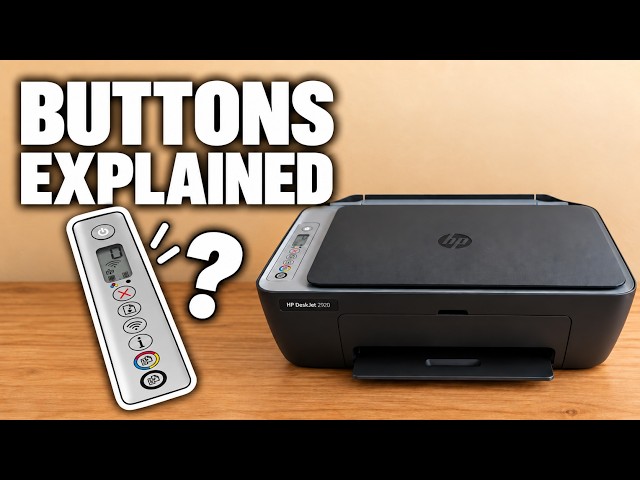
E0 points to a cartridge connection or recognition problem. The left ink icon refers to colour and the right to black. Read any additional HP app message before buying a replacement. The source checks seating and the cartridge label; it does not establish that every E0 is caused by a third-party cartridge.
Step 1:Open access and wait for the carriage
With the printer on, open the front door and then the cartridge access door. Wait until the carriage has stopped moving and is quiet before reaching for a cartridge. Do not force it from its parked position.
Step 2:Check tape, position and seating
Press down gently on the indicated cartridge to release it, then pull it out. Hold the plastic sides. Remove any remaining protective tape covering the nozzles, but leave the printed circuit attached. Do not touch the copper contacts or ink nozzles.
The colour cartridge belongs on the left and black on the right. Reinsert the cartridge at a slight upward angle and press it into place until it clicks. Close the access door and wait for the printer to settle before checking E0 again.
Step 3:Match supplies to this printer and region
Check the cartridge identification inside your own printer and HP’s model/region supply information. A cartridge that physically fits is not necessarily compatible. The number shown in this recording is not a universal cartridge recommendation for every 2900 printer.
Step 4:If E0 remains, identify the faulty cartridge
HP’s E0 guidance tests the cartridges separately: remove both, install one, close the door and check for E0. Then remove that cartridge and repeat with the other. Replace the cartridge associated with the error using the correct compatible supply. If the error persists, use HP support for further diagnosis.
Check the displayed error, not a promise
The result to look for is E0 clearing after the door is closed and the printer becomes idle. The presenter notes that an ink indicator is still blinking near the end of the recording, so this guide does not describe that ending as a confirmed repair.