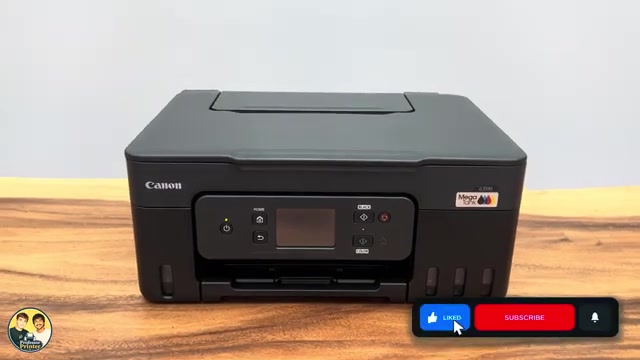
Before you start
- A poor nozzle check that has not improved after the standard cleaning sequence; Canon recommends deep cleaning after two unsuccessful standard cleanings.
- Sufficient ink, space in the maintenance cartridge and a sheet of A4 or Letter plain paper in the rear tray.
Check whether deep cleaning is appropriate
Deep Cleaning uses more ink than ordinary Cleaning. Use it for a poor nozzle pattern that remains after standard cleaning, not as routine maintenance or a response to every printing problem.
Step 1:Start Deep Cleaning from Maintenance
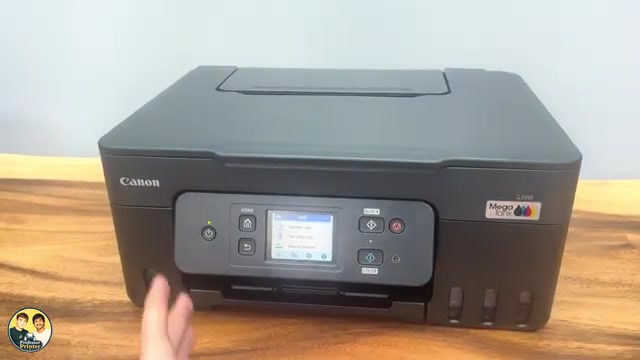
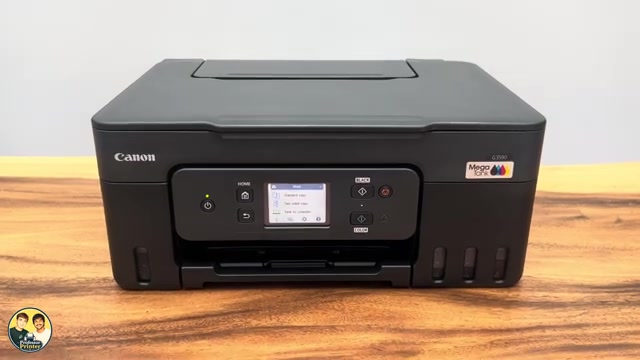
With the printer on and plain paper ready, select HOME → Setup → Maintenance → Deep Cleaning. Read the confirmation about ink use and choose Yes only when the prerequisites are met.
Wait until the cleaning operation finishes. Do not perform other printer operations or interrupt its power. The elapsed time in one recording is not a guaranteed duration.
Step 2:Print the offered nozzle check
When asked whether to print the nozzle check pattern, select Yes. Wait for the sheet, then select OK on the completion message. Examine the grid and colour bands for missing lines, horizontal streaks or missing colour.
Step 3:Stop if the pattern is good; wait before repeating
If the pattern is complete, no additional cleaning is needed. The presenter judges the source print satisfactory; that is the presenter’s assessment of that page, not a guarantee for your printer.
If the problem remains, Canon specifies turning the printer off and waiting 24 hours before another deep cleaning. Leave the power cord connected during this wait. Do not run repeated deep-cleaning cycles immediately because the video suggests trying again.
If the same fault persists after the documented sequence, use Canon’s maintenance guidance for the exact result or contact support. Misaligned ruled lines and missing ink are different symptoms; print-head alignment is not a blanket substitute for resolving missing colours.
Questions & troubleshooting
The printer says the maintenance cartridge has insufficient space.
Canon says deep cleaning cannot run without sufficient free space. Use the applicable maintenance-cartridge instructions to resolve that condition rather than retrying the cleaning command.
Can I run it again immediately?
Canon specifies a 24-hour wait with the printer off but still plugged in when a further deep clean is needed. Repeated immediate cycles waste ink and are not the documented sequence.