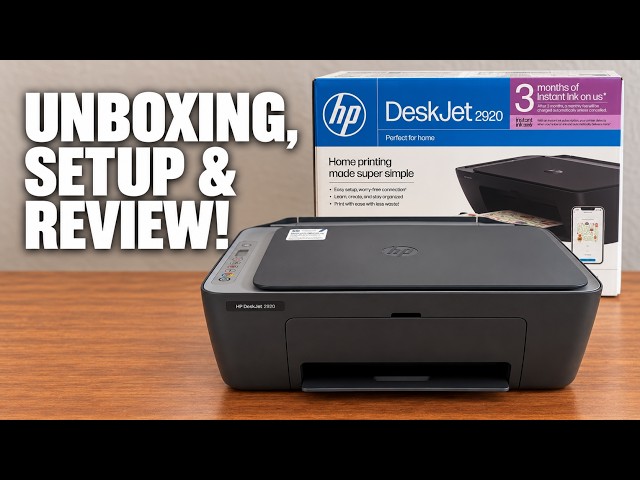
HP DeskJet 2920
HP DeskJet 2900 series setup: a DeskJet 2920 walkthrough
Set up the demonstrated DeskJet 2920 with paper, cartridges, alignment and iPhone Wi-Fi setup, then add it on a Mac and save a scan.
Getting startedRead & watch
Find your next step, from getting connected to everyday printer tasks.
Guides shown here are assigned to this exact model. Similar model names are kept separate.
20 guides across 6 tasks
Set up the demonstrated DeskJet 2920 with paper, cartridges, alignment and iPhone Wi-Fi setup, then add it on a Mac and save a scan.
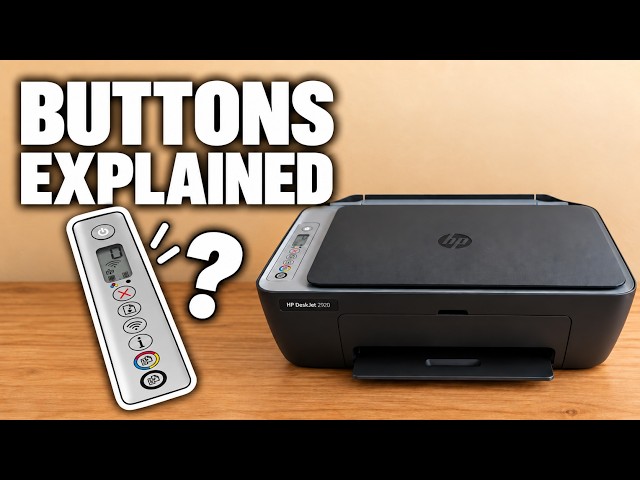
Identify Cancel, Resume, Wi-Fi, Information and Copy on the DeskJet 2900 panel, and read warning lights alongside the displayed error.
Set up the demonstrated DeskJet 2920 with paper, cartridges, alignment and iPhone Wi-Fi setup, then add it on a Mac and save a scan.
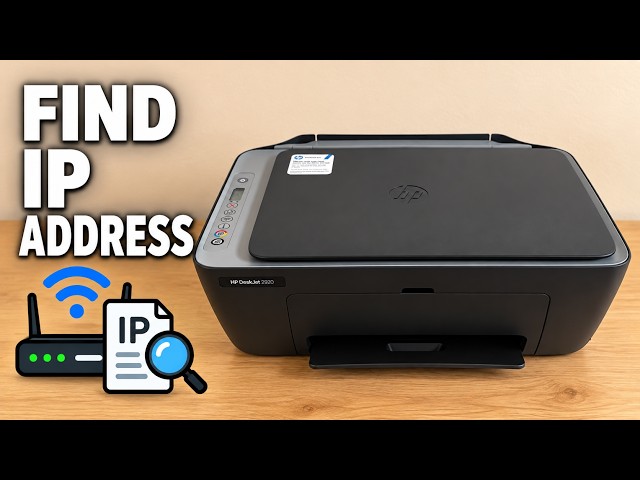
Print the DeskJet 2920’s network configuration page with a deliberate button press and read its address and connection status.
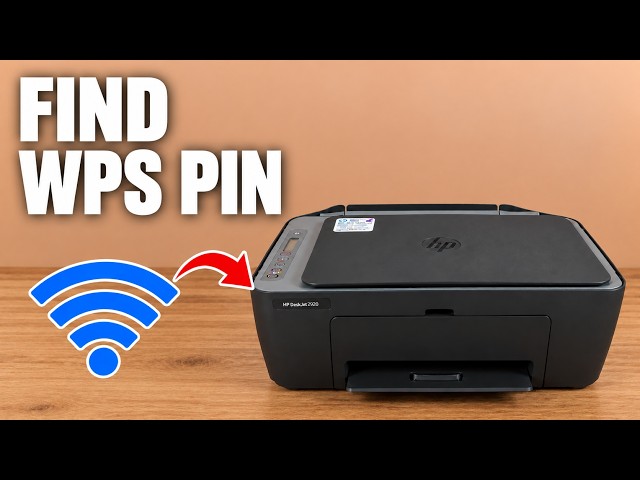
Print a temporary WPS PIN or locate the default administrator PIN inside the DeskJet 2920, depending on the prompt you are answering.
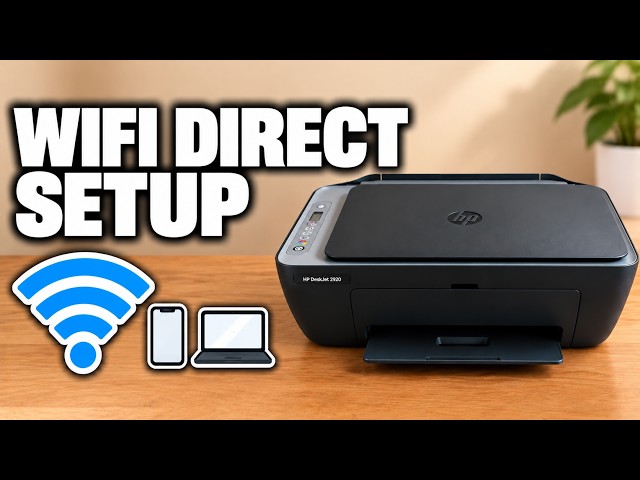
Enable the DeskJet 2920’s Direct network, print its connection details and connect an iPhone without resetting an existing home-network connection.
Connect an HP DeskJet 2920 to home Wi-Fi with an iPhone, interpret the wireless light and use the documented network reset only when needed.
Set up the demonstrated DeskJet 2920 with paper, cartridges, alignment and iPhone Wi-Fi setup, then add it on a Mac and save a scan.
Print an alignment page, position it on the scanner and complete the app’s scan prompt to check blurred or misaligned output.
Read the cartridge icons, HP app estimates and local supply-status page, while distinguishing low ink from a cartridge error.
Check paper and ink status, run the HP app’s cleaning routine and inspect its test page before deciding whether a further cleaning is needed.
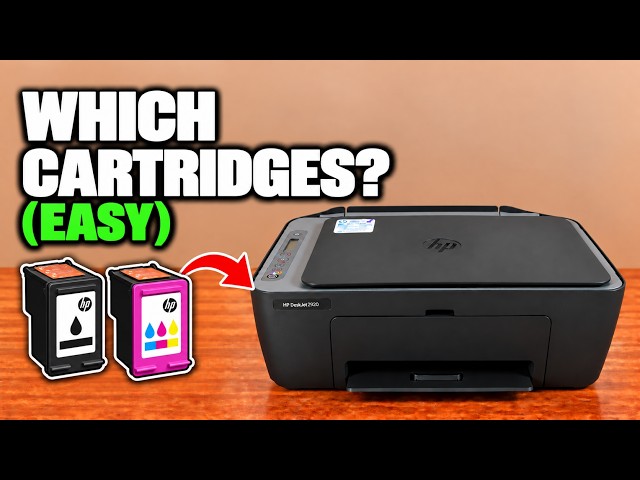
Read the cartridge label inside a DeskJet 2920 or 2955 and check HP’s regional supply information before choosing a replacement.
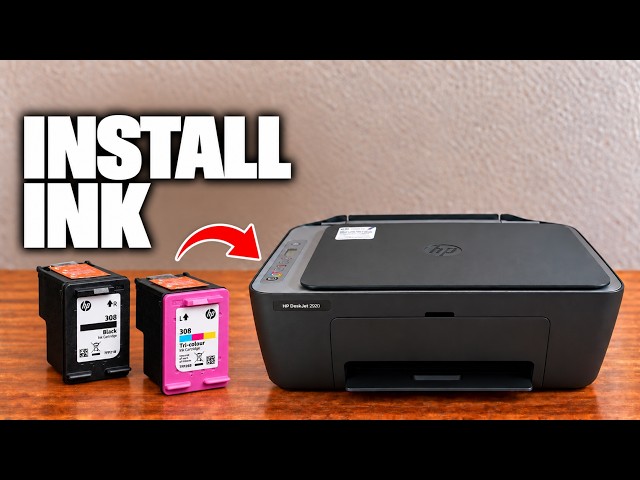
Install the correct regional cartridges in a DeskJet 2920 or 2955, check left and right positions, and complete the new-cartridge alignment.
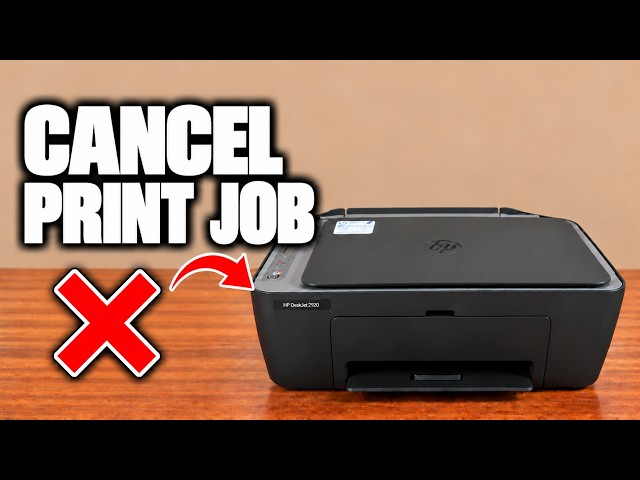
Press the red Cancel X to stop the current DeskJet 2900 operation. If more pages start, check the sending device’s remaining print queue.
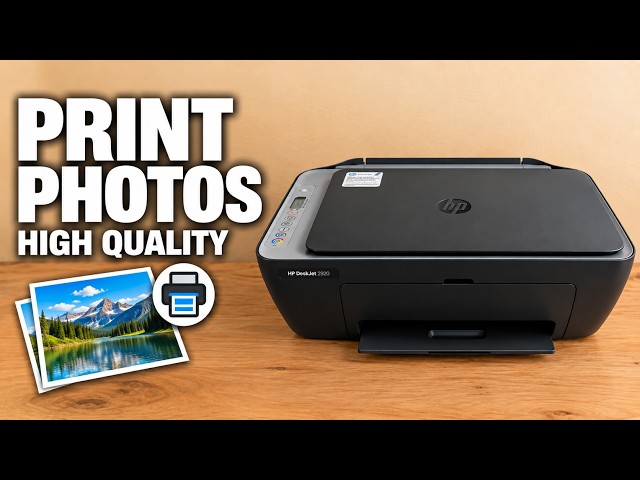
Match paper size and type, adjust the image preview and choose quality and colour settings in the HP app before printing.
Raise the rear support, load a straight paper stack and adjust the guide on the demonstrated DeskJet 2920. Check the paper message before resuming a job.
Print an alignment page, position it on the scanner and complete the app’s scan prompt to check blurred or misaligned output.
Check paper and ink status, run the HP app’s cleaning routine and inspect its test page before deciding whether a further cleaning is needed.
Use the blinking ink icon to identify an E0 cartridge problem, check seating and protective tape, and confirm the cartridge matches your printer and region.
For an E5 scanner error, cancel and retry the scan, then restart the printer if needed. If E5 persists, use HP support rather than opening the scanner.
For E6 on a DeskJet 2900, turn the printer off, disconnect power for one minute, reconnect and check whether the error returns.
Check the input, output, cartridge area and bottom access door for trapped paper. Disconnect power before reaching inside and remove paper gently with both hands.
Check the paper stack and guide first. If feed rollers need cleaning, unplug the printer, use a lightly damp swab and let the rollers dry completely before retrying.
Resolve a DeskJet 2900 paper-size mismatch by matching the selected print size to the paper actually loaded, then sending the job again.
Print the DeskJet 2920’s network configuration page with a deliberate button press and read its address and connection status.
Browse documented model families. Check each guide’s demonstrated printer before using its instructions.