Step 1:Read the installation label inside the printer
Open the front door and the cartridge access door. Locate the cartridge installation label; HP documents this as a place to find the supply number. You do not need to remove a cartridge just to read that label. Keep your hands clear of any moving carriage.
Step 2:Check the exact model and region
Compare that label with HP’s supplies information for your exact model and the country or region in which the printer was sold. HP lists different cartridge families for different 2900 markets. Do not substitute a number from an overseas tutorial merely because its printer looks the same.
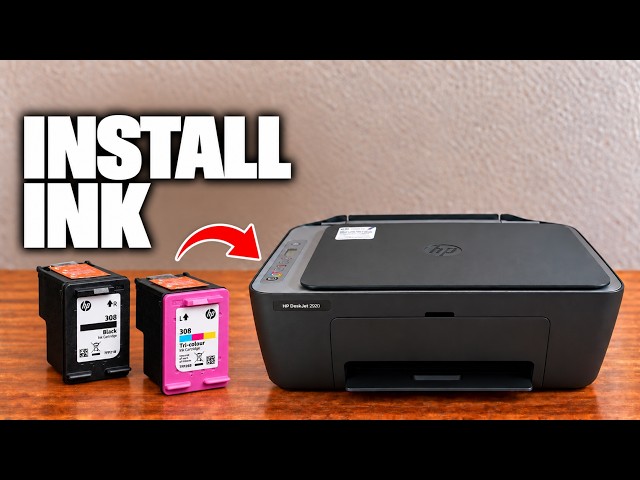
The video shows 308 on its unit. Its speculative examples for other countries are deliberately omitted here. The official regional list is linked below so the purchase decision can be checked against your own printer.
Step 3:Check both the cartridge identifier and position
Confirm the required black or tri-colour cartridge, and compare the identifier on its packaging with the printer’s information. Similar shape alone does not prove compatibility. If the label is unreadable or the printer’s sales region is uncertain, ask HP to identify the correct supply from the exact model before buying.
Keep the confirmed identifier for replacement
Once the compatible cartridge is identified, follow the replacement guide for installation and alignment. Finding the number is a supply check, not a diagnosis that your current cartridge is empty or faulty.