Canon printer hub

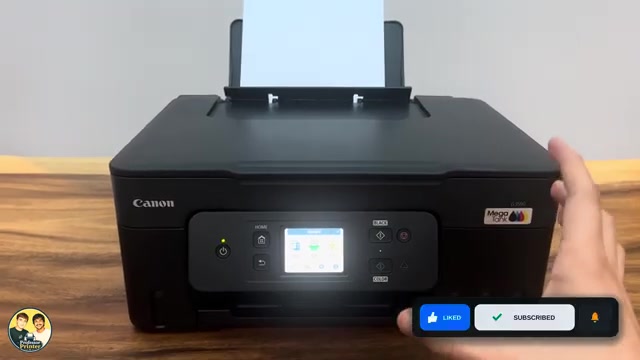
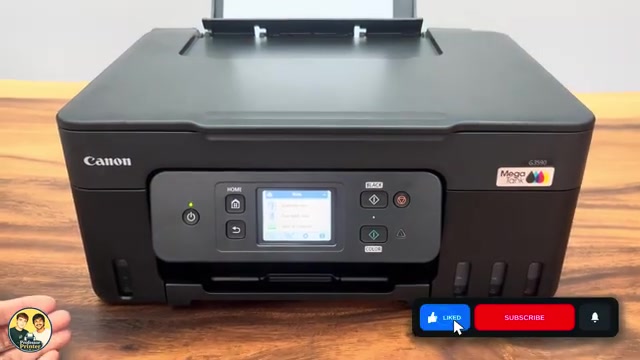
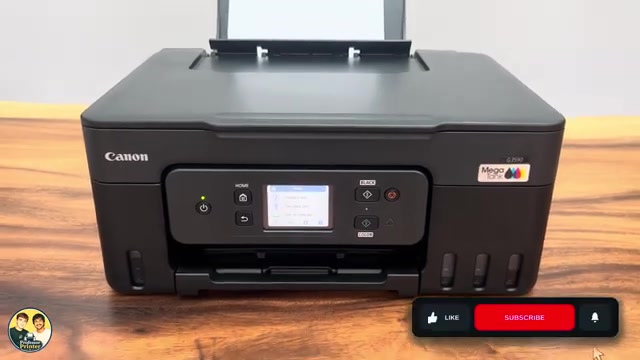
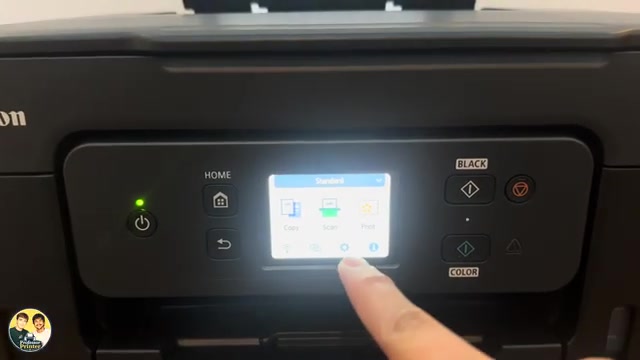
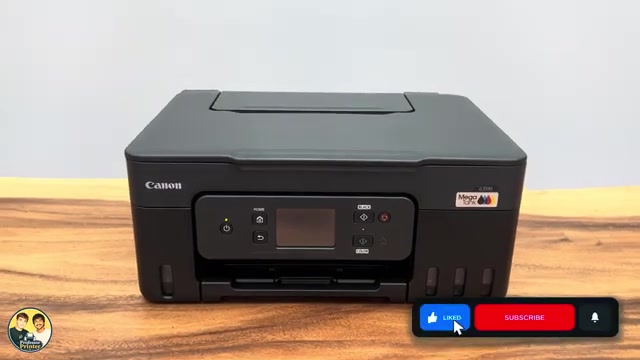
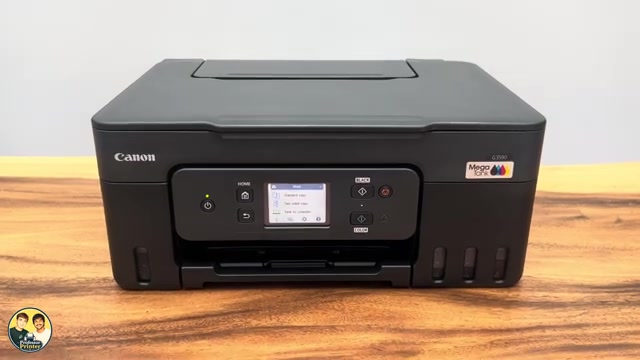
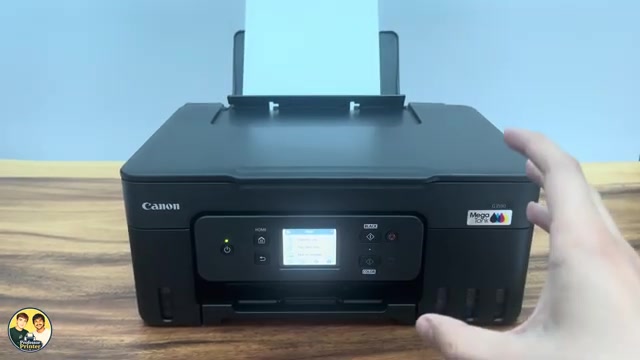
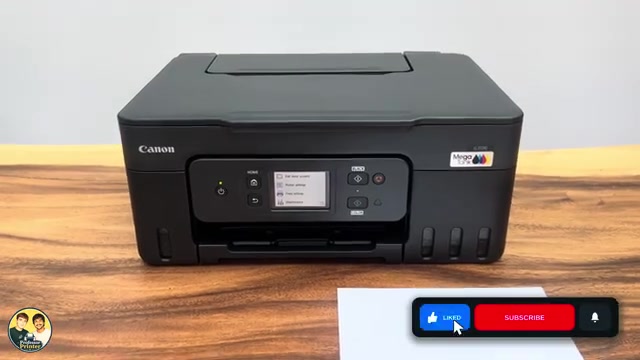
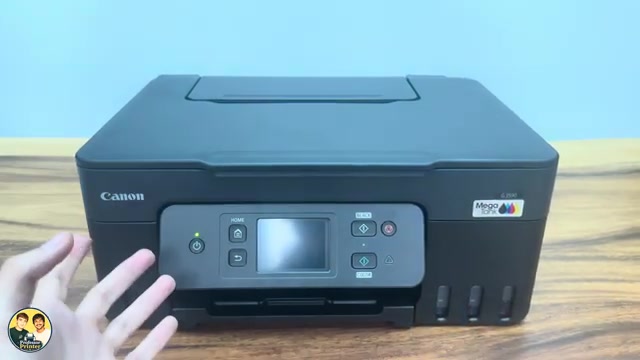
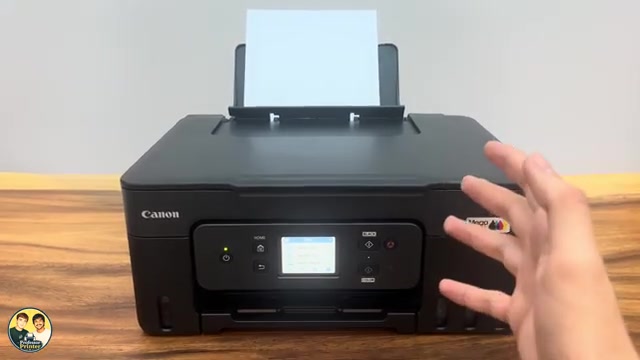
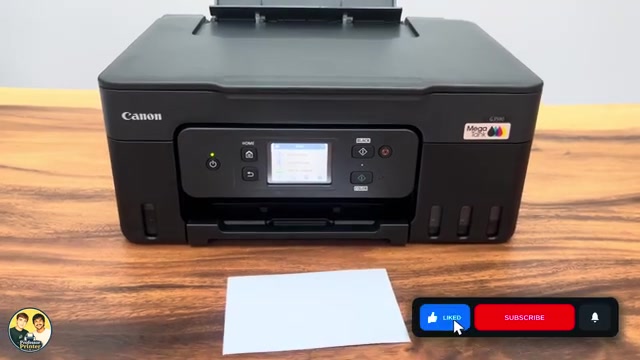
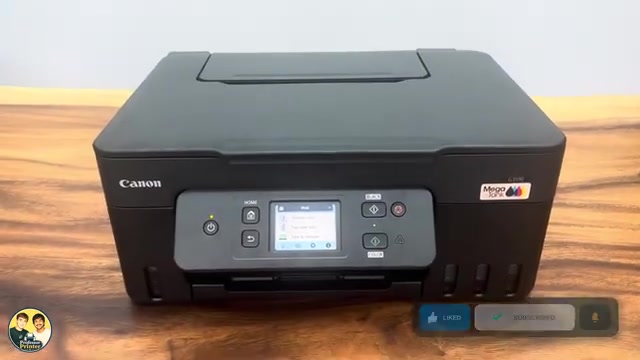
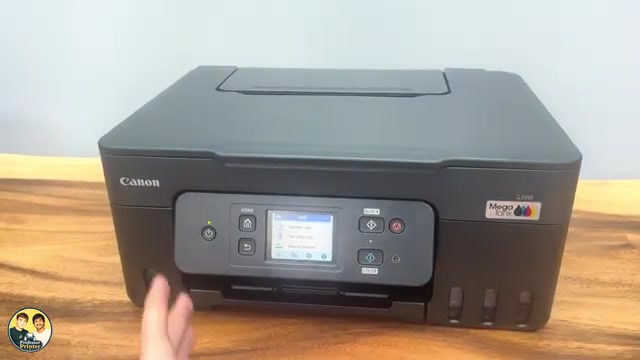
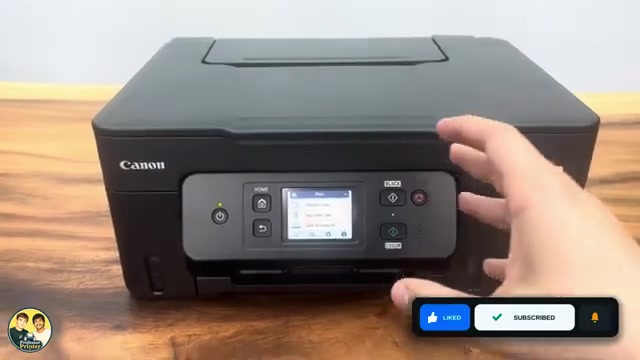
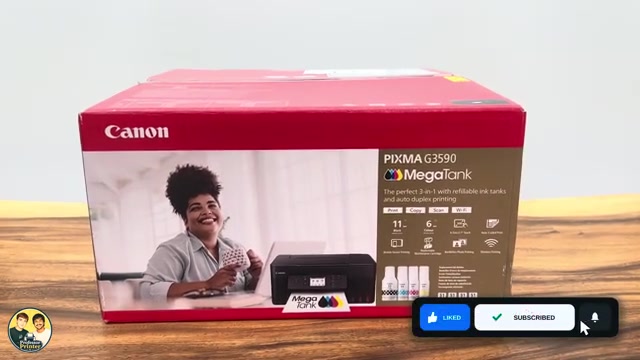
Canon PIXMA G3590

Find your next step, from getting connected to everyday printer tasks.

Guides shown here are assigned to this exact model. Similar model names are kept separate.

Generic printer illustration

Guides for your printer

16 guides across 5 tasks

Getting started

View this task

Wi-Fi & connectivity

View this task

Ink & toner

View this task

Printing & copying

View this task

Troubleshooting

View this task
Canon PIXMA G3590

Clear a paper jam on a Canon PIXMA G3590

Find the jam at the output, rear feed, inside or rear transport area of a G3590. Stop and unplug before internal access, remove fragments and refit the covers.

TroubleshootingRead & watch
Canon PIXMA G3590

Reset all settings on a Canon PIXMA G3590

Restore Canon PIXMA G3590 settings with Reset all. This clears network configuration and restores the default administrator password, so connection setup must be repeated.

TroubleshootingRead & watch