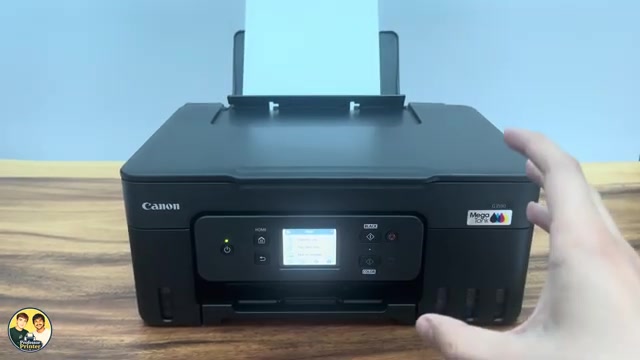
Before you start
- The printer must be on with access to its HOME screen.
Step 1:Open Sound control
From HOME, select Setup, then Printer settings. Scroll to Other printer settings and choose Sound control. The source shows separate Keypad volume and Alarm volume choices.
Step 2:Set Keypad volume to OFF
Select Keypad volume, then OFF. This changes the sound made by pressing the touchscreen or operation-panel buttons. Leave Alarm volume unchanged if you only want to silence routine button presses.
Step 3:Check the button sound
Return to the previous screen and use a normal menu button. With Keypad volume off, those button and touch sounds should be silent. To restore them later, return to Keypad volume and choose a non-off volume level.
This does not make the printer’s motors silent. Quiet setting is a separate option for reducing operating noise, and it can slow printing.
Questions & troubleshooting
Why does the printer still make a sound?
Sound control separates Keypad volume from Alarm volume. Motor and paper-feed noise are also different from button beeps. Turning off Keypad volume does not silence every sound.
Should I turn off Alarm volume too?
It is a separate choice. You do not need to change it to silence button presses; leave it as it is if you want audible error notifications.