HP ENVY 6120e
HP ENVY 6120e: replace ink and check estimated levels
Remove and seat the cartridges in an HP ENVY 6120e, check estimated ink levels, and know when alignment is expected after fitting a new cartridge.
Ink & tonerRead & watch
Browse a printer family
Browse HP's ENVY 6100 family, including regional and e-suffixed models. A related video is a starting point for discovery, not confirmation that every model uses the same supplies or steps.
Check the demonstrated printer on each guide before following its steps.
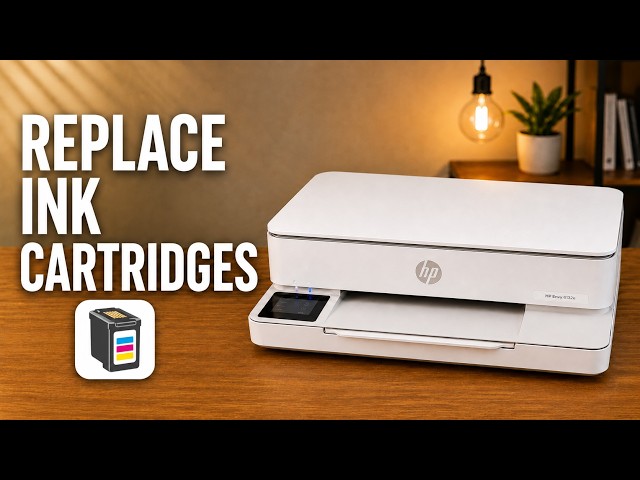
Remove and seat the cartridges in an HP ENVY 6120e, check estimated ink levels, and know when alignment is expected after fitting a new cartridge.
Open an iPhone document, select the ENVY 6100e through AirPrint and check the page settings and printed result.
Print the alignment sheet from the touchscreen, place it face down on the scanner glass and choose Scan to complete calibration.
Check the exact cartridge message, confirm the correct regional supply and reseat the cartridge without touching its nozzles or contacts.
View the ENVY 6100e’s estimated ink on its touchscreen, in the HP app or on its local settings page without mistaking an estimate for a print-quality test.
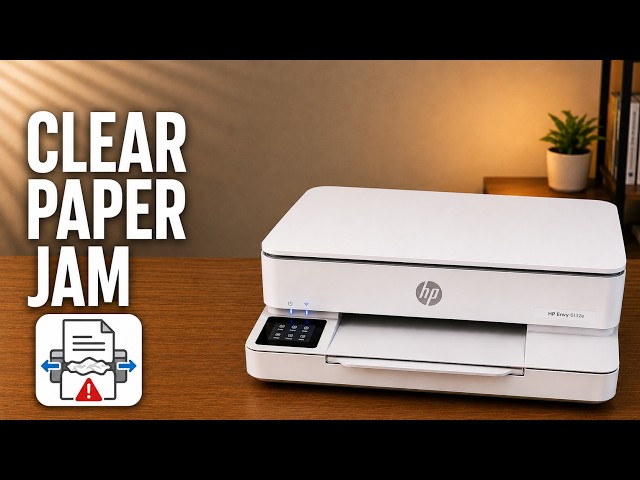
Disconnect power before reaching inside, check the carriage and paper path, then remove torn pieces and refit the covers before trying again.
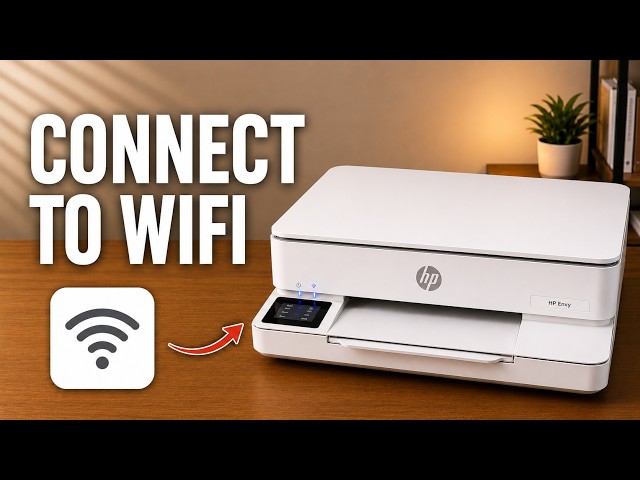
Use the ENVY 6100e touchscreen to choose your home network, check the connection and restore only network settings if needed.
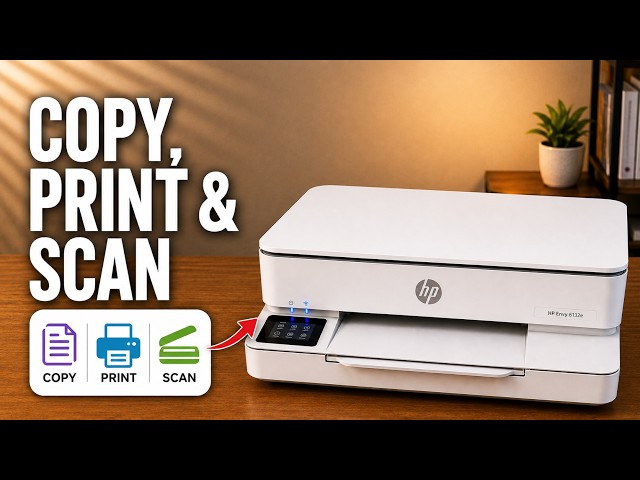
Make a copy at the printer, print a file from your iPhone, or scan a page with the HP app and save it as a PDF in Files.
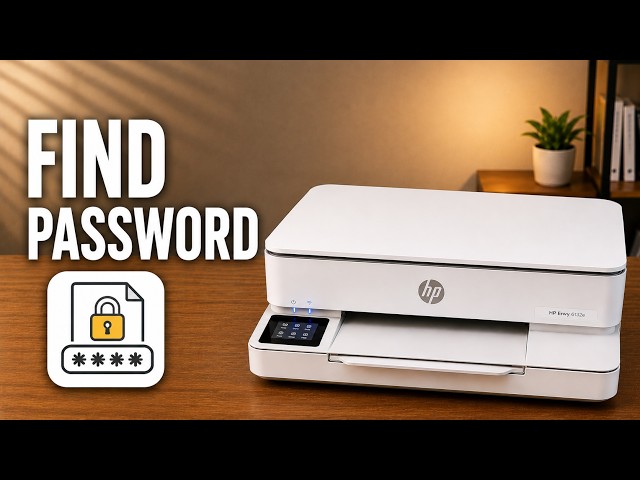
Locate the ENVY 6100e’s default printer PIN and distinguish it from the router password and Wi-Fi Direct credentials.
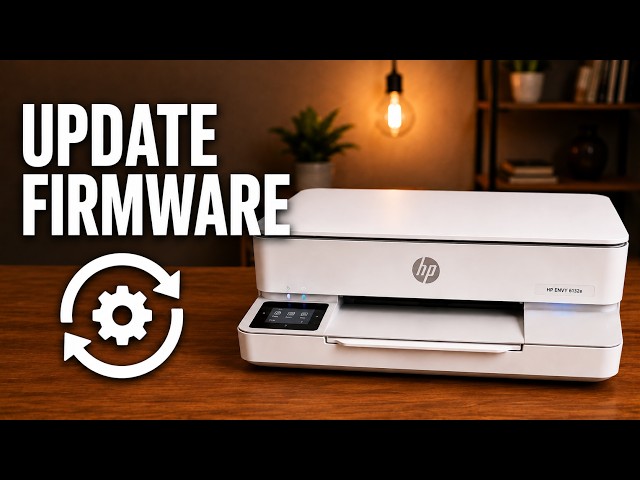
Use the touchscreen to select automatic firmware updates or update notifications, and check Internet access before expecting an installation.
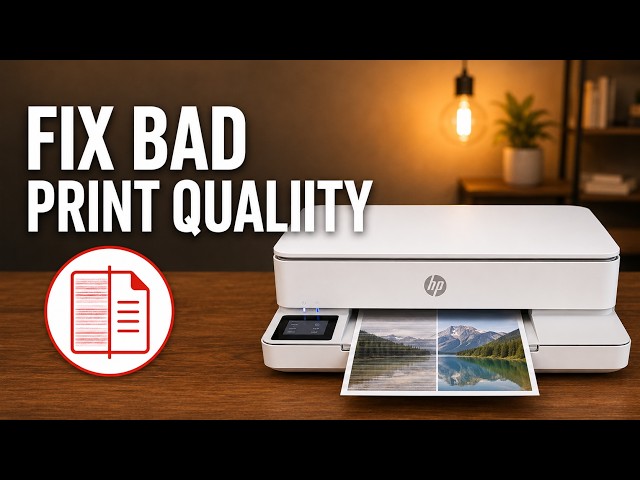
Check paper and ink, inspect a diagnostic report, then choose cartridge cleaning, alignment or smear cleaning for the actual print defect.
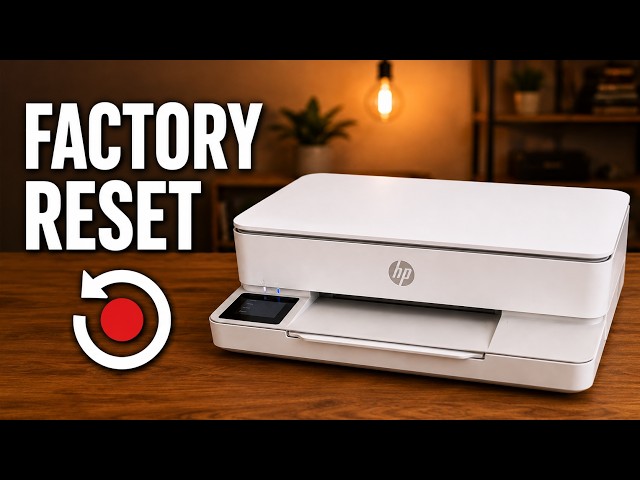
Understand what the ENVY 6100e’s restore options change, try the relevant checks first and use its normal touchscreen reset menu.
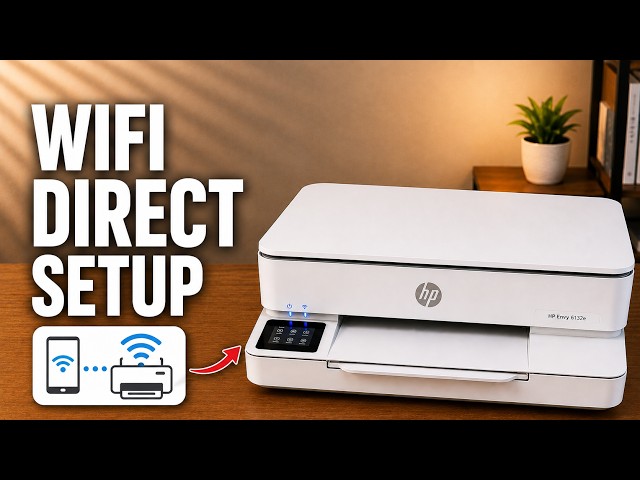
Connect an iPhone directly to the ENVY 6100e’s own wireless network, find its password and return to normal Wi-Fi afterward.
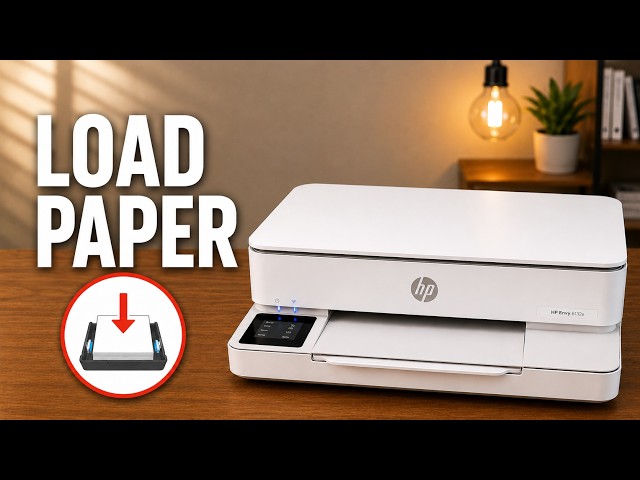
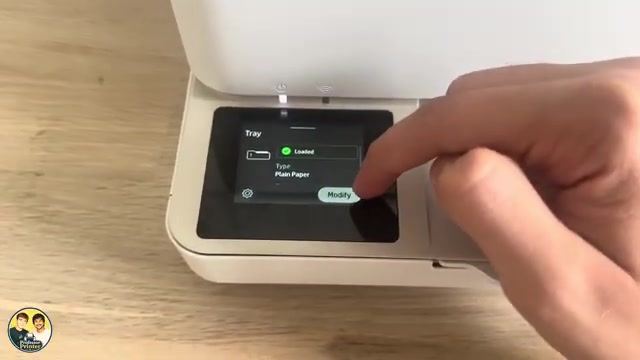
Load plain paper without bending the sheets, set the tray’s actual size and type, and check the next print on the demonstrated ENVY 6132e.
Set the photo-paper side, size and type, then choose the HP app’s photo print settings. The source demonstrates settings, without a glossy-paper test print.
Separate model records, grouped using the manufacturer’s documentation.
12 guides to explore
Model & family information
Model & family information
Model & family information
Model & family information
1 guide to explore
Model & family information
Model & family information
Model & family information
Model & family information
Model & family information
Model & family information
Model & family information
2 guides to explore
Model & family information
Model & family information
Model & family information
Model & family information
Model & family information
Model & family information
Model & family information
The manufacturer identifies these models in a shared family or manual.