Read the message before buying ink
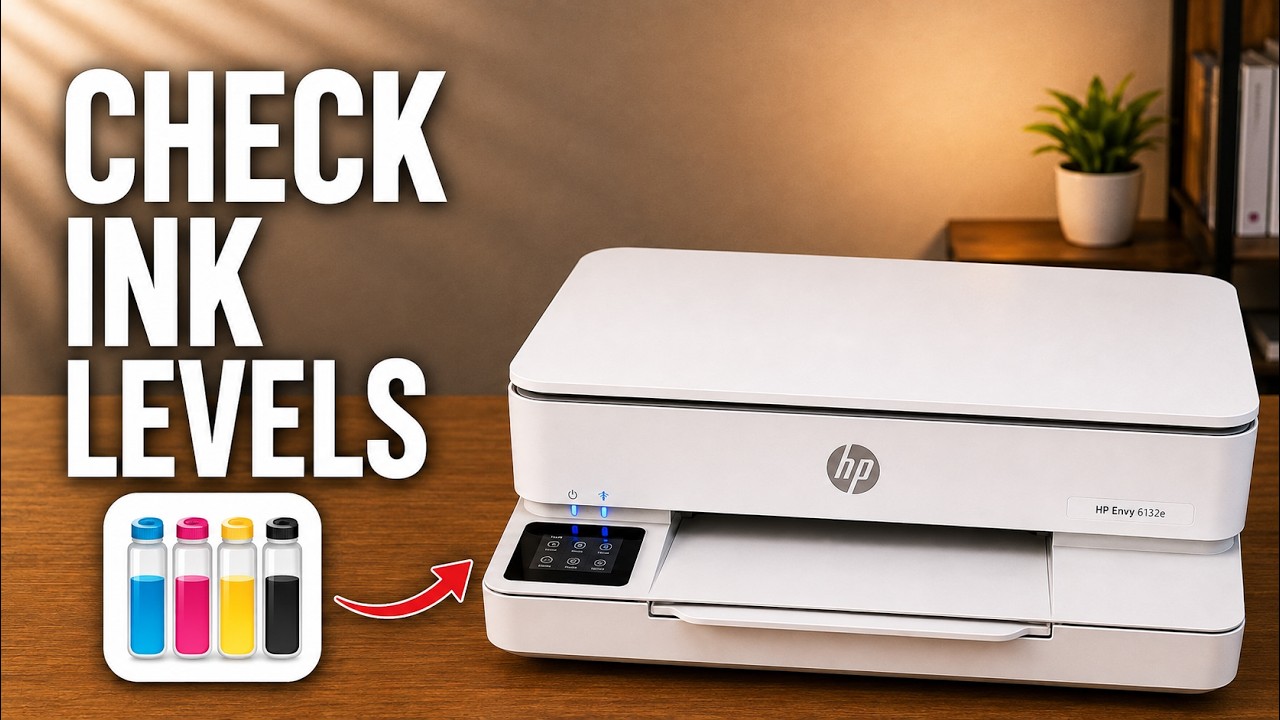
Write down the exact message and the indicated cartridge. A missing, incompatible or unrecognized cartridge is a different condition from an estimated low-ink warning. The recording lists possible causes; it does not establish that every error means the cartridge is empty.
Step 1:Match the supply to your exact printer and region
Check the cartridge number against the label inside your printer and HP’s supplies information for that exact model and country. Do not use the recording’s 308 cartridge or its guessed US number as a universal ENVY recommendation.
If the message concerns SETUP cartridges, an Instant Ink subscription or HP+ requirements, follow the instructions for that specific message. Reseating a cartridge does not resolve an account or incompatible-supply requirement.
Step 2:Remove and reseat the indicated cartridge
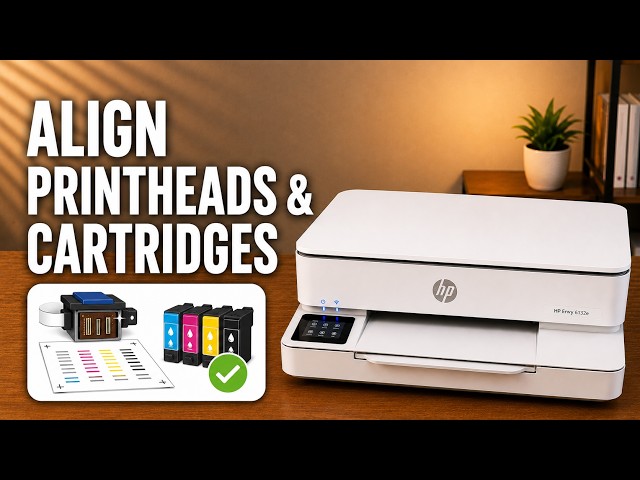
With the printer on, open the cartridge access door and wait for the carriage to stop. Press down on the top of the indicated cartridge to release it, then remove it carefully. Handle its plastic sides.
For a newly installed cartridge, check that the protective plastic tape has been removed using its pull tab. Do not touch or wipe the nozzle plate or electrical contacts.
Slide the cartridge back into its matching slot and push it upward until it snaps securely into place. Close the access door and check whether the same message returns. HP’s replacement procedure supports these handling steps; forcing a moving carriage does not.
Step 3:Check the message and choose the next action
If the warning clears, complete any alignment prompt and try your document again. If it remains, record the exact message and use HP’s cartridge-error guidance for your model before buying a replacement. The source does not show a confirmed repair for every possible message.
HP describes dynamic security in terms of cartridge circuitry; it does not support the video’s blanket claim that every aftermarket cartridge is detected and rejected. HP+ has its own Original HP cartridge requirement. Neither point proves the cause of an individual error.
Questions & troubleshooting
Is a low-ink warning the same as an incompatible cartridge?
No. Low-ink estimates help plan replacement; an incompatible or missing-cartridge message needs the supply and installation checks above.