Browse a printer family

HP DeskJet 2600 series

Find the DeskJet 2600 family models listed by HP. Family membership helps you find relevant material; follow a tutorial only when its model scope and controls match your printer.

Videos & guides in this family

Check the demonstrated printer on each guide before following its steps.

HP DeskJet 2600 series

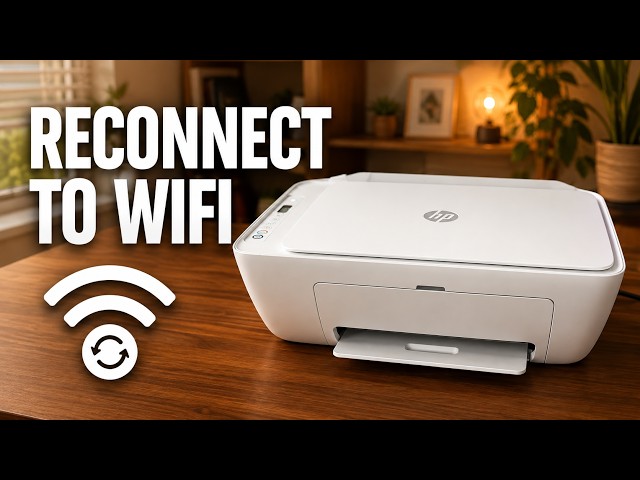
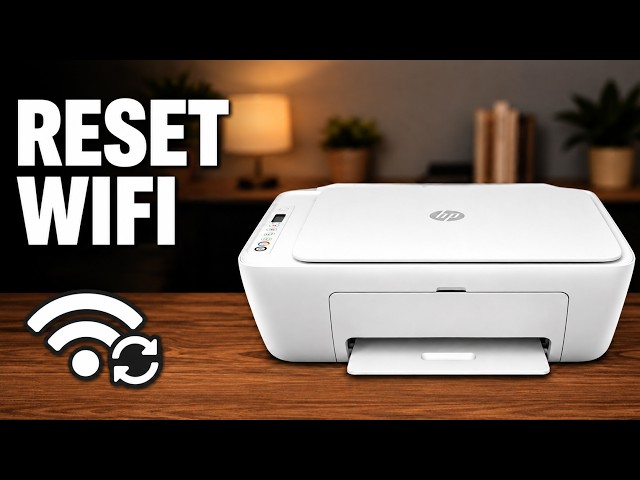
Reconnect an HP DeskJet 2600 to Wi-Fi

Reconnect a DeskJet 2600 after a router, Wi-Fi name or password change. Try HP app setup, use the demonstrated recovery if discovery fails, then check the printer from home Wi-Fi.

Wi-Fi & connectivityRead & watch
HP DeskJet 2600 series

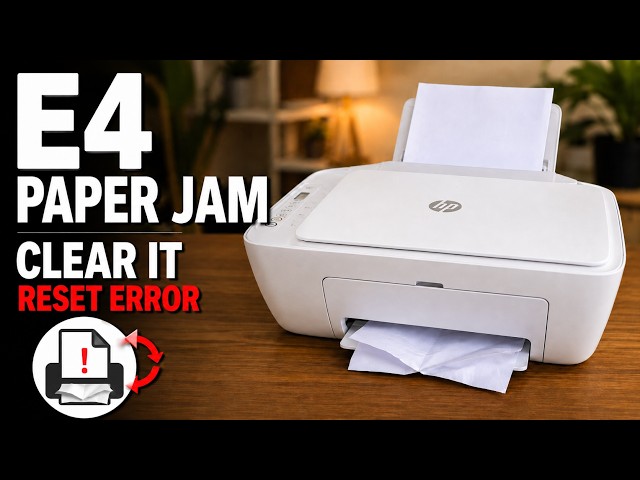
Clear an E4 paper jam on an HP DeskJet 2600

Try Cancel first, then inspect the accessible paper paths safely, remove torn pieces and close every cover before checking the E4 error again.

TroubleshootingRead & watch
HP DeskJet 2600 series

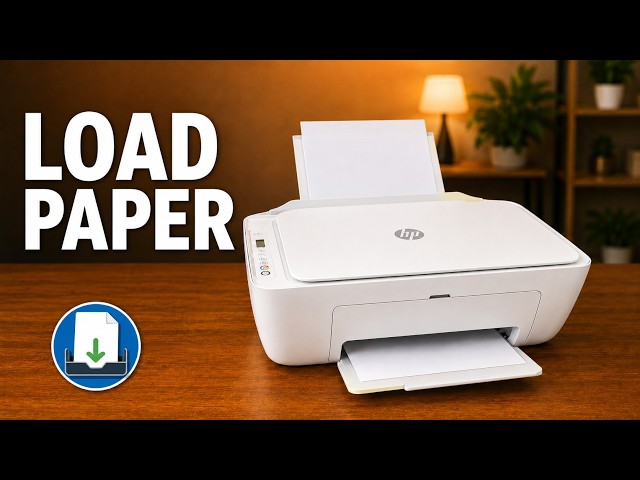
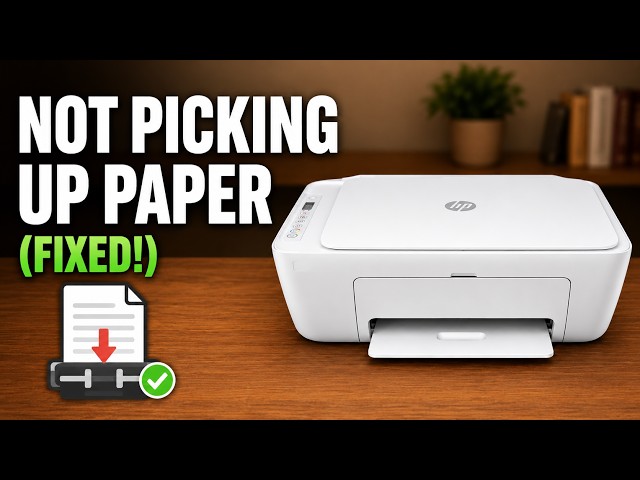
Load paper in an HP DeskJet 2600

Open the rear input tray, position plain paper correctly and adjust the guide and output support on a DeskJet 2600.

Printing & copyingRead & watch
HP DeskJet 2600 series

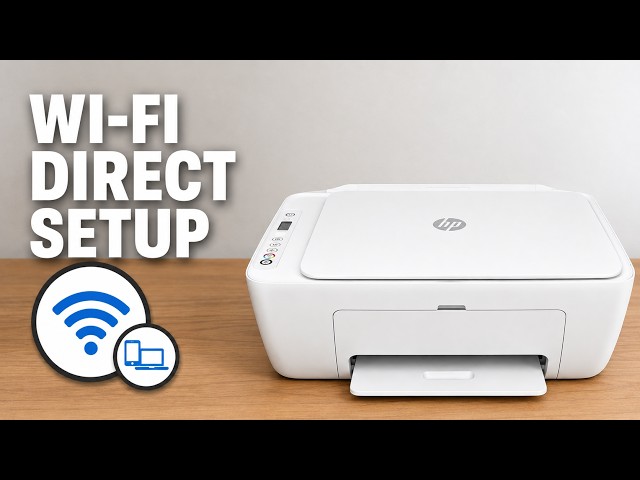
Use Wi-Fi Direct on an HP DeskJet 2600

Connect an iPhone directly to a DeskJet 2600 for local printing, using the printer’s own network details without clearing its home Wi-Fi settings.

Wi-Fi & connectivityRead & watch

Choose your model

Separate model records, grouped using the manufacturer’s documentation.

Why these models are grouped

The manufacturer identifies these models in a shared family or manual.