Step 1:Read the printer’s own supply label
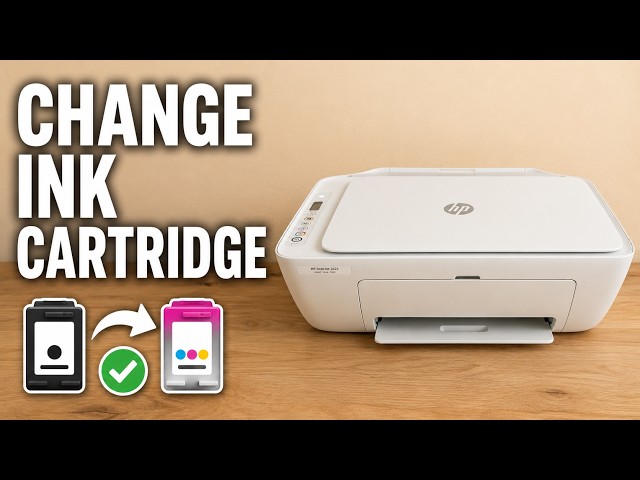
Open the front output door and inner cartridge-access door to view the supply label. Do not put your hand near a moving carriage. Read the cartridge number printed for this unit; the demonstration shows 304, which is not a worldwide 2600-series number.
Step 2:Confirm the exact model and country
Open HP’s linked DeskJet 2600 replacement guidance and choose the entry for your exact printer and region. It separately lists DeskJet and DeskJet Ink Advantage regional supplies. Do not transfer a number between these variants or to the 2700 family merely because the cartridge looks similar.
Step 3:Match the number before opening the packaging
Compare the intended replacement’s packaging with the verified number and whether you need black or tri-colour. A cartridge that physically fits is not proof of electronic or regional compatibility. If a previously fitted cartridge might itself be wrong, use the printer label and official model information rather than copying its number blindly.
Install only after compatibility is clear
Keep the replacement sealed until the number is confirmed. The linked replacement guide covers safe removal, protective tape, left/right positions and alignment. No cartridge needs removing just to follow this identification method.