Understand flashing Alarm codes on Canon MG3620 and MG3650
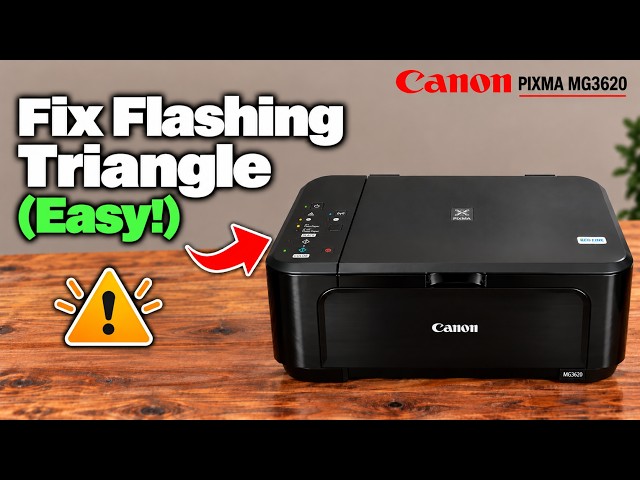
Count the orange Alarm flashes between pauses, then use the exact support code to choose a remedy. A closed output tray, paper jam and cartridge problem need different actions.
Browse a printer family
Explore the channel’s Canon MG3620 and MG3650 guides together. Choose a task, then use the model and method shown in its video.
Watch videos for this printer family18 guides to read and watch. The source printer is shown on every card.
Count the orange Alarm flashes between pauses, then use the exact support code to choose a remedy. A closed output tray, paper jam and cartridge problem need different actions.
Print an alignment sheet with four Alarm flashes, scan it face down at the glass alignment mark and wait for the ON lamp to become steady.
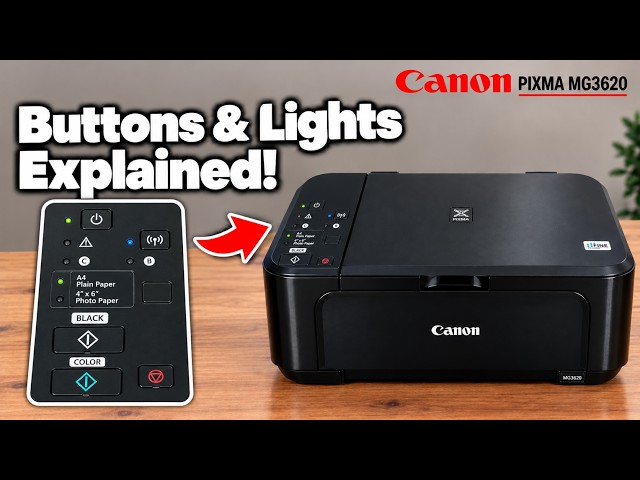
Identify the panel controls, stop a current job and distinguish normal activity from an alarm. Long holds start different tasks, so check the intended procedure first.
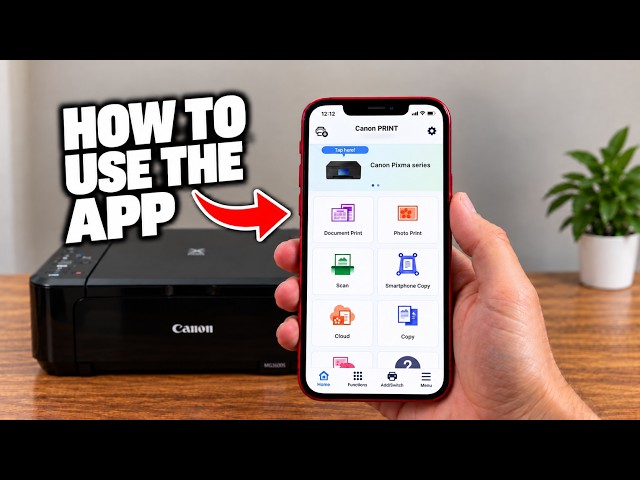
Choose photo printing, scanner capture, phone-camera copying or printer information in Canon PRINT. The app’s available controls depend on the selected model and connection.
Read the black and colour cartridge estimates in Canon PRINT, a browser or the Canon Windows driver. Used or refilled cartridges can report unreliable levels; an error needs its actual support code.
Use ordinary cleaning only when the nozzle pattern needs it. After two unsuccessful standard cleanings, Canon allows deep cleaning, with a 24-hour wait before repeating that deeper cycle.
Use cableless setup to send the router’s network details from Canon PRINT, then register the printer and check a real print or scan. A reset is only needed when you intend to clear existing settings.
The 21-Alarm-flash initialization resets machine settings and erases network configuration. Use it deliberately, then reconnect and restore the settings you need.
Read the exact error before acting. Replacing the affected cartridge is one option; the documented five-second Stop action for 1686/1688 disables ink monitoring and does not refill or repair a cartridge.
Load paper print-side down in the front tray, set the guides without bending the stack and open the output tray before printing.
Print the network report and distinguish its default administrator password, direct-connection password and router details. A default password is not the current password after it has been changed.
Print the diagnostic pattern with one Alarm flash, then look for missing lines or white streaks before deciding whether cleaning is needed.
Choose the output slot, rear transport unit or inside-paper path that matches the jam. Remove the sheet slowly, check for fragments and restore the covers before retrying.
Print from a phone or Windows, make panel copies and combine scanned pages into a saved PDF with Canon PRINT or Canon IJ Scan Utility.
Confirm the regional cartridge number, wait for the holder to stop, then fit colour on the left and black on the right. Never force the head cover open.
Hold Stop until the Alarm lamp has flashed 19 times to initialise Canon PIXMA MG3620 network settings, then repeat connection setup.
Enable the printer’s access point, join its own network with the current access-point password and print locally. This replaces the router connection; it does not provide internet access.
Use Canon’s exact-model setup software, select wireless LAN and complete driver installation before checking a print and a saved scan. The phone route is one option, not a Windows requirement.
Open your printer’s hub to see its guides and related tutorials from this collection.
These are related printers covered in the channel’s tutorial collection. Grouping helps you browse; each article retains its own model and task scope.