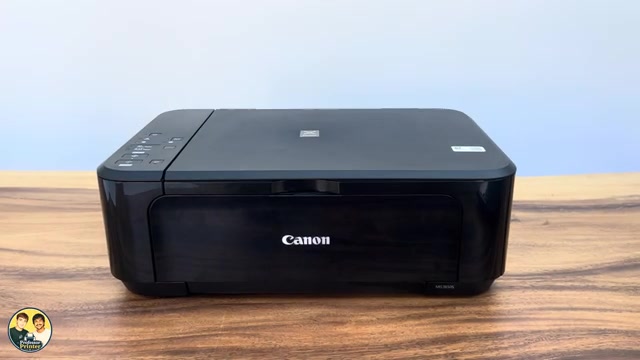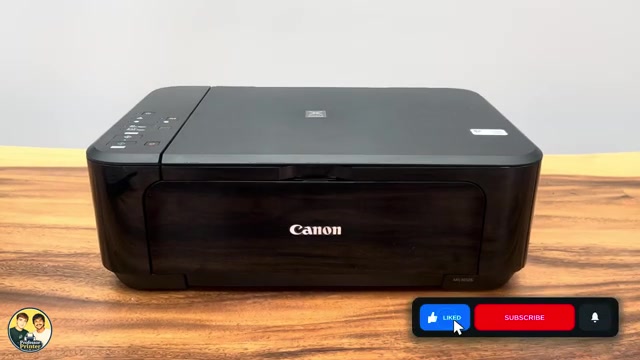
Canon PIXMA MG3620
Reset the network settings on a Canon PIXMA MG3620
Hold Stop until the Alarm lamp has flashed 19 times to initialise Canon PIXMA MG3620 network settings, then repeat connection setup.
Wi-Fi & connectivityRead & watch
Find your next step, from getting connected to everyday printer tasks.
Guides shown here are assigned to this exact model. Similar model names are kept separate.
Watch this model’s channel playlist2 guides across 4 tasks
Hold Stop until the Alarm lamp has flashed 19 times to initialise Canon PIXMA MG3620 network settings, then repeat connection setup.
Prepare the front tray, print from Canon PRINT or Windows, copy with the panel buttons and save scans from a phone or Canon IJ Scan Utility.
Prepare the front tray, print from Canon PRINT or Windows, copy with the panel buttons and save scans from a phone or Canon IJ Scan Utility.
Hold Stop until the Alarm lamp has flashed 19 times to initialise Canon PIXMA MG3620 network settings, then repeat connection setup.