HP ENVY 6120e
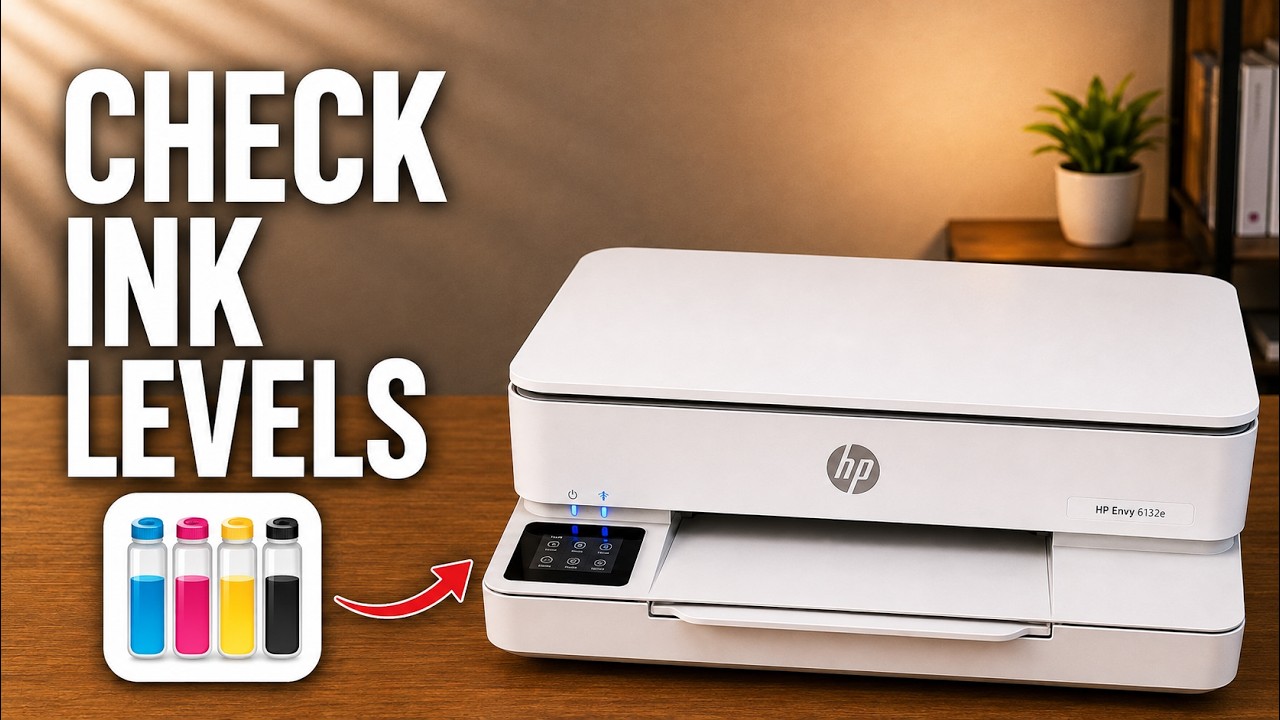
HP ENVY 6120e: replace ink and check estimated levels
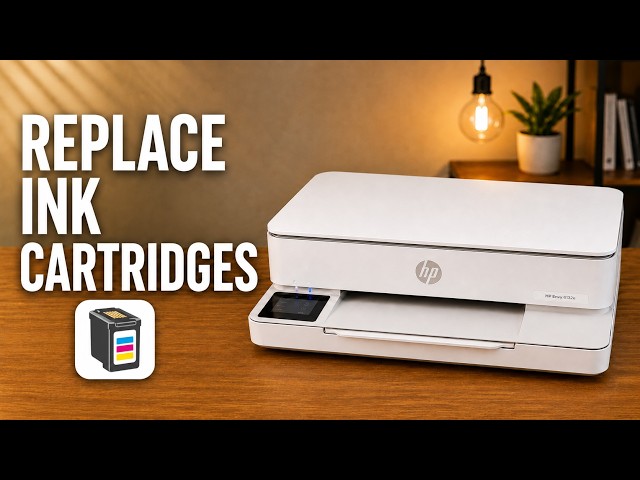
Remove and seat the cartridges in an HP ENVY 6120e, check estimated ink levels, and know when alignment is expected after fitting a new cartridge.
Ink & tonerRead & watch
Find model-specific help with printer ink and toner.
Remove and seat the cartridges in an HP ENVY 6120e, check estimated ink levels, and know when alignment is expected after fitting a new cartridge.
Find the black toner supply indicator in Brother Mobile Connect, or check estimated toner and drum life on the printer’s LCD.
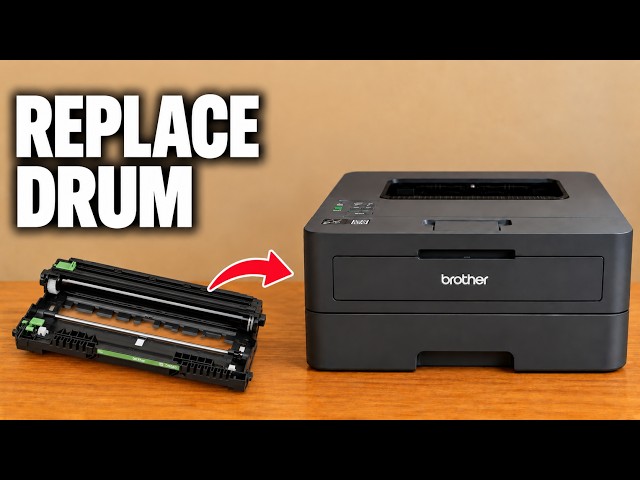
Move the toner cartridge into a new drum, reinstall the assembly and reset the drum counter. Reset the counter only when a new drum has been fitted.
Fit the toner into its separate drum unit, clean the corona wire and refit the assembly. Initial installation and replacement have different starting points.
Use Deep Cleaning only after normal cleaning has not resolved a poor nozzle check. Check ink and maintenance-cartridge space, then assess the printed pattern.
Refill the Canon PIXMA G3590 with the correct ink colours up to the upper limit line, close the tanks and reset the level count only when the required tanks are full.
Fit the colour and black cartridges in the TS3750i, secure the locking levers, then complete Canon’s alignment check.
Use Setup code 1 to print a Canon PIXMA TS3750i nozzle check, then look for missing lines, horizontal white streaks or a missing colour.
Read the DeskJet 2600’s ink indicators, print its status report or view estimated levels in the connected HP app.
Check missing black or colour on a DeskJet 2600, run the HP app’s cleaning tool, inspect the test page and decide when to stop.
Open the DeskJet 2600 cartridge area, release the old cartridge and seat the correct replacement. Two source demonstrations cover the same task.
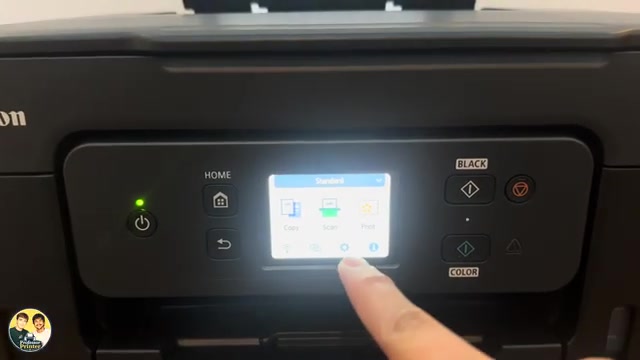
View the ENVY 6100e’s estimated ink on its touchscreen, in the HP app or on its local settings page without mistaking an estimate for a print-quality test.
Use Supplies on the touchscreen to inspect estimated cartridge levels and the separate printhead status. The HP app also shows supply estimates.
Open the cartridge access door, release the old cartridge and seat its replacement in the matching color slot. Check the cartridge number for your region first.