Before you start
- The toner cartridge or supplied assembly specified for your exact regional HL-L2445DW.
- A clean surface for the assembly and time to finish installation without leaving the drum exposed.
Choose initial installation or replacement
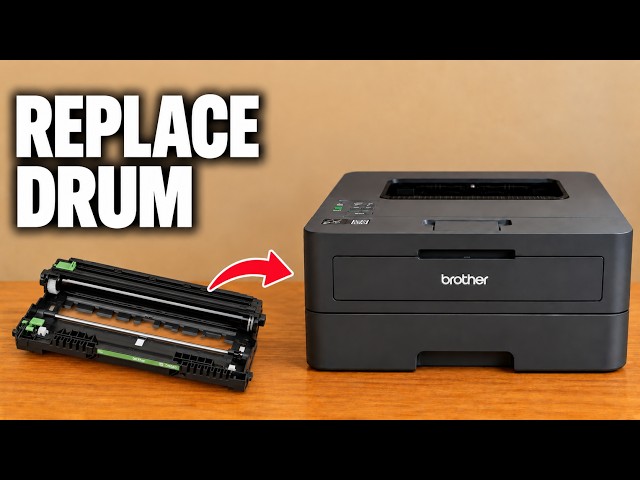
This printer uses toner inside a separate drum unit. Replacing toner does not automatically require buying a drum. The main recording separates and refits an existing toner; the additional recording shows fitting the supplied assembly during setup.
For replacement, use the steps below. If you have the supplied toner already fitted in its drum, carefully remove its designated protective cover and packaging, then use the final assembly-fitting step. Do not pull the drum apart merely to imitate a replacement.
Step 1:Remove the assembly and release the old toner
Open the front cover and draw the toner-and-drum assembly out by its handle. Place it on your prepared surface. Push the green lock lever down and lift the toner cartridge out of the drum. The green lever releases toner from the drum; it is not a latch that must be pressed to pull the whole assembly out of the printer.
Step 2:Prepare and lock in the replacement
Unpack the correct replacement only when ready to install it. Remove its protective cover. Holding its handle, gently move it left and right several times as Brother directs, then seat it firmly in the drum until it locks. Keep the drum away from direct sunlight and avoid touching its exposed imaging surface.
Step 3:Clean the corona wire and return its tab
Slide the drum’s green corona-wire cleaning tab from side to side several times. Return it to the home position so its arrow aligns with the arrow on the drum. Brother warns that leaving this tab out of position can cause a vertical stripe.
This cleaning tab and the toner-release lock have different jobs. New-toner preparation and corona-wire cleaning are manufacturer steps beyond the source’s existing-cartridge refit.
Step 4:Refit the assembly and wait for Ready
Guide the assembled toner and drum back into the printer without excessive force, then close the front cover. Leave the power on and the cover closed until the printer returns to Ready. Check that the supply-recognition message clears and assess the next print.
Do not reset the drum counter when you have replaced only toner. If a recognition error remains, check the exact supply and seating against the printer message rather than repeatedly resetting settings.
Questions & troubleshooting
Is the large assembly all one consumable?
No. The toner cartridge locks into a separate drum unit. The source shows their separate TN and DR labels, but its regional numbers are not universal purchase recommendations.
I have the supplied assembly during first setup.
Remove its designated protective cover carefully and fit the assembled unit into the front opening. The replacement-removal steps are unnecessary when no old cartridge is installed.
A vertical stripe appeared after replacement.
Check that the green corona-wire tab has returned to its home arrow, as Brother specifies. If the print remains faulty, follow the exact print-quality symptom in the manual.