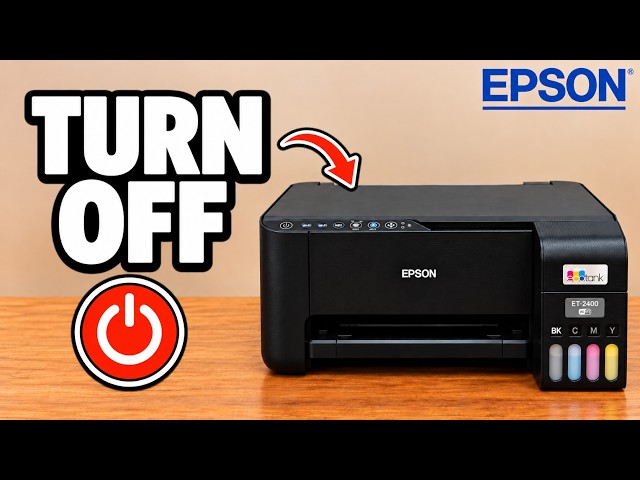
Epson EcoTank ET-2400
Turn off the Epson ET-2400 / ET-2860
Hold the Power button until its light blinks, wait for shutdown, and locate the rear power connection if the printer does not respond.
Getting startedRead & watch
Find your next step, from getting connected to everyday printer tasks.
Explore tutorials for Epson EcoTank ET-2860 and related printers. Each card names its source model, and every guide explains the method shown in its video.
9 guides across 5 tasks
Hold the Power button until its light blinks, wait for shutdown, and locate the rear power connection if the printer does not respond.
Put the printer into pairing mode, use Epson Smart Panel to find it, and enter the printer password and home Wi-Fi password at their separate prompts.
Print the printer’s network information sheet or find its IP address under Device information on a connected Windows computer.
Reset the old connection, restore pairing mode and reconnect through Epson Smart Panel, keeping the printer password separate from the router password.
Turn the printer off, hold Power and Information together, and wait for the alternating network lights to stop before setting up Wi-Fi again.
Put the printer into pairing mode, use Epson Smart Panel to find it, and enter the printer password and home Wi-Fi password at their separate prompts.
Start printhead cleaning with the Stop button, wait for the power light to settle, then print a nozzle check to compare the result.
Use Power and Stop to print a nozzle-check pattern directly from the printer, then look for breaks in the printed lines.
Start printhead cleaning with the Stop button, wait for the power light to settle, then print a nozzle check to compare the result.
Use Power and Stop to print a nozzle-check pattern directly from the printer, then look for breaks in the printed lines.
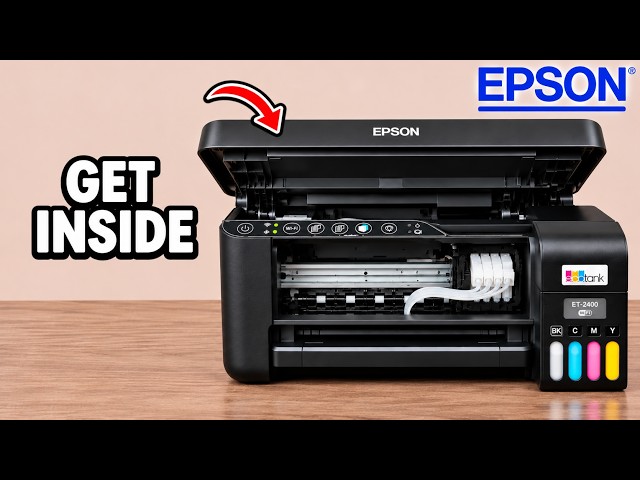
Find the front, rear feed and underside access points shown in Professor Printer’s Epson EcoTank video, without dismantling the rear casing.
Disconnect power, then inspect the front interior, rear feeder and underside paper path using the access points shown in the video.
Reset the old connection, restore pairing mode and reconnect through Epson Smart Panel, keeping the printer password separate from the router password.
Turn the printer off, hold Power and Information together, and wait for the alternating network lights to stop before setting up Wi-Fi again.
Hold the Power button until its light blinks, wait for shutdown, and locate the rear power connection if the printer does not respond.
Find more tutorials in this printer’s family or channel collection. Every guide keeps the source printer visible.