Before you start
- Paper loaded in the rear feeder for the nozzle check.
- Printer on, with a steady power light and no other flashing error lights.
Clean first, then check the printed pattern
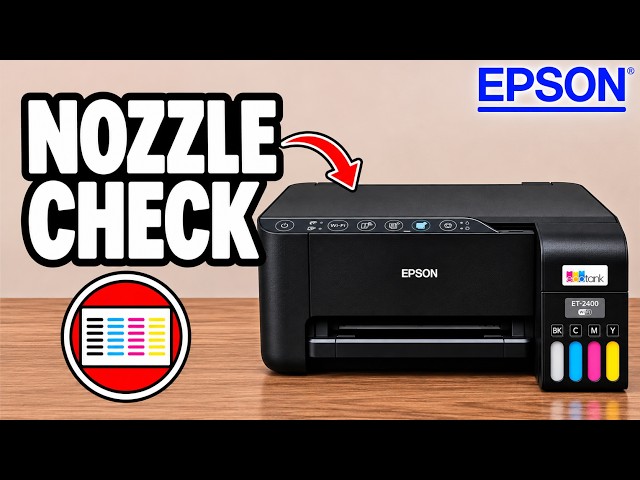
With the printer ready, hold Stop for five seconds to start cleaning. Wait until the power light stops flashing, then run the separate nozzle-check button sequence below. The source initially mentions a check page as if it will print automatically; its completed demonstration starts that check manually after cleaning.
Step 1:Hold Stop for five seconds
Check that the power ring is steady and no other error lights are flashing. Hold the Stop button for five seconds, then release it. The power light starts flashing and the printer makes cleaning noises.
Step 2:Wait until the power light stops flashing
Leave the printer to finish. The video is still waiting around two minutes into the cycle, so a flashing power light at that point does not by itself mean cleaning has failed.
Step 3:Start a nozzle check after cleaning
Once the power ring is steady, turn the printer off. Hold Stop and Power together, then release them when the printer turns on. Wait for the nozzle-check sheet to print.
Step 4:Compare the result before repeating cleaning
Look at the printed line patterns for gaps. Keep the sheet so you can compare it with the next check. The source reports a successful check after its cleaning cycle; your own printed pattern is the way to judge your result.
If the pattern still has gaps
The presenter describes moving on to a separate power-cleaning method if three regular cleanings and a twelve-hour wait bring little improvement. That stronger procedure is mentioned, not demonstrated in this video. Power cleaning is a separate procedure and is not demonstrated in this recording.
Questions & troubleshooting
Will a nozzle-check page print by itself after cleaning?
The completed source demonstration starts it separately: turn the printer off, hold Stop and Power together, then release when it turns on. Use that sequence rather than waiting indefinitely for an automatic page.
The power light is still flashing after two minutes. Is something wrong?
The source is still cleaning at around two minutes. Wait for the light to become steady before starting the nozzle check. The video does not give a fixed maximum cycle time.