The presenter’s view: a basic printer for occasional jobs
The presenter sees the 2900 as an accessible option for occasional home printing, with convenient phone setup and physical copy buttons. He is less enthusiastic about handling larger document jobs and the ongoing cost of cartridges. These are the source presenter’s opinions, not a new hands-on test by printertutorials.com.
The exact-model specifications for the 2920 and 2955 support the practical boundaries below. They do not prove that every 2900 variant is technically or regionally interchangeable.
What the source likes in everyday use
- The presenter reports straightforward HP app setup and reliable discovery during his own use. That experience is not a guarantee for another network.
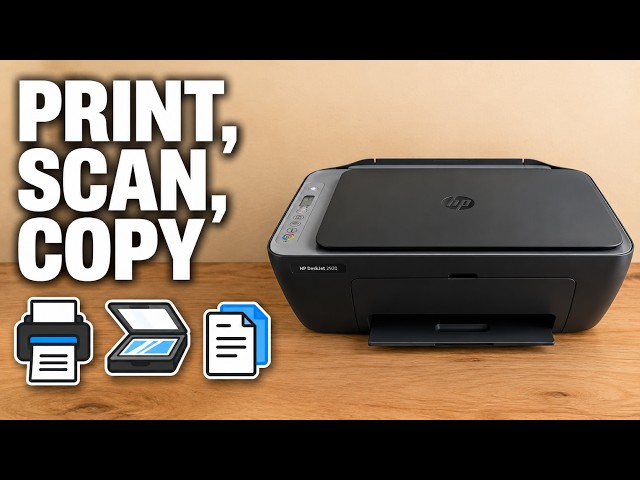
- The control panel has dedicated black and colour copy buttons, while the app provides document/photo printing and scanning workflows.
- HP documents USB, Wi-Fi and Wi-Fi Direct connection options for this scope; which is useful depends on the device and task.
The source’s app preference is subjective. A Mobile Fax option in software does not establish a built-in hardware fax: HP’s exact model specifications list no faxing.
The limits that matter for documents and photos
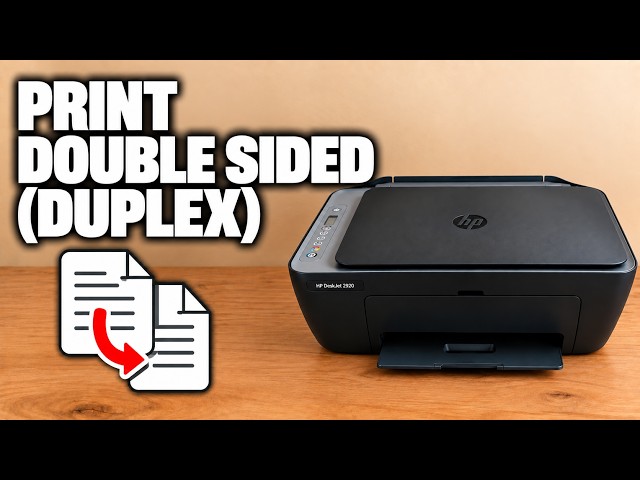
- Two-sided printing requires manual reloading; HP lists manual duplex, not automatic duplex.
- The 2920 and 2955 use a flatbed scanner. Multiple originals must be handled one at a time; another printer shown with a document feeder is a different model.
- HP lists no borderless printing for these two models. That matters if you want photos without a white edge.
- The icon display gives basic status rather than the larger touchscreen workflow the presenter compares it with.
These limits are more useful than treating a low purchase price as the whole buying decision. Consider the actual volume and tasks you need rather than assuming an entry-level design suits every workload.
Check the ongoing supply cost for your region
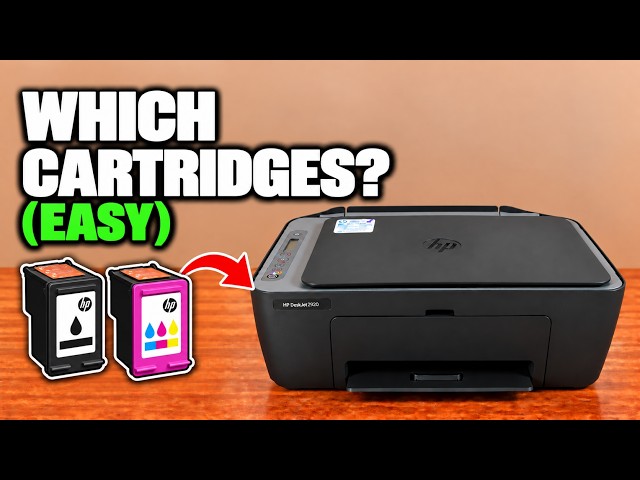
The printer uses separate black and tri-colour cartridges. Check the correct regional numbers, current local prices, stated yields and any subscription terms before estimating your own cost. The video’s dollar/pound figures and cost-per-page estimates are not current verified prices or measured costs for your usage.
HP describes dynamic security in terms of new or reused HP circuitry and blocking modified or non-HP circuitry. That is more specific than the source’s blanket claim that every third-party cartridge fails. Correct model, region, cartridge and account conditions still matter.
Use the review to choose your tradeoffs
The presenter’s strongest case is occasional straightforward documents with phone access. If you routinely scan stacks, need automatic duplex or want borderless photos, the documented limitations deserve attention before purchase. This article does not recommend an unresearched replacement model or reproduce the source’s unsupported ten-times cost comparison.
If you already own the printer, the related guides show the actual copy, scan, manual-duplex and cartridge workflows. The source does not establish a maintenance schedule such as printing once a month as a guaranteed way to prevent ink drying.