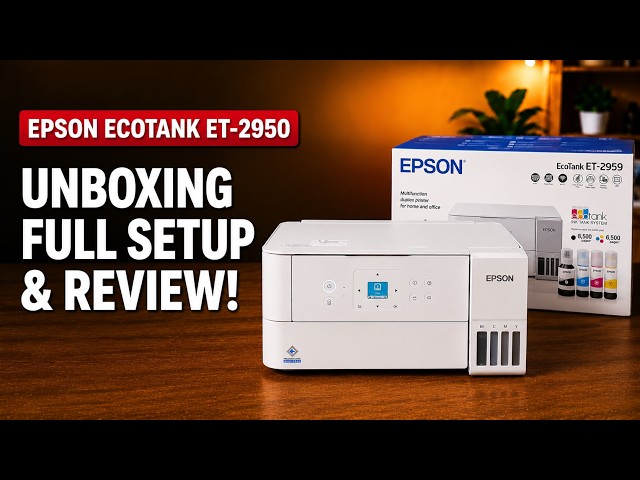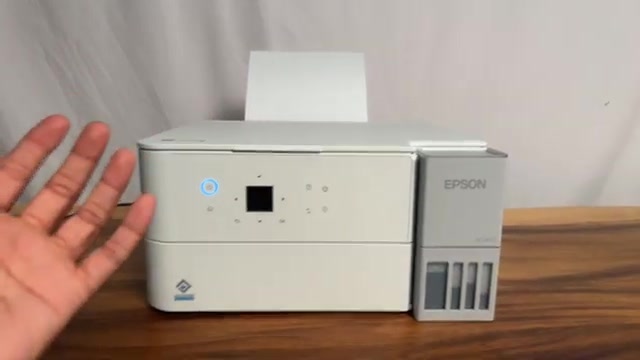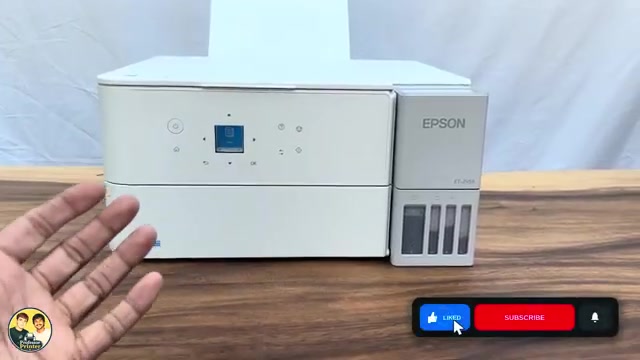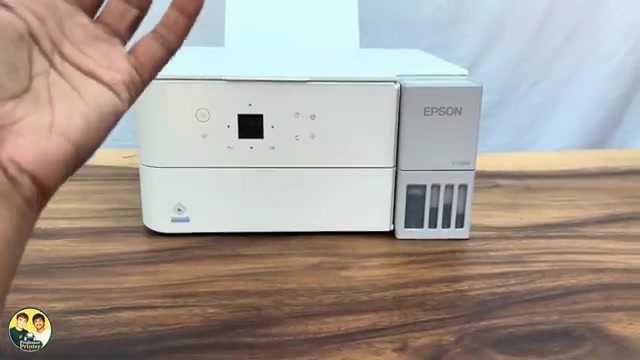
Epson EcoTank ET-2950 review: print sample and everyday usability
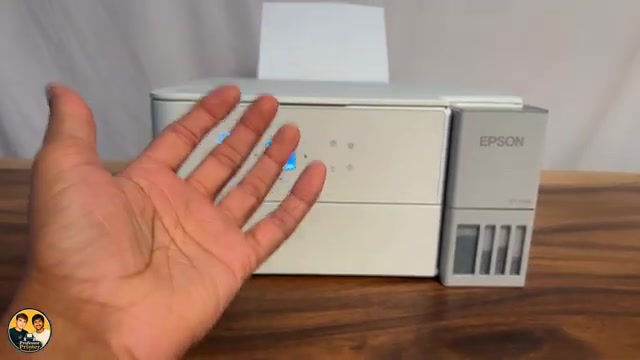
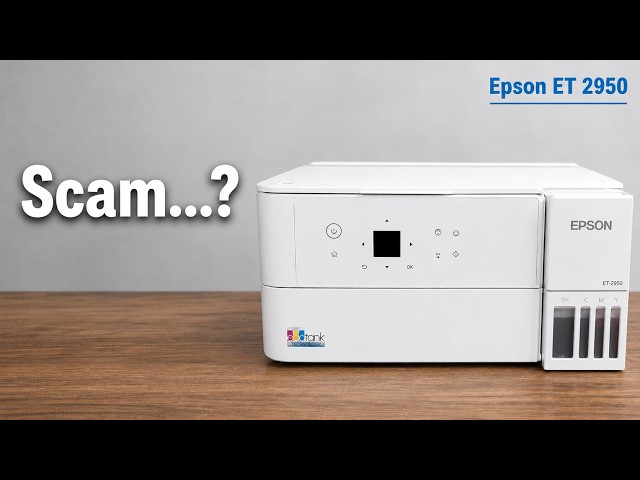
Professor Printer’s ET-2950 review weighs its everyday colour print against the small screen, interior access and purchase cost. See what the demonstration establishes.
Browse a printer family
Epson documents the ET-2950 family and L4360 series together. ET-2959 support also links to the ET-2950 series setup guide. Keep the exact demonstrated variant and regional ink information in view.
Check the demonstrated printer on each guide before following its steps.
Professor Printer’s ET-2950 review weighs its everyday colour print against the small screen, interior access and purchase cost. See what the demonstration establishes.
Set up the ET-2959 with Epson Smart Panel: fill and charge the ink, join Wi-Fi, complete alignment, then check Windows printing and Epson Scan 2.
Choose ordinary or power cleaning from the nozzle pattern, let the cycle finish and check again. Use Epson’s waiting limits instead of repeating maintenance indefinitely.
Use 1→2-Sided copying to put two scanned sides on one sheet. Turn the original on the scanner glass when prompted; the printer handles the two-sided output.
Print and inspect the nozzle pattern before choosing maintenance. Complete lines need no cleaning; missing segments call for the appropriate next check.
Match the printer’s ink estimate to the visible tank levels with Set Ink Level. Use the separate full reset only after the corresponding tank has been refilled.
Separate model records, grouped using the manufacturer’s documentation.
5 guides to explore
Model & family information
5 guides to explore
Model & family information
The manufacturer identifies these models in a shared family or manual.