Before you start
- Have plain A4 paper ready and check the actual ink in all four tank windows. Do not continue using a tank below its lower line.
- The printer must be ready, with no unresolved paper or ink error. This is a pattern check, not a guaranteed repair.
Step 1:Prepare the printer and paper
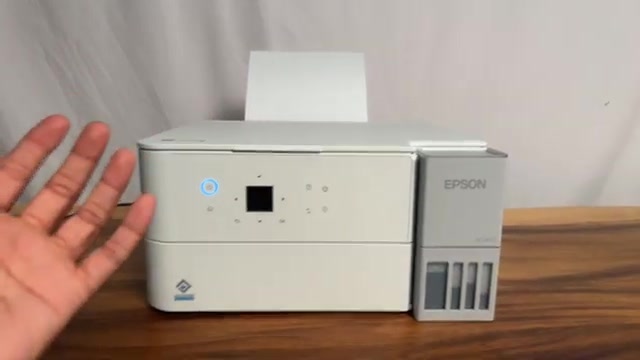
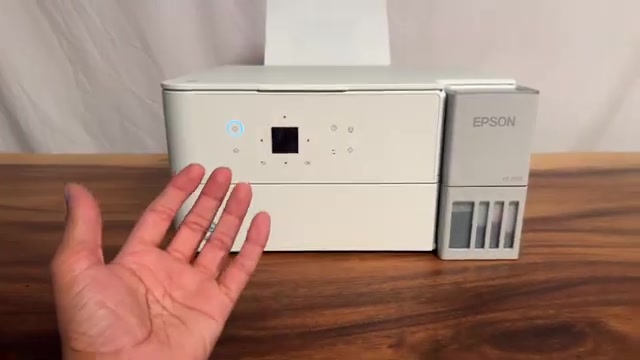
Load plain A4 paper in the rear feeder and extend the output tray. Match the paper size/type registration to the sheets. Look at all four ink tanks rather than relying only on the app’s estimated bars.
Use this check when output becomes faint, has missing colours or shows gaps. If the pattern is complete, repeated cleaning is not the next step for every other quality problem.
Step 2:Open Nozzle Check and print
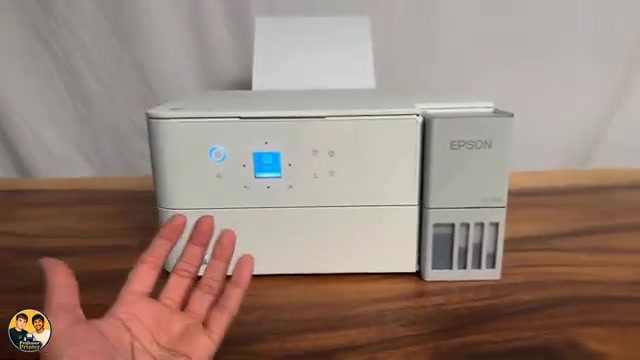
- Press Home and use the arrow buttons to select Maintenance, then press OK. If your home layout groups it under More, open More first.
- Select Nozzle Check and press OK. Read the paper-loading prompt and confirm the sheet is ready.
- Press the Start button indicated by the screen to print the pattern. Wait for the complete sheet before assessing it.
The recording reaches Maintenance directly. The current ET-2950-series manual also shows a More → Maintenance route; follow the matching menu on your printer rather than searching for a different model.
Step 3:Check every segment in the pattern
Compare the black and coloured line patterns with the examples on the printer or in Epson’s manual. Look for missing segments, not just whether some ink appeared on the sheet.
- All pattern lines present: select No when asked whether cleaning is needed, then finish.
- Some missing lines: select Yes and use ordinary Cleaning, following the cleaning guide and its checks.
- A blank pattern or more than half the lines missing: Epson identifies this as the Power Cleaning case. Read its conditions before starting; it uses more ink than ordinary Cleaning.
Questions & troubleshooting
Do I clean the head if every line is present?
No cleaning is needed for a complete nozzle pattern. Check paper settings, alignment or the specific symptom instead of repeatedly consuming ink.
Does a few printed lines prove the nozzles are clear?
No. Examine all black and colour patterns for missing segments. The purpose is to compare the complete pattern, not just confirm that a page fed.
Will this fix every EcoTank model?
No. These steps are confirmed for ET-2950 and ET-2959. Other models can have different menus and maintenance limits.