What this review covers
The presenter’s overall verdict is positive for ordinary home documents and colour work. The attractions are refillable tanks and a range of printing, copying and scanning functions. His reservations concern repeated paper handling, scanning one original at a time and learning the control-panel combinations.
The video discusses the 5100 series. This written overview is scoped to the HP Smart Tank 5107 using HP’s exact-model specifications. It summarises the presenter’s opinions and verified features; printertutorials.com has not conducted a new physical test.
Refillable tanks are the main appeal
Instead of replacing everyday ink cartridges, the printer stores black and colour ink in refillable tanks. The presenter values the ability to add bottled ink and regards it as the strongest reason to consider the printer.
His price comparisons, per-page costs and predictions about never needing more ink are not a current cost calculation. Check local bottle prices, included supply quantities and your own printing pattern before comparing ownership costs. Cleaning and the content of a page also affect ink use.
Two handling limits matter for larger jobs
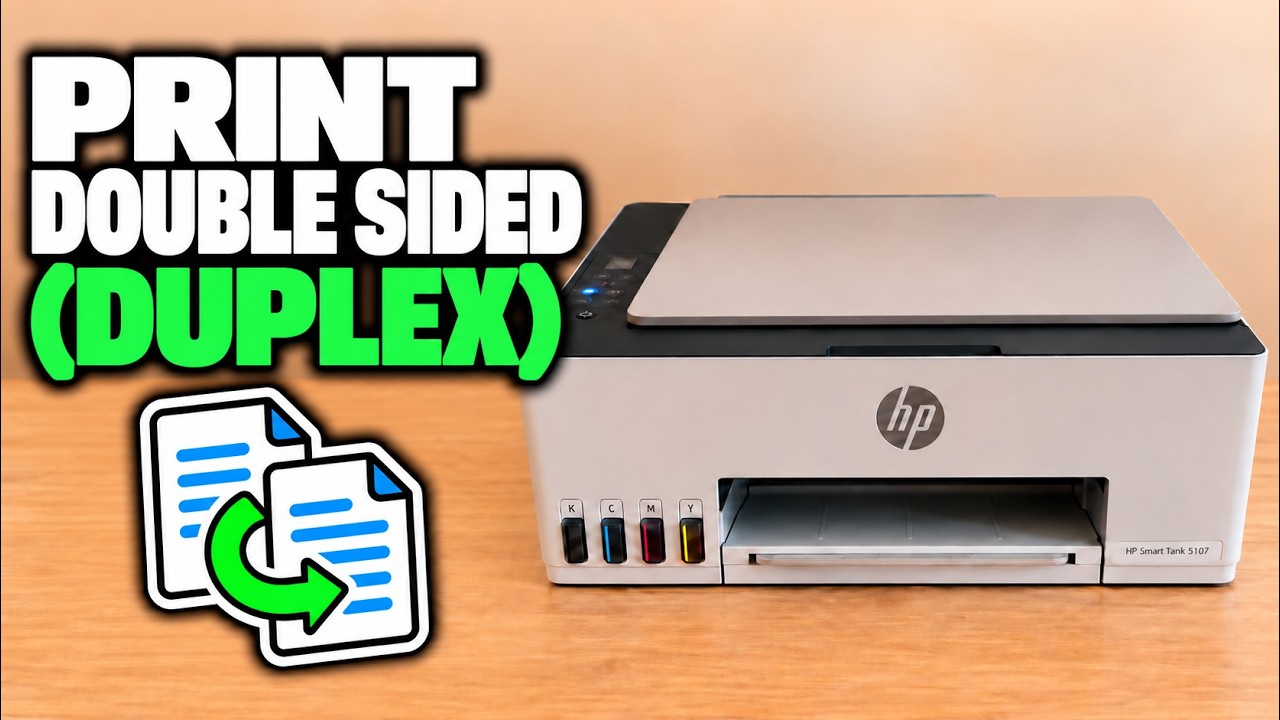
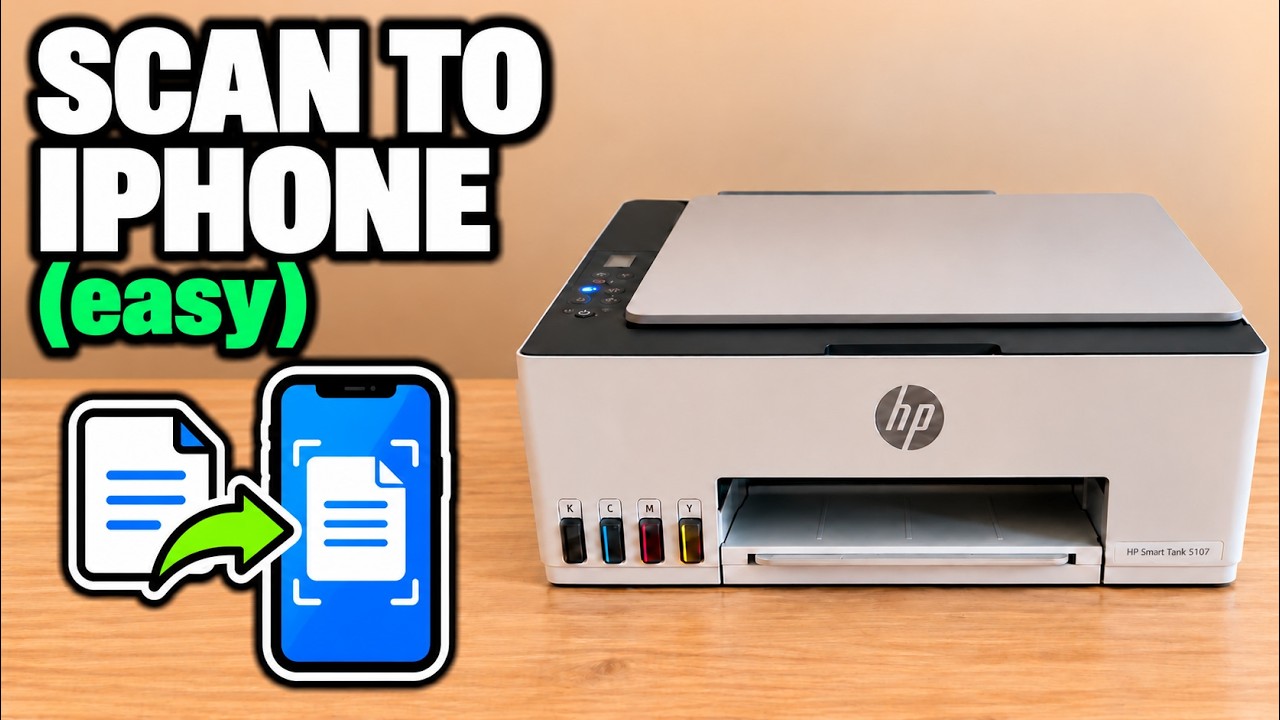
HP specifies manual duplex and a flatbed-only scanner for 5107. Printing both sides therefore requires reloading paper; scanning a multi-page document requires placing each original yourself. These are practical limitations if most of your work is long, double-sided documents.
The reviewer finds these limits more significant for heavy office work than for occasional home pages. His suggested price difference to another model is not a current offer or a confirmed upgrade recommendation.
The controls offer functions but require learning
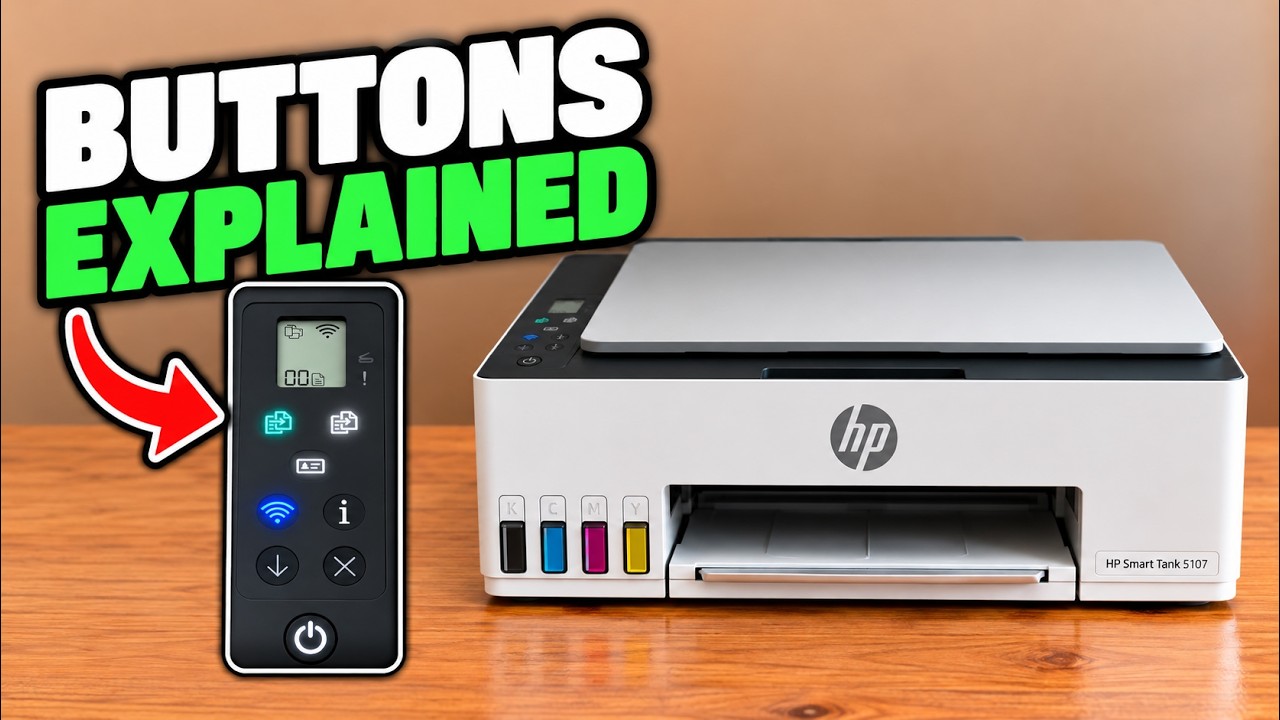
The presenter dislikes the small icon display and button combinations compared with a touchscreen. Dedicated copy controls, document/photo copy modes and ID copying provide useful functions, but some maintenance and connectivity commands require the exact sequence.
The applicable HP documentation provides 2.4 GHz Wi-Fi, Wi-Fi Direct and USB connections. Choose the connection that suits your devices; no identical app screens across Windows, Mac and phones are promised.
Use the workload to judge the trade-off
Consider this model if refillable ink and routine print/copy/scan tasks matter more to you than automatic document feeding or automatic duplex. If your priority is large scan batches or frequent two-sided jobs, compare models that explicitly include those features.
The source recommends the printer overall, with reservations about its controls. That recommendation is the presenter’s judgment, not a new benchmark, long-term reliability study or promise of savings. Consult the linked task guides to see the actual handling before deciding.