Before you start
- A small damp piece of kitchen towel and a separate dry tissue.
- A place to keep the removed head upright and protect against ink drips.
Restore ink flow at the colour printhead
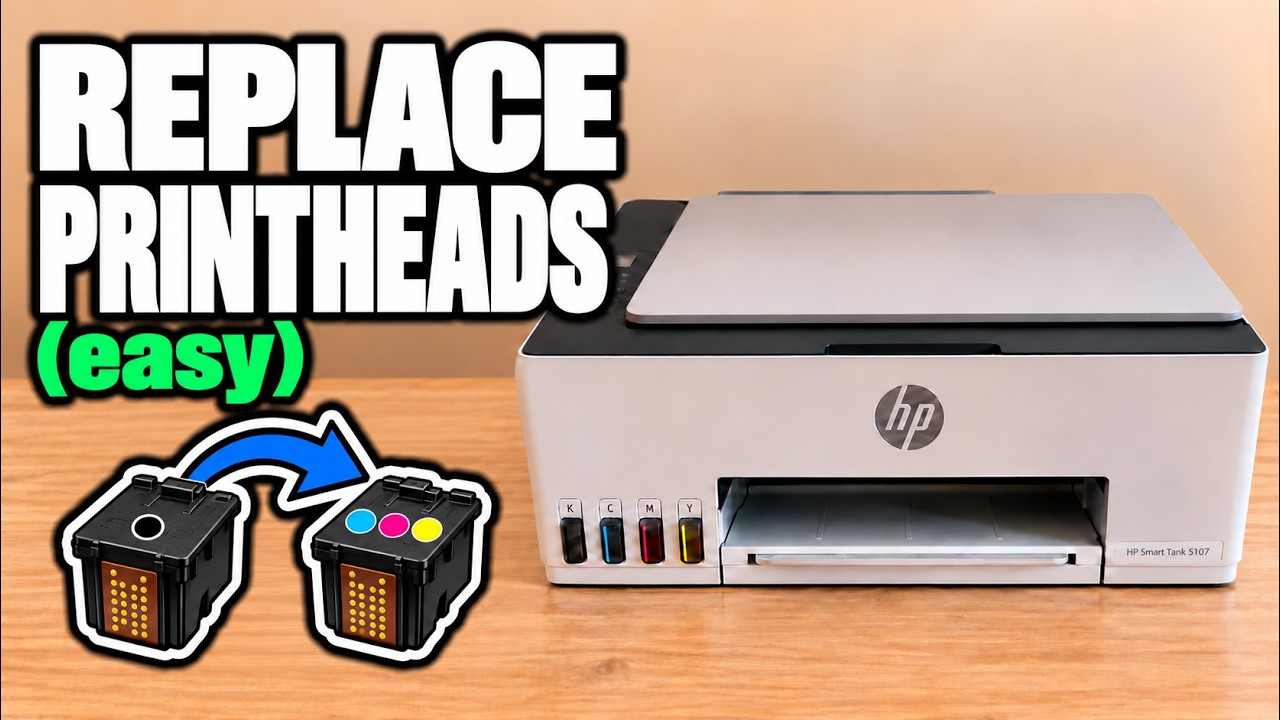
The video teaches manual cleaning of the colour printhead’s underside with a damp kitchen towel. Professor Printer looks for blue/cyan, pink/magenta and yellow marks on the towel, then dries and reinstalls the head.
The cleaning technique is demonstrated on a printhead that already works.
Step 1:Turn off, restart and stop the carriage in the opening
Turn the printer off with Power and wait for the blinking light to stop. Turn it on again. Listen for the vibration or buzzing that accompanies the carriage moving inside.
Open the front when you hear that movement. The presenter places his fingers against the carriage and holds it until it stops after several attempts to move. He leaves it in front of the central access opening, which gives room to remove the printhead.
Step 2:Open the cover and release the colour head
Press down the printhead-cover release. Press down on the right corner of the colour printhead until it comes forward, then take it out.
Step 3:Dab until you can see the colour marks
Use a small damp piece of kitchen towel. Dab the shiny ink-outlet area on the underside against it; the presenter also gives it a gentle wipe. Check for blue/cyan, pink/magenta and yellow marks. These are the three colours he uses to judge whether ink is coming through the head.
Once satisfied with the marks, use a separate dry tissue to dry it before putting it back.
Step 4:Refit the head with the inlets facing up
Keep the upper ink inlets facing upwards. Line the head up straight with its slot and slide it in loosely. Support it with your fingers and press with your thumb until it clicks into place. Lower the printhead cover and close the front of the printer.
Step 5:Clear the carriage error and check the print
Press X/Cancel to clear the access-related error. If it remains, the presenter recommends turning the printer off, waiting a couple of minutes and turning it on again.
The carriage should be free to move again. Check a colour print afterwards to see whether your original problem is resolved.
Questions & troubleshooting
Which marks does the presenter look for?
Blue/cyan, pink/magenta and yellow on the towel. He uses those marks as a check that the colour head is releasing ink.