What this review covers
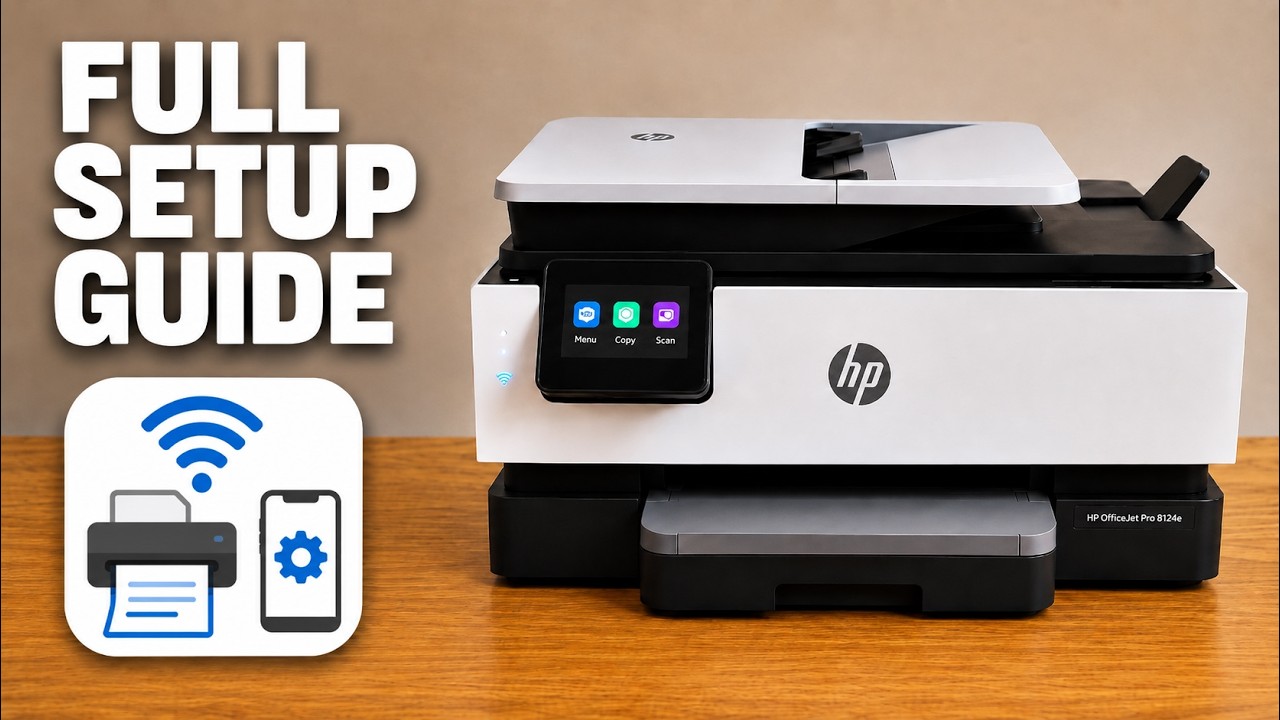
The presenter identifies the review unit as an HP OfficeJet Pro 8124e. This article summarizes his recorded impressions; it is not a new hands-on test by printertutorials.com. Wider model numbers in the video title do not make every regional OfficeJet identical.
The video mixes observed controls with quoted specifications, informal timing and approximate costs. Those numbers are not treated here as a current benchmark or a price quote.
The touchscreen is the presenter’s strongest positive
He particularly likes being able to choose a wireless network and enter its password directly on the touchscreen. He also finds adding an already networked printer in the HP app straightforward. That preference is useful context for someone who dislikes button-combination setup, but his “easiest” comparison is an opinion rather than a measured market ranking.
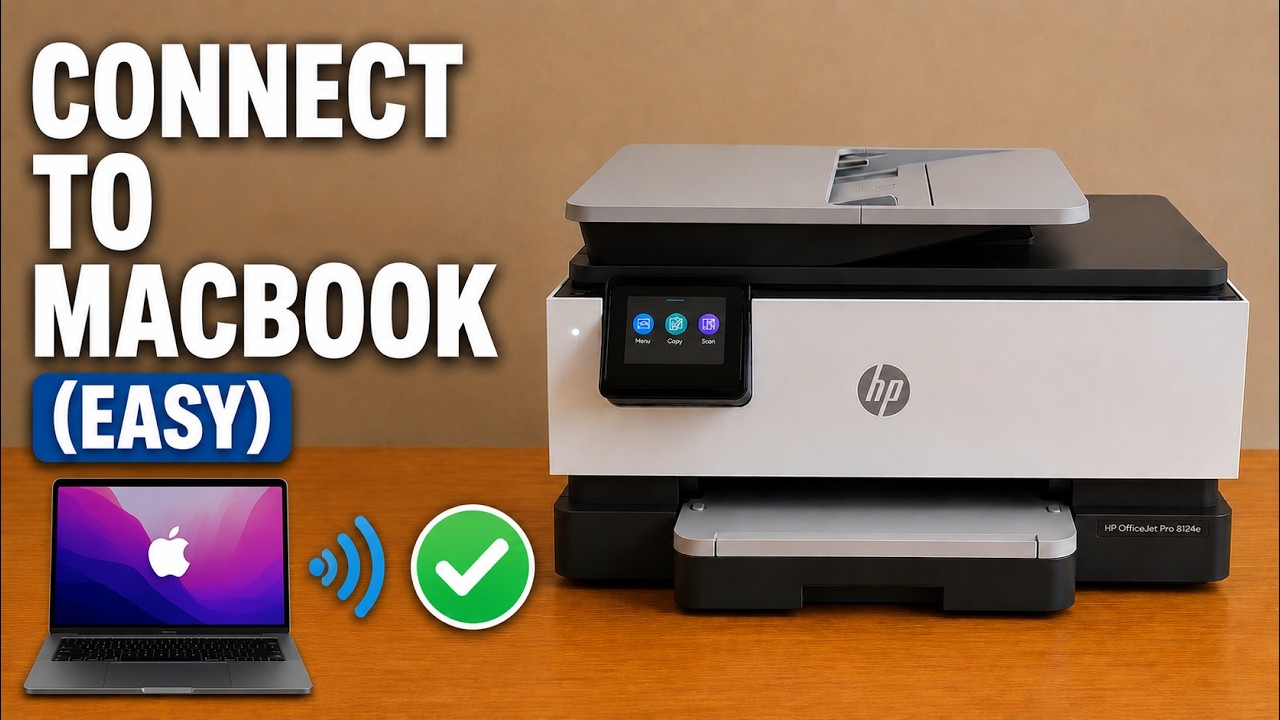
The screen also exposes supplies, copying and maintenance controls. Separate setup and troubleshooting guides show those workflows and address connection problems that a positive overall review does not rule out.
Paper handling matters as much as the headline speed
The presenter values the larger bottom paper tray and top document feeder for document work. He distinguishes automatic two-sided printing from scanning both sides of an original: do not assume a feeder scans both sides just because printing is duplex.
His informal speed example changes between page, side, color and black-and-white wording, so it is not a reproducible timing result. Compare the exact model’s official specifications and your typical job settings rather than treating that anecdote as a guarantee.
Budget for the regional cartridges you will actually buy
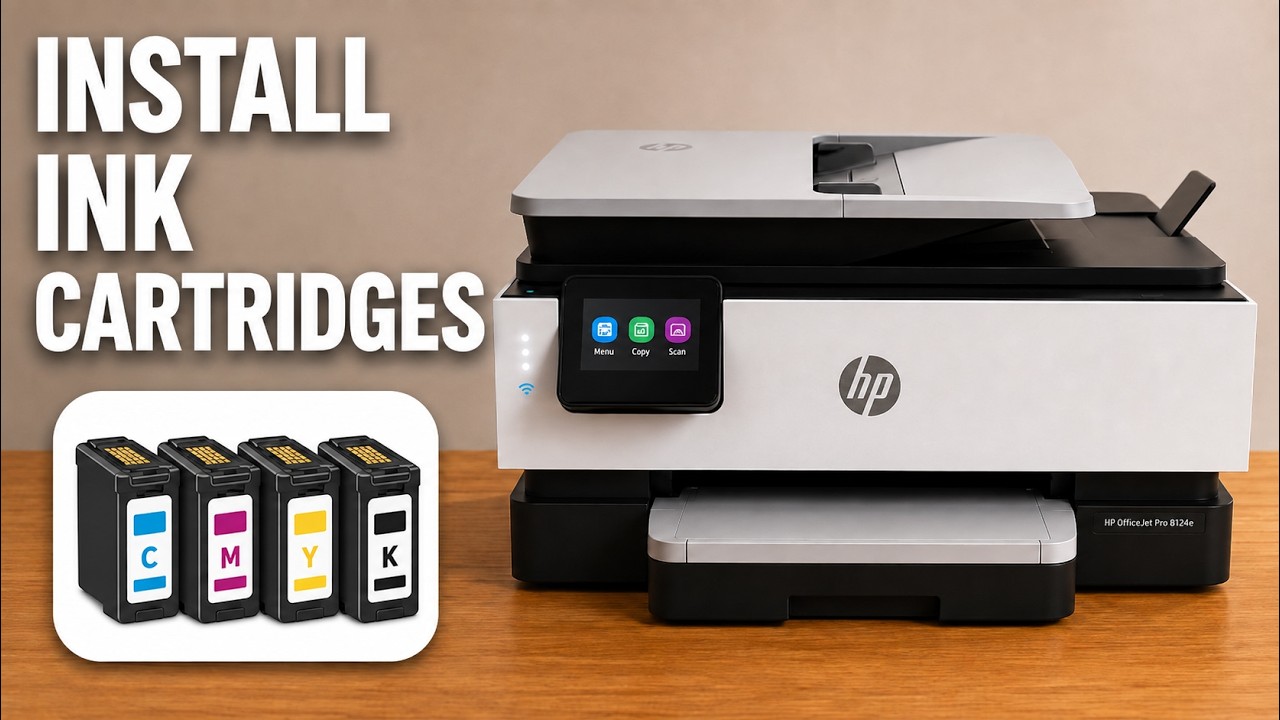
His main reservation is the ongoing cost of a cartridge-based printer. The source discusses cartridge yields and approximate prices, but those depend on the supply, region, coverage and purchase date. Use the correct local cartridge for your model and current prices when estimating your own costs.
He suggests comparing an ink-tank printer for sustained printing. That is his buying consideration, not a claim that any tank model will always be cheaper or that the video’s cost ratio applies to your workload.
Questions to check before choosing this model
Consider whether you prefer touchscreen setup, need a document feeder, print both sides frequently, or require two-sided scanning or fax. Confirm those features for the exact product sold in your region. Then compare its ongoing supplies with the amount and kind of printing you expect.
The presenter’s overall verdict is positive on ease of use and cautious on ink costs. The useful takeaway is that a convenient interface and a low purchase price do not settle the long-term cost question.