Before you start
- Identify which password the prompt requests before entering anything. You need authorized access to this printer’s settings.
- A password set by the owner or administrator replaces the original default. Do not post the label or serial number in public screenshots.
Step 1:Identify the prompt
The administrator password protects settings, including advanced Web Config and certain firmware or setup operations. It is not a universal password for printing from an iPhone.
Joining your home or office Wi-Fi uses that router’s network password. Joining the printer’s own Wi-Fi Direct network uses the Wi-Fi Direct password displayed in the printer’s connection information. Neither should be replaced with the administrator label value.
Step 2:Read the default from your own printer
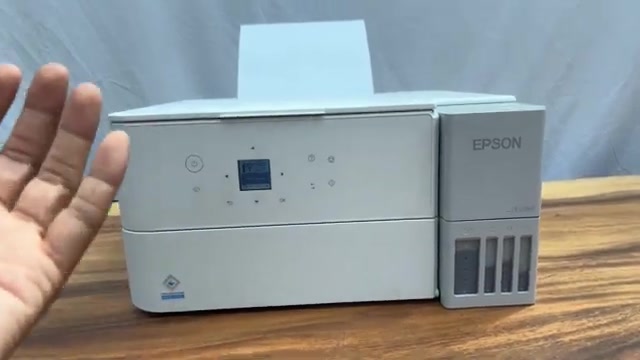
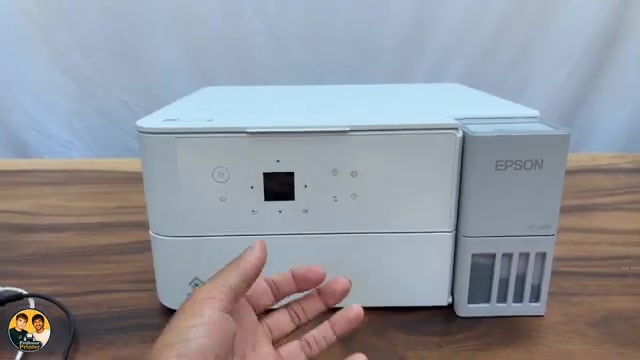
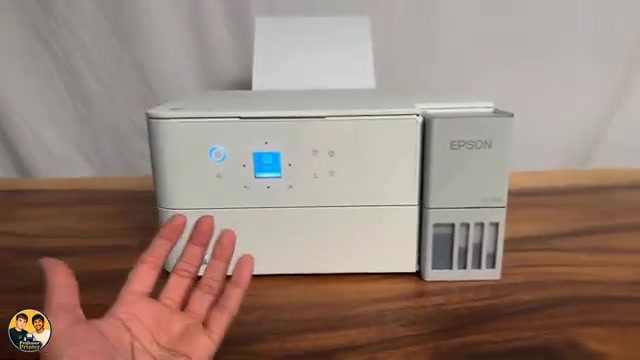
Look for a product label explicitly marked PASSWORD. The source shows a label near the front/control-panel area of its printer. Use the value on your own unit; do not copy an example from a recording or manual.
Epson’s ET-2950-series manual says that when the PASSWORD label is present, its value is the default. If that label is absent, the serial number on the product label is the default. If the location is unclear, use Epson’s linked label-location help rather than removing supports or tipping an ink-filled printer.
Step 3:Use it only in the administrator prompt
Enter the current administrator password when the intended Epson settings page asks for it. If rejected, first check that you are using the correct type of password and reading the characters correctly. Do not repeatedly try the router password in an administrator prompt.
After authorized access, Epson recommends changing the initial administrator password through Web Config or Epson Device Admin. Keep the replacement securely; do not include it in a support comment or a public image.
Step 4:If the changed password is unknown
Contact the person responsible for the printer. Epson documents that initializing network settings restores the administrator password to its default, but this also removes the printer’s network configuration and requires reconnection.
Use the separate network-reset guide only when you are authorized and ready to set up the connection again. Do not perform a full settings reset merely because an ordinary Wi-Fi join prompt rejected the wrong type of password.
Questions & troubleshooting
Is this the password for my router’s Wi-Fi?
No. The printer administrator password protects printer settings. Obtain the router password from its owner or appropriate network settings.
Does every iPhone print job need the administrator password?
No. Ordinary AirPrint on the shared network does not use this label as a printing password. Read the actual prompt; it may concern settings rather than printing.
Why does the label password fail?
It may have been changed, or the prompt may request a different credential. Confirm both before considering a network reset.