Before you start
- Printer connected to Wi-Fi.
Connect the printer to Wi-Fi
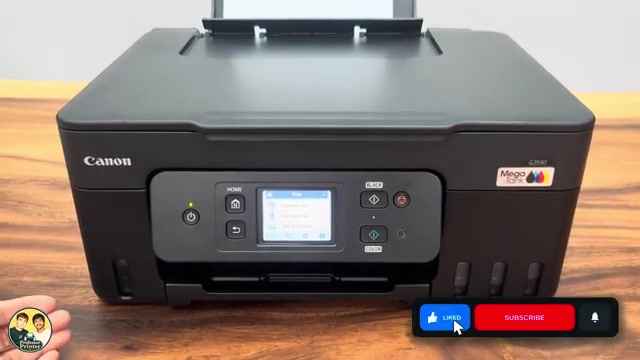
Turn the printer on and connect it to Wi-Fi before using this update menu. The printer checks for updates through its network connection.
Step 1:Open the firmware menu
On the home screen, open Settings → Printer settings. Scroll down and select Firmware update.
Step 2:Check the version or install an available update
Select Current version if you want to see the version already installed. To check for an available update, choose Install update and follow the printer’s displayed prompts.
An update is offered only when a newer version is available for your printer. Follow its on-screen prompts.
Choose whether updates run automatically
The same menu includes Auto update. Turn it on if you want the printer to handle future updates automatically instead of returning to Install update each time.