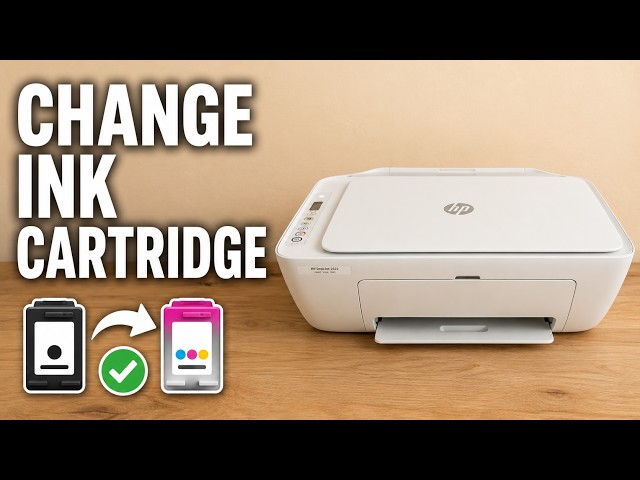
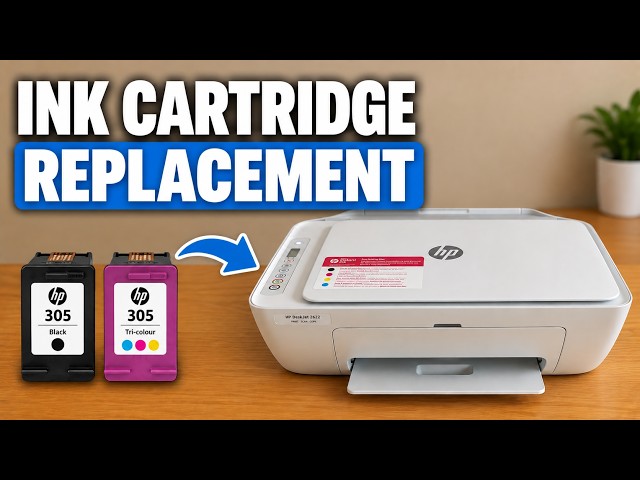
See how the DeskJet cartridge clicks into placeUse the diagram inside your own printer to check the supply number and slot. On this DeskJet the colour cartridge sits on the left. Hold the cartridge label up with the electrical contacts facing into the printer, guide it into its slot, then press it into place until it clicks.