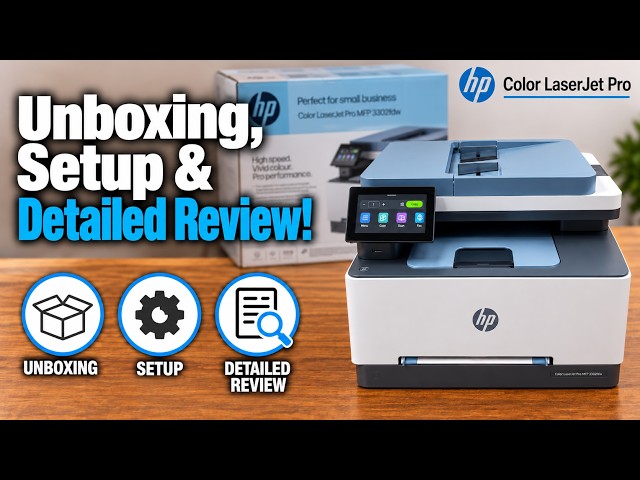
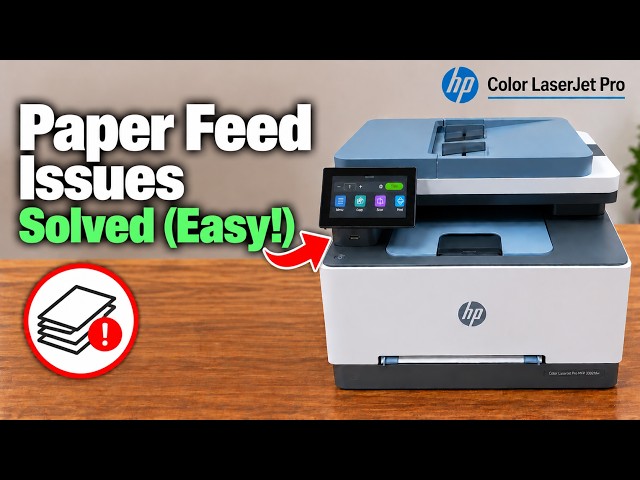
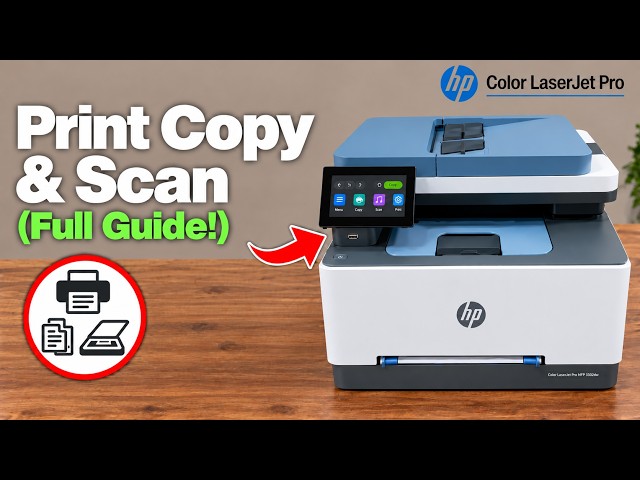
The useful takeaway
The source reviewer sees this colour laser family as a document-focused office option. He likes the touchscreen, main paper tray and feeder copying, while expressing reservations about photo rendering, supply costs and the effort of initial setup. Those are his observations, not a new hands-on test by printertutorials.com.
Use the video to judge the workflow you would actually use: a short stack of office originals, two-sided copying and an occasional phone print. Its presentation does not establish which printer is currently the best buy.
What the presenter finds useful
- Touchscreen access: copy, scan, fax, network settings and maintenance are available at the device.
- Paper handling: a main tray for a stack and a separate single-sheet priority slot give different loading choices.
- Document copying: the source selects a two-sided job and shows the process before reporting several completed copies.
The exact fdw product specifications confirm print/copy/scan/fax and automatic two-sided functions. The general 3300 family name alone should not be used to assign those features to another suffix.
Where the review is less positive
The presenter prefers his Canon/Epson photo examples to the LaserJet sample, but the recording does not establish a controlled comparison using matched paper, settings and colour management. Treat that as a visible personal comparison, not a universal ranking of every colour document or photo.
He reports curled output and earlier tray-detection trouble. Those are useful issues to watch for when checking your own pages. His repeated power restarts are an anecdote, not a verified universal cure; the related paper-feed guide uses the actual tray and job requirements.
The review’s copy-speed trial requests ten copies but the presenter then counts only five because insufficient paper was loaded. It therefore is not a completed ten-copy benchmark. No timings or competitor-speed rankings from that trial are presented as measured specifications here.
Check the purchase factors that apply to you
- Workload: HP lists a recommended monthly range of 150–2,500 printed pages for 3301fdw. That is a usage recommendation, not a promise that every office workload is suitable.
- Scanning: official specifications distinguish the flatbed’s higher available resolution from the feeder. Decide whether you need batch originals, photos on glass or both.
- Supplies: compare the actual regional toner set and current local replacement prices. The source mixes currencies, historical sale prices and estimated page costs, so it cannot provide a current cost-per-page quote.
- Features and software: confirm the exact model suffix, required computer/phone support and any account-dependent service before relying on it.
HP describes dynamic security in the product’s supply information. Cartridge compatibility should be checked for the exact regional model and firmware; this guide neither guarantees that any third-party cartridge works nor reproduces the source’s shopping links.
Use a practical trial instead of a broad promise
For an existing owner, check one representative document print, a flatbed scan saved to your chosen destination and the copy sides you need. Inspect alignment, readability, paper curl and the actual finished file or sheet. The setup, print/copy/scan and paper-feed guides below cover those tasks.
The review’s pricing, unnamed-rival comparisons and seven-or-eight-out-of-ten opinion are not printertutorials.com ratings or present-day market advice. No year-long test log or independent laboratory result is claimed.