After switching the printer on
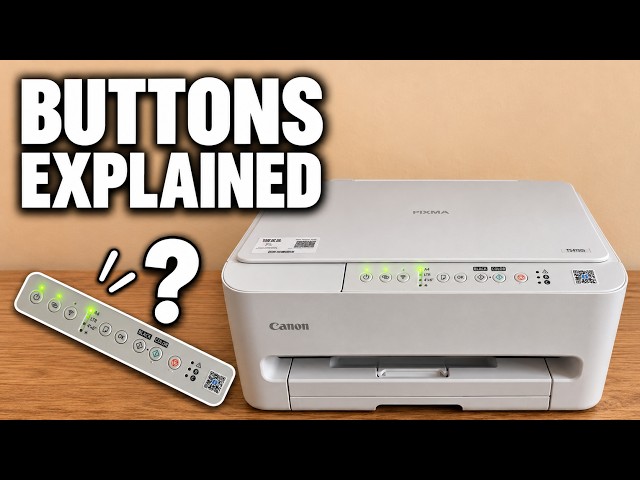
Press the power button once. The power lamp may flash while the mechanism starts and the printer reconnects to Wi-Fi. A steady power lamp is the normal ready state.
During a copy or another job
Watch the power lamp while the printer takes a copy. It can blink as the scanner moves or the printer feeds a sheet, then return to steady once the work is finished. Give the current job time to finish.
Watch this section at 0:23When you want to switch the printer off
Press the power button once. The printer may make noise and the lamp may continue blinking while it parks the mechanism. Wait until the lamp goes completely out before disconnecting power.
Watch this section at 1:29When a different light is flashing
Look at the symbol beside the light. The triangle Alarm lamp and the B and C ink indicators are separate from the power lamp. A repeating Alarm pattern needs its own diagnosis.