Before you start
- Ink in both cartridges and a sheet of plain A4 or Letter paper.
Step 1:Print the alignment sheet
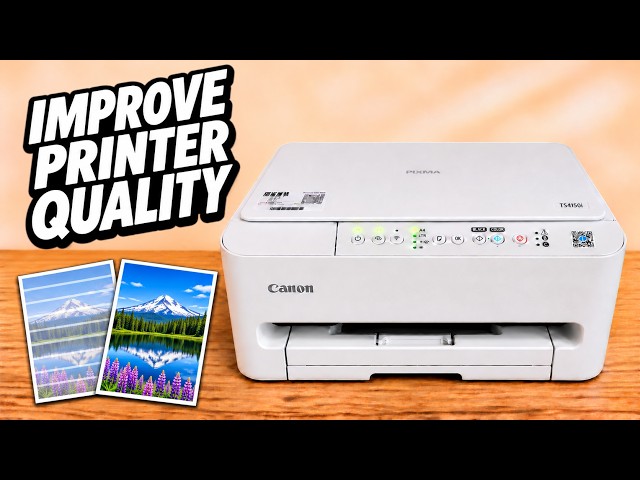
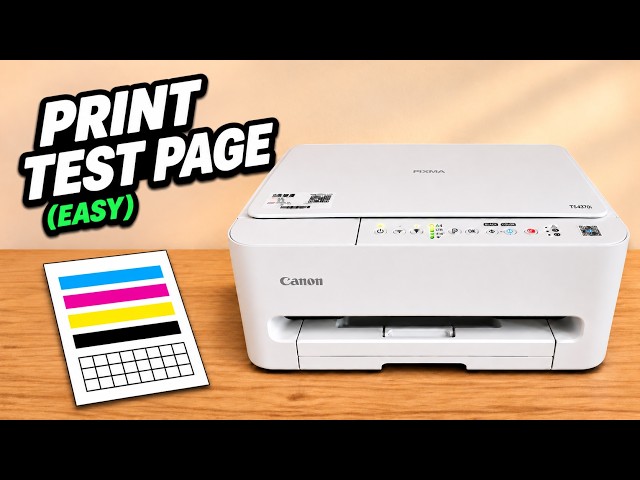
Turn on the printer and load a sheet of A4 or Letter plain paper. Hold Stop and release it on the fourth flash of the Alarm lamp. Press Black or Color to start the print if the printer is waiting. Let the patterned sheet finish.
Watch this section at 1:03Step 2:Match the two corner marks
Open the scanner lid. Turn the sheet printed side down. Match the triangle at the upper-left corner of the sheet to the alignment mark at the upper-left corner of the glass. Keep the sheet flat, then lower the lid.
Watch this section at 2:25Step 3:Scan the sheet to finish the alignment
Press either Black or Color. Leave the lid closed and the sheet in place while the power lamp flashes. When the lamp is steady again, lift the lid and remove the sheet. Print the document that showed the offset lines and compare the result.
Watch this section at 3:12Questions & troubleshooting
The alignment sheet came out creased or incomplete. Can I scan it?
Use a fresh, clearly printed alignment sheet. A crease or missing pattern can interfere with the scan.