Decide which settings to clear
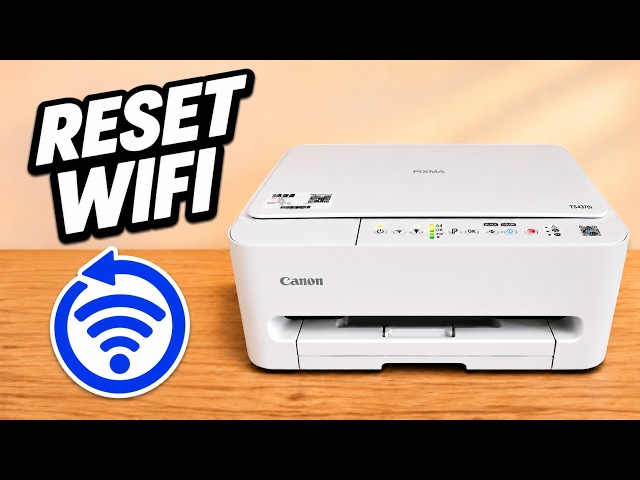
If you only want to change Wi-Fi networks, use the network reset. A full reset also clears other printer settings and leaves a wireless printer needing setup again.
Watch this section at 0:20Step 1:Locate Stop and the Alarm lamp
Turn the printer on. Locate the Stop button, marked with a triangle inside a circle, and the separate Alarm lamp. You will use the flashes of the Alarm lamp to select the operation.
Watch this section at 0:54Step 2:Release Stop on the sixteenth flash
Hold Stop continuously. Count each flash of the Alarm lamp. Release as soon as you see flash sixteen, before the seventeenth. A release at fifteen selects the network reset instead.
Watch this section at 1:27Step 3:Set the printer up again
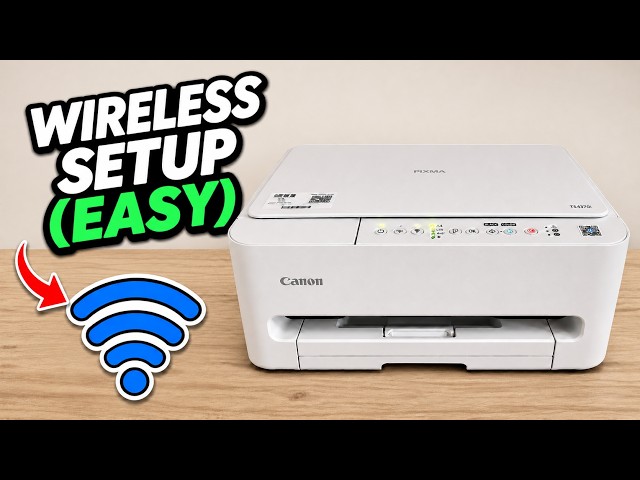
Let the power lamp settle. To print over Wi-Fi, connect the printer to your network again in Canon PRINT. Check the selected paper size before your next print.
Watch this section at 2:05