Step 1:Prepare the printer for the new network
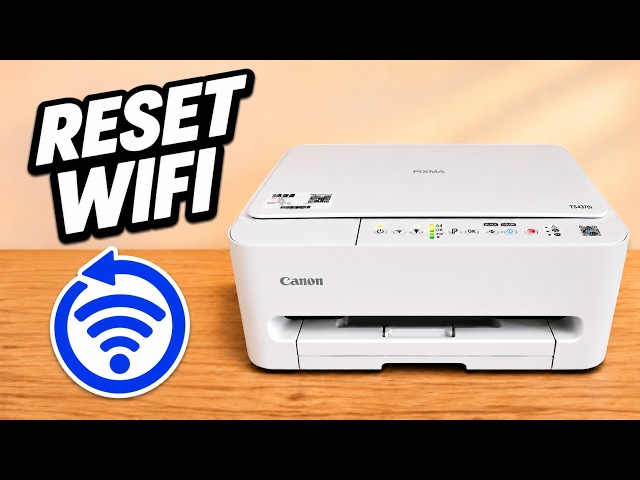
Turn on the printer. If you are replacing a saved Wi-Fi connection, hold Stop and release on the fifteenth flash of the Alarm lamp. This clears the printer’s network settings, so the old Wi-Fi connection will stop working. Wait for the power lamp to settle.
Watch this section at 0:38Step 2:Search from the iPhone on your home Wi-Fi
Connect the iPhone to the network the printer should join and turn on Bluetooth. Open Canon PRINT from Canon Inc. and tap Search. Allow local network access when asked. If the app asks for location access during discovery, choose the option to allow it while using the app.
Watch this section at 3:06Step 3:Select the printer and confirm the router
When the printer is found, tap OK. On the iPhone accessory setup screen, check the home network name and tap Next. The iPhone can pass the saved network settings to the printer. If setup asks for a password, use the password for that home network.
Watch this section at 5:20Step 4:Wait for both parts of setup
The Wi-Fi lamp should become steady. When the iPhone says the accessory has joined the network, tap Done. Leave Canon PRINT open while it searches again and adds the printer. If you get an optional registration prompt, Register Later returns you to setup.
Watch this section at 6:28Check the finished connection
Look for the printer online in Canon PRINT with options such as Document Print and Scan. Other devices connected to the same home Wi-Fi can now search for the printer.
Watch this section at 7:48Questions & troubleshooting
The app still lists the printer as offline after a network reset.
Open Add/Switch, select Edit and remove the stale listing. Return to Search to add the printer on its new connection.
Search does not find the printer.
Check the phone’s Wi-Fi and local network permission. On the printer, hold the Wireless Connect button, marked with a chain-link symbol, for about three seconds until its lamp lights. Then try Search again.