Canon PIXMA TS3750i setup: ink, Wi-Fi and first print
Install the TS3750i cartridges and rear-tray paper, connect with Canon PRINT, correct the first-print paper settings, and add the printer on Windows.
Find your next step, from getting connected to everyday printer tasks.
Guides shown here are assigned to this exact model. Similar model names are kept separate.
4 guides across 5 tasks
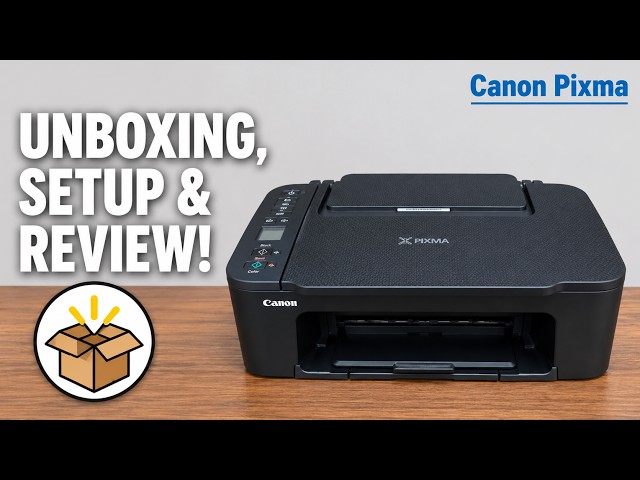
Install the TS3750i cartridges and rear-tray paper, connect with Canon PRINT, correct the first-print paper settings, and add the printer on Windows.
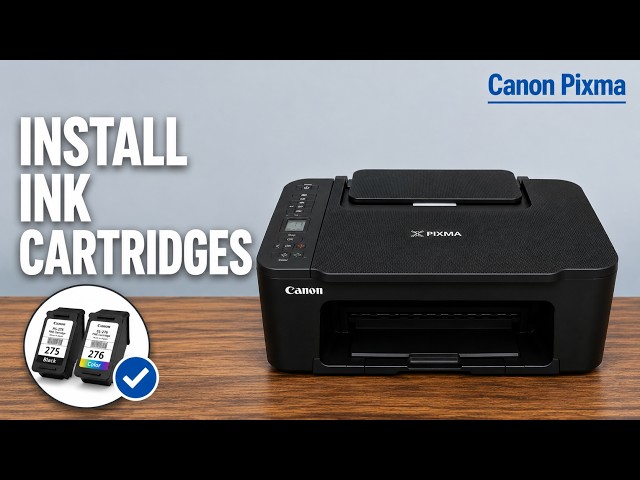
Fit the colour and black cartridges in the TS3750i, secure the locking levers, then complete Canon’s alignment check.
Use Setup code 1 to print a Canon PIXMA TS3750i nozzle check, then look for missing lines, horizontal white streaks or a missing colour.
Install the TS3750i cartridges and rear-tray paper, connect with Canon PRINT, correct the first-print paper settings, and add the printer on Windows.
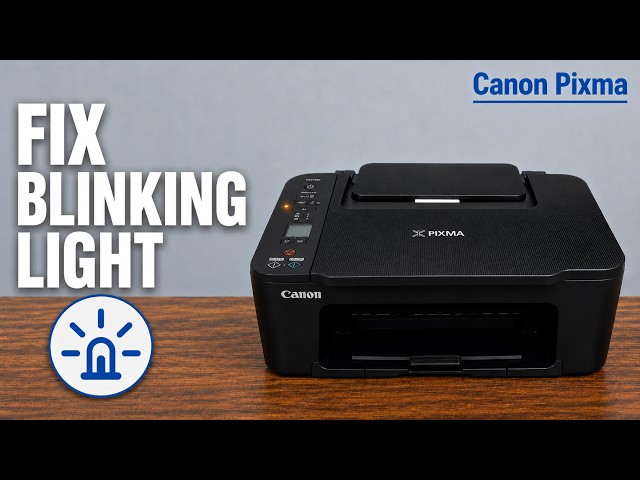
Read the TS3750i LCD and support code, then choose the right paper, cover or cartridge check for E02, E03, E04 or E05 without an unnecessary reset.
Use Setup code 1 to print a Canon PIXMA TS3750i nozzle check, then look for missing lines, horizontal white streaks or a missing colour.
Browse documented model families. Check each guide’s demonstrated printer before using its instructions.