Before you start
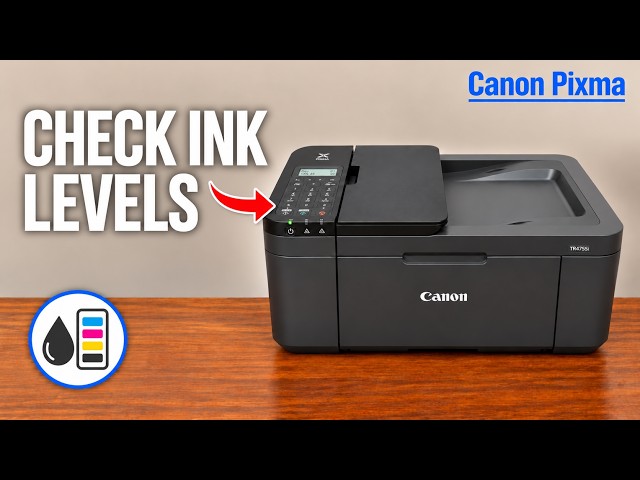
- Use one A4 or Letter sheet of plain paper. Check ink first: Canon says low ink can prevent a correct diagnostic pattern.
Step 1:Load the diagnostic sheet
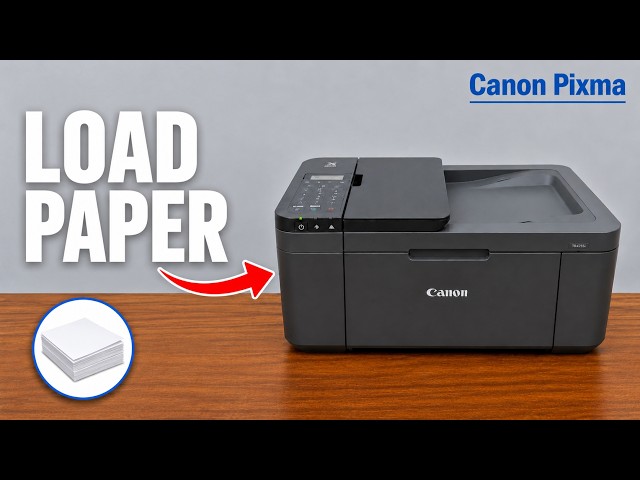
- Turn the printer on. Place one A4 or Letter plain sheet centrally in the front tray, portrait orientation and printable side down.
- Set the guides to the edges without bending the sheet. Register its actual size and Plain paper on the LCD.
- Open the paper output tray, pull out the output support and open the extension.
Step 2:Select Nozzle check
- Press Setup and use left/right to find Maintenance. Press OK.
- Select Nozzle check and press OK.
- Let the pattern finish printing without operating other controls. Take the completed page after it exits.
Read the selected item; repeatedly pressing OK without checking can start a different maintenance action.
Step 3:Compare the actual pattern
Use the diagrams in Canon’s linked pattern reference. Look for missing segments in the line pattern, horizontal streaks in the colour areas, or a colour that does not print at all. These are reasons to consider cleaning.
If the pattern is complete, stop. A normal nozzle pattern does not establish that paper type, document settings, alignment or every other print-quality condition is correct, but it does not call for cleaning by itself.
If the pattern shows missing nozzles
For a deficient pattern with adequate ink, open Setup → Maintenance → Cleaning and press OK. Leave the printer alone until it finishes, then print and compare another nozzle pattern. Ordinary cleaning consumes ink; use it when the pattern calls for it.
Canon escalates to Deep Cleaning only if two ordinary cleaning-and-check cycles have not resolved the pattern. If deep cleaning fails, turn the printer off normally, leave its power cord connected and wait 24 hours before repeating deep cleaning. Check the next pattern; if still unresolved, Canon directs cartridge replacement and then service if replacement does not help.
Questions & troubleshooting
Does Nozzle check itself clean anything?
It prints a diagnostic pattern. Cleaning and Deep Cleaning are separate ink-consuming menu choices.
Should I clean when the pattern is complete?
No. Investigate the remaining symptom, such as paper settings or alignment, instead of repeatedly cleaning a good pattern.
Can a low-ink cartridge give a misleading pattern?
Yes. Canon says low remaining ink can stop the pattern printing correctly. Resolve that condition before treating the output as a reliable nozzle diagnosis.
Should I use the source’s 12-hour wait?
The applicable Canon deep-cleaning instructions specify 24 hours with the printer off and power cord still connected before repeating an unsuccessful deep cleaning.
References
- Professor Printer: source demonstration
- Canon: nozzle-check paper and menu procedure
- Canon: missing-line, streak and absent-colour examples
- Canon: ordinary cleaning and two-cycle threshold
- Canon: deep cleaning and 24-hour wait with cord connected
- Canon: complete pattern-led maintenance sequence
- Canon: paper orientation and full output path
- Canon: applicable manual explicitly lists TR4720 and TR4755i