How to Scan to Chromebook With Epson EcoTank ET-2400 Printer (ET2860, ET2710)
3 min 6 secWatch on YouTube
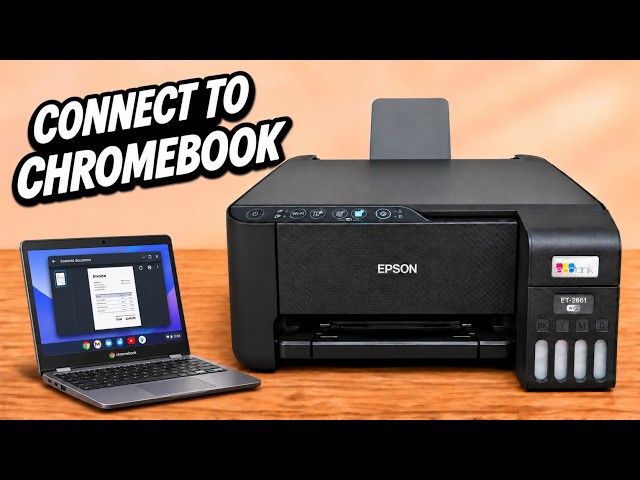
Use the Chromebook’s Scan app to capture a document from the ET-2400, choose PDF, JPEG or PNG and open the saved file from the result screen.
Use the Chromebook’s Scan app to capture a document from the ET-2400, choose PDF, JPEG or PNG and open the saved file from the result screen.